A translated page is useful only if a visitor can reach it, recognise the right language and find information that is still accurate. Joomla 3.8.7, released on 18 April, includes improvements to multilingual administration menus and associations. That is a good moment to look beyond whether the translation exists. The practical question is whether an editor can maintain a coherent set of language versions without losing track of the relationships.
Start with a real change
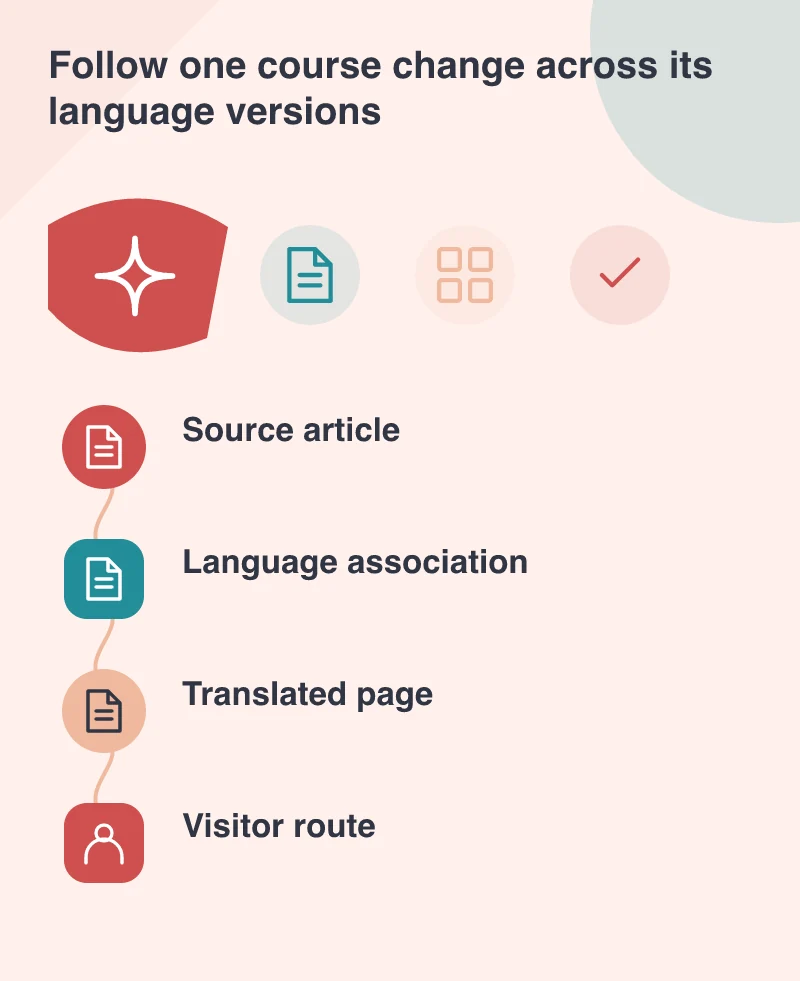
Picture a training company that publishes the same course in two languages. The course venue changes. Updating one article is easy; remembering the associated article, menu destination and related contact information is where the risk grows. Write that small change as an editorial task and ask an editor to complete it on a test copy. Watch which screens or conventions they have to remember.
Joomla’s associations link corresponding content across languages. They are not a substitute for an editorial owner. Decide who requests the translation, who checks it and who confirms that a time-sensitive change has reached each published version. A visible checklist attached to the work is more dependable than assuming that a language switcher means everything is synchronised.
Check the routes people actually follow
Open the course through navigation, a saved external link and the language switcher. Check which page appears in each case. A language switch should take the visitor to the meaningful equivalent where one exists. Sending every person back to a language home page can interrupt a decision, particularly when they were already reading a detailed service or booking page.
The release also allows absolute or relative URLs for redirects. That does not mean every redirect needs rewriting. Identify old addresses that still receive visitors and confirm their destinations. Keep a record of why a redirect exists, especially if the destination changes language or crosses to another site. A valid URL can still send a visitor to an unhelpful place.
Protect information editors should not change
Another 3.8.7 improvement concerns handling of read-only custom-field data. Read-only fields can help preserve a reference value in an editing form, but access and data ownership still need deliberate design. For the training example, a course identifier might belong to an administration system while descriptive text belongs to the editorial team. Make that distinction visible in labels and instructions.
Check the saved result, not just the field’s appearance. Open an existing article, make a permitted change and inspect both language versions afterwards. Repeat with an editor account rather than only a full administrator. This helps reveal whether the workflow relies on permissions that ordinary staff do not have.
Give the next editor a usable handover
Document the common tasks with a few real examples: changing a venue, replacing a brochure and retiring a course. Include where to find the related language article and how to handle a translation that is not ready. Do not publish an inaccurate translation merely to keep the pages visually symmetrical.
Apply the release with backups and compatibility checks appropriate to the installation. Then verify the editorial task and visitor routes again. The value of the update is clearer when it supports a publishing process that people can follow. A multilingual site needs an ongoing relationship between content, language and responsibility, not just a collection of translated screens.