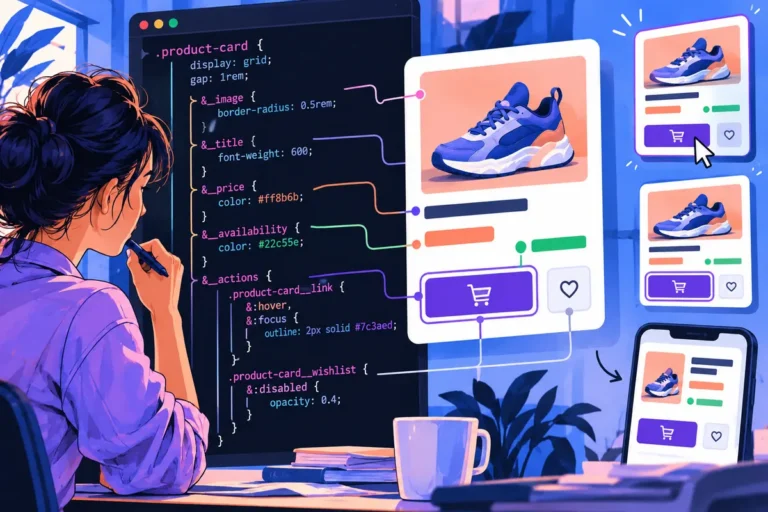
A customer changes a filter on a product listing. Only the result area needs to change, yet the entire page fades out or locks behind a loading screen. The interface has made a local decision feel like a new visit. A smaller, more focused transition can preserve the customer’s sense of place.
Match the effect to the affected area
Chrome 147 introduces element-scoped view transitions, allowing transitions on individual elements, including concurrent and nested cases. The rest of the page can remain interactive. This gives developers another option for connecting a local before-and-after state without treating the whole document as one animated surface.
The design decision comes first. A filter panel, preview or expandable detail may benefit from a visible relationship between its old and new state. The same effect across every unrelated part of the page can obscure that relationship rather than strengthen it.
Keep useful information in view
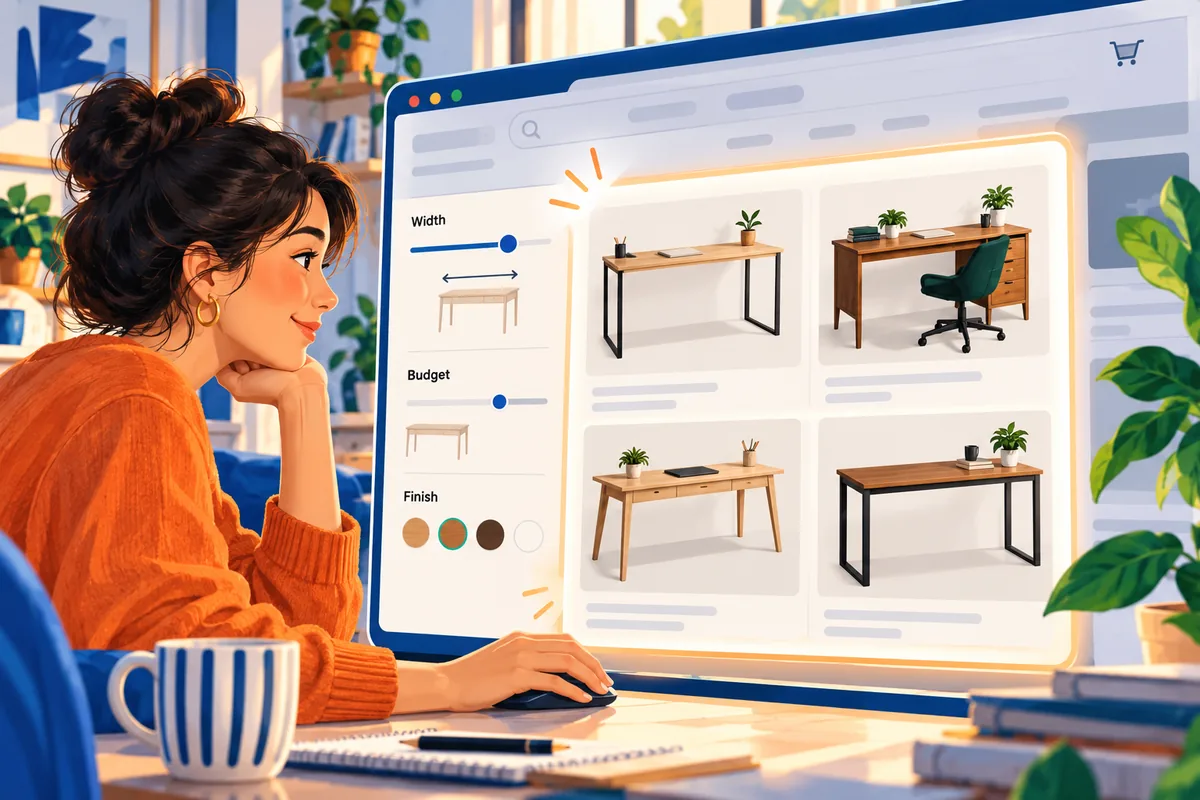
Imagine a customer comparing desks by width. They change the width filter while keeping their budget and selected finish. Preserve those choices and show which result count changed. The person should not have to remember what they selected while the interface performs a dramatic reset.
A local transition can also help a booking interface move between available dates. Keep the chosen service visible and make the updated availability easy to recognise. The important story is that this choice changed those results, with the rest of the task still intact.
Motion is not the loading model
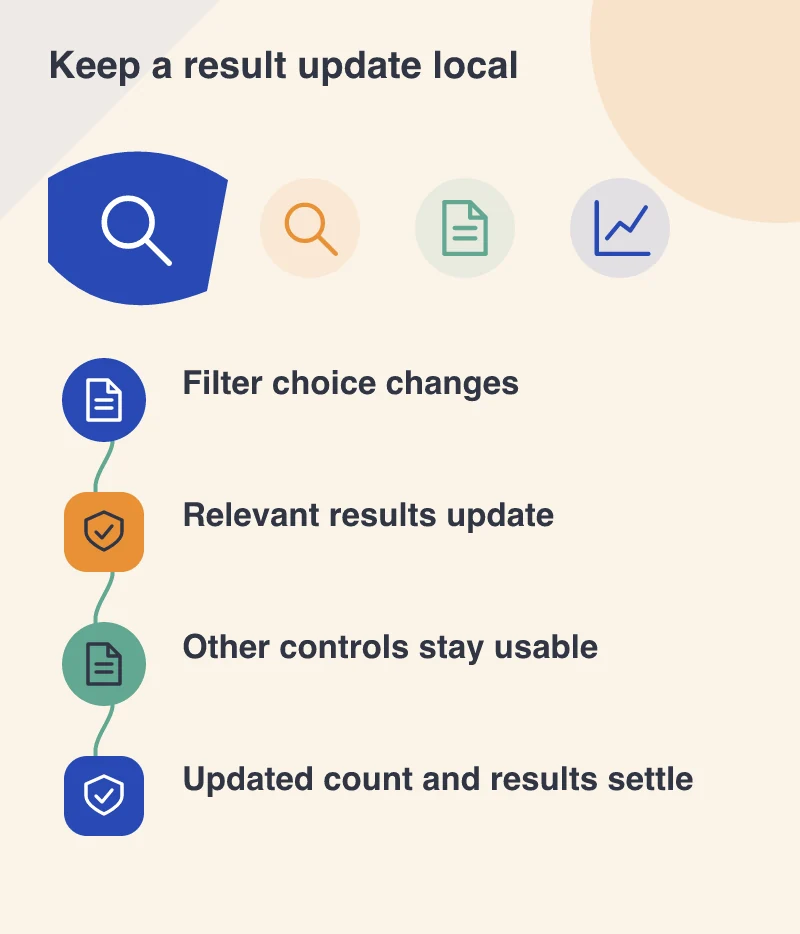
A transition cannot make an uncertain network request complete on schedule. Decide how the interface behaves while data is being retrieved, when a request fails and when a newer selection overtakes an earlier one. The visible result should correspond to the customer’s current choice.
Use clear waiting and error states near the affected area. Avoid retaining an old result in a way that makes it appear current. A restrained transition works best when the underlying data states are already well defined.
Decide how a second choice interrupts the first update. A person may change their mind before the previous request finishes. Keep the current selection visible and prevent a late response from replacing the results for the newer choice.
Keep the ordinary path complete
Treat this as progressive enhancement for supporting browsers. The filter or preview should remain usable without the transition, and reduced-motion preferences should receive an appropriate treatment. Focus and status announcements need attention separately from the visual effect.
The opportunity is a calmer, more responsive page. Rather than asking every visitor to admire an animation, let movement quietly explain a meaningful change. When the surrounding context stays available, customers can make several choices in succession without feeling that the website is starting over each time.