
A customer opens a delivery selector and the choices appear somewhere else on the page. On a phone, part of the menu disappears beyond the screen. The interaction may last only a second, but it makes a simple choice feel uncertain. Small contextual controls deserve the same care as the main page layout.
Keep the choice near its explanation
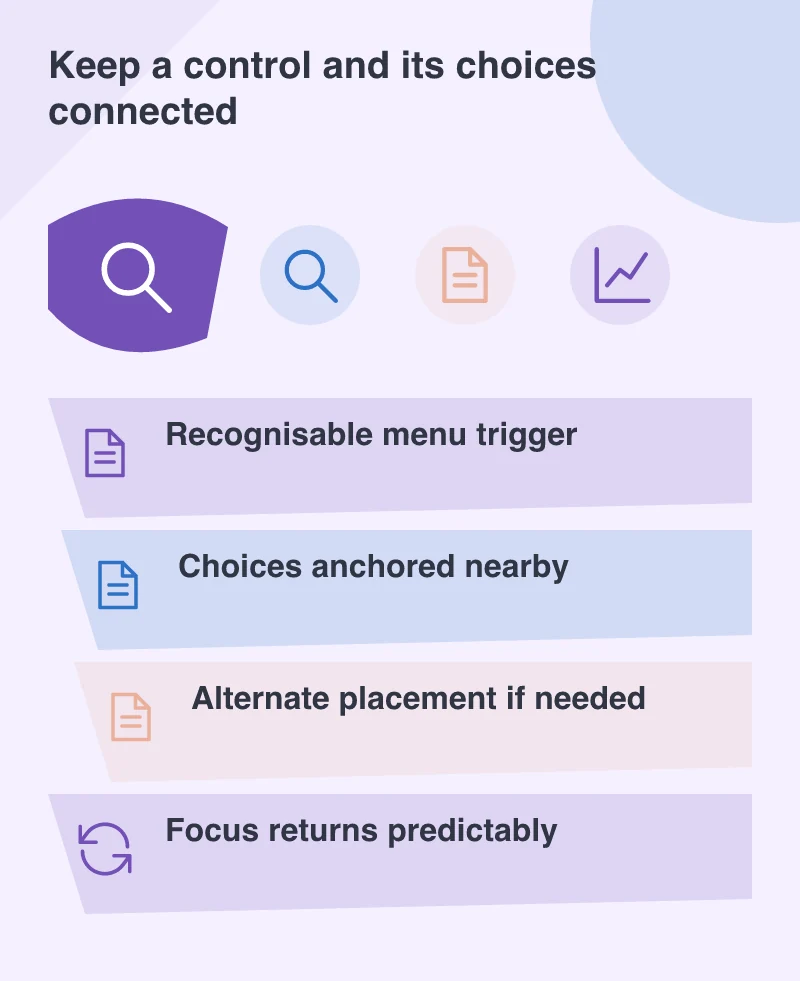
CSS anchor positioning, included in Safari 26, provides a way to place one element relative to another and supply alternative positions when space is limited. It is a useful addition to the browser’s layout tools. The design purpose is simple: keep a control and its choices visibly connected.
Think of a product listing with a compact sort menu. The customer should understand which button opened it, what is currently selected and where the result will appear. A menu floating far from the trigger breaks that relationship even when every option is technically clickable.
Use space to protect meaning
A popup near the edge of the viewport may need to open in another direction. That adaptation should preserve the order and readability of the choices. It should not cover the explanatory text that helps the visitor make the decision.
Imagine a delivery-area selector beside a postcode field. If the menu obscures the postcode or the current selection, the customer has to remember information that could remain visible. A slightly different placement can make the interaction feel much calmer without adding another screen.
Build the keyboard experience into the design
Visual anchoring does not by itself provide accessible behaviour. The trigger needs a clear name, the choices need appropriate semantics and focus must move predictably. Dismissing the menu should leave the person somewhere understandable, usually back at the control that opened it.
Keep the choice available when a newer positioning feature is unsupported. A simpler layout can be perfectly effective. Progressive enhancement works well here because the core task is selecting an option; the more refined placement improves that task without becoming a prerequisite for it.
Check the menu after the page is scrolled and when text is enlarged. Its relationship to the trigger should remain clear, with every choice reachable. These ordinary variations matter more than a perfect position in one desktop screenshot.
Prefer clarity over a clever container
Not every group of links needs a custom popup. If three important choices fit comfortably on the page, showing them directly may be better. Use a contextual menu when it reduces clutter while preserving the visitor’s understanding of the available actions.
These details shape how a website feels in ordinary use. A well-placed menu does not announce its technology. It simply lets a customer make a choice and continue, with the context still in view and the next step easy to recognise.