
A customer selects a category in a headless store. The products change, but a person using a screen reader may receive little indication that a new page has arrived. Nuxt 3.12’s recently introduced route-announcement capability gives a July architecture review a practical focus: a route change needs to communicate its result beyond the pixels that visibly moved.
Treat navigation as a complete page event
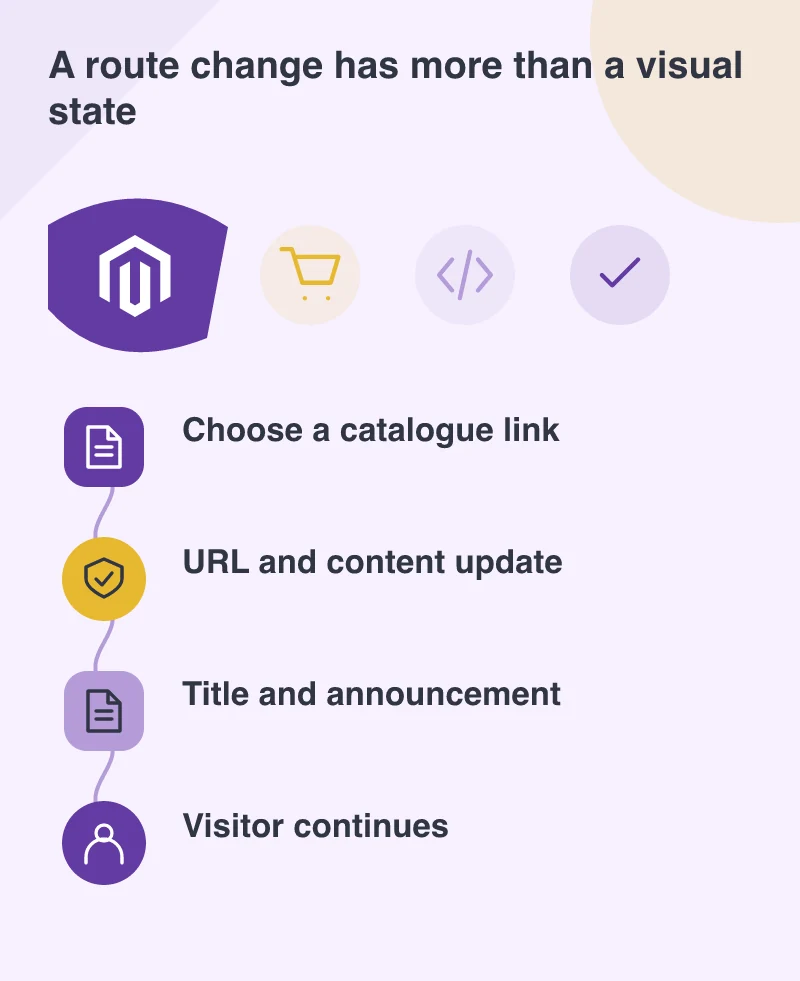
A client-rendered transition can avoid a full browser reload, but the visitor still expects a meaningful destination. The URL, document title, main heading and content should agree about where the person has gone. A store that updates only the product grid can leave the surrounding context surprisingly vague.
For a Magento catalogue using a Nuxt frontend, define those elements for categories, product details and search results. Include empty and error states in the definition. A category with no available items is still a destination that needs an understandable title and a useful next step.
Use announcements as part of the design
The Nuxt release provides a route-announcer component and related composable. That is helpful infrastructure, not a complete accessibility review. Choose meaningful titles and test what is actually announced during the application’s transitions. An announcement containing an internal identifier may technically occur without helping the visitor understand the new page.
Avoid excessive announcements for every minor interface change. A filter update and a new product page may need different treatments. The aim is to communicate a useful change of context without making the experience noisy or interrupting information the person is already trying to read.
Decide where focus belongs
After a route change, the keyboard focus should remain in a predictable relationship with the new content. Review the intended behaviour for the navigation system and the task, rather than applying an arbitrary focus move everywhere. The person should be able to continue without tabbing through a confusing mix of old and new context.
Test back navigation as well. Returning to a category after inspecting a product should preserve an understandable place in the journey where the application supports it. A technically correct URL is only one part of that experience; selected filters, scroll position and the visible result also affect whether the person can resume their comparison.
Keep a direct route available
Open important category and product URLs directly, then navigate through the store and return using browser controls. The page should make sense in each case. A storefront that works only after someone enters through the homepage has made ordinary links and search visits unnecessarily fragile.
Rehearse the navigation with different input methods and entry routes. Framework support can help announce the change, while the store remains responsible for a coherent destination. Flexibility in the frontend is valuable when people can reliably tell where they are and what they can do next.