
The sale is complete, but the customer’s work is not. They may need an invoice, a delivery update or a way to begin a return. Shopify’s December release introduces Customer Account Extensions, giving merchants app-based ways to add useful services to account pages. The opportunity is to help someone finish the next small task while keeping the store recognisable and support close at hand.
Start with the repeated conversation
Read the questions support answers every day and choose one that has a reliable self-service answer. If invoice requests arrive repeatedly, make the relevant document easy to find beside the order. If people ask about delivery, begin with the status and the next expected update. A long dashboard of features can wait.
Keep the task specific enough to test with an actual order scenario. “Improve the account” leaves a team guessing. “A signed-in customer can find the invoice for the order they placed yesterday” gives the designer, developer and support colleague a shared picture of success.
Make each action understandable
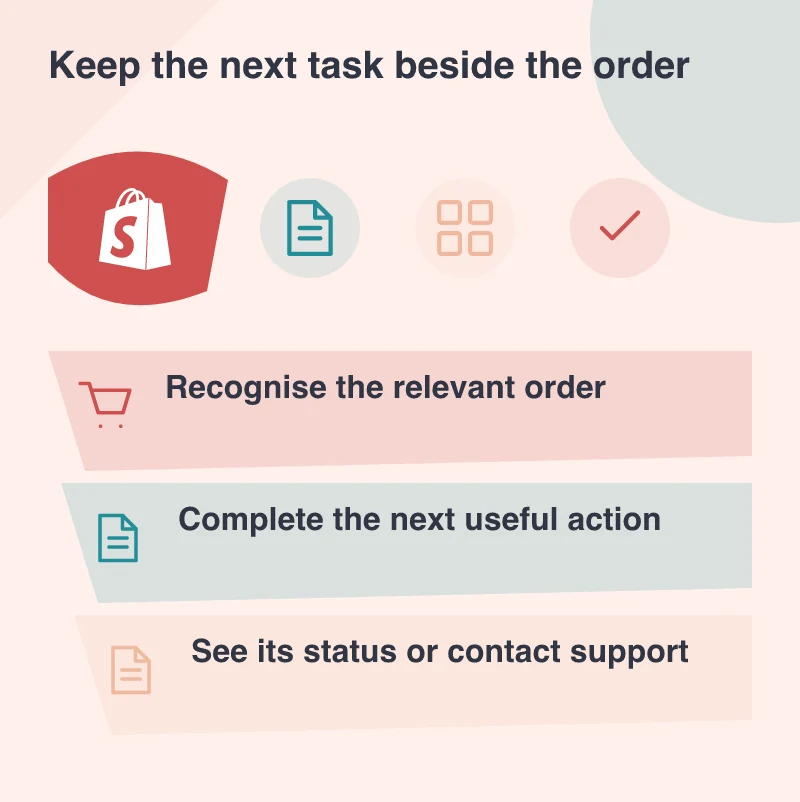
Account extensions allow additional functionality through apps, so decide what information an action needs and what happens after it is taken. A return request, for example, needs to identify the item and explain the next stage. The customer should be able to distinguish a request being received from a return being approved.
This is also a chance to simplify the language. Use the words customers already use in messages to the business. An internal fulfilment code can stay in the staff system while the account explains what the person should expect. Clear wording can make a modest feature considerably more helpful.
Let the account feel like the same store
Shopify’s announcement includes ways to keep branding and navigation consistent across customer account pages. Use that continuity to reassure someone arriving from an email, particularly around sign-in. A familiar name, clear page purpose and visible support route matter more than adding decoration to an otherwise confusing journey.
Check a phone as carefully as a desktop. Long order names, several line items and large text settings can expose a layout that seemed tidy with demonstration data. Keep the important action close to the order it belongs to, and make the selected item easy to recognise before a request is sent.
Keep a helpful handover available
Self-service needs a sensible response when it reaches its limit. If an order requires a conversation, let the customer reach support with the order reference and their attempted action intact. Asking them to explain everything again makes the account feel like another obstacle rather than a convenience.
Measure the questions that remain after the first release. Some will reveal missing information; others will deserve a person’s judgement. Use that distinction to choose the next improvement. A good account grows from dependable tasks customers can complete, with an equally dependable way to ask for help.