
The most useful checkout migration document may begin with an ordinary order. A customer adds a gift message, chooses delivery and pays; a colleague receives the details needed to dispatch it. For affected Shopify Plus stores, the announced 13 August deadline for checkout.liquid on the in-checkout pages is approaching. Before replacing code, capture the jobs that code has been quietly doing.
Look beyond what is visible
Ask the people who use the order after the customer leaves. Which delivery instruction matters? Where does a trade reference appear? How does support find an unusual request? A checkout can look almost standard while carrying small details that prevent a considerable amount of manual work.
Make an inventory with the purpose of each customisation, its owner and a real example. Include tracking, validation and third-party apps alongside the visible fields. Separate genuine requirements from experiments nobody still uses. The migration is easier to judge when every retained element has a clear job.
Find the right home for each requirement
Checkout extensibility changes how custom behaviour is provided. Work through the supported extension and app options for the store rather than assuming an old template modification can be pasted into a new place. Some requirements concern interface content; others belong to business logic or the systems receiving the order.
Describe the outcome in plain language before discussing an implementation. “The dispatcher must see the delivery note on the order” is testable by the business. A file name and a line of script rarely are. This makes it easier to spot an attractive replacement that misses the actual requirement.
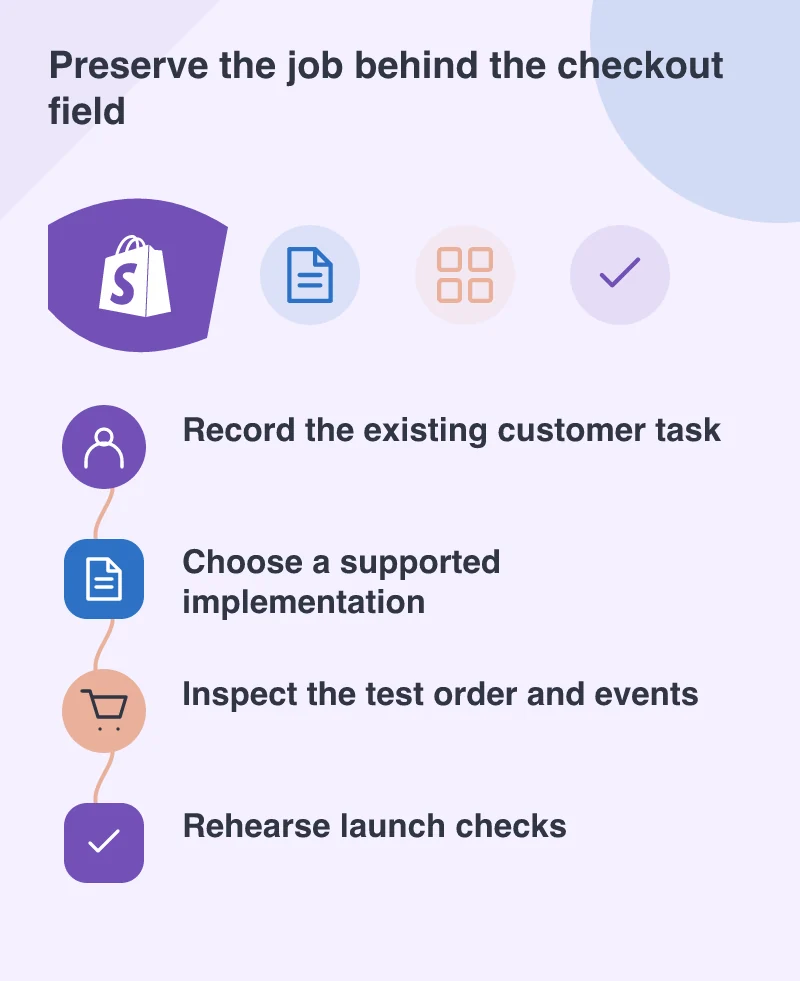
Test the whole purchase with the team
Build a small order set covering the everyday sale, a discount, an unavailable choice and the relevant delivery cases. Use test payment facilities and inspect the resulting order records. Include the customer’s confirmation and the staff view, because information can appear correctly on one side and disappear on the other.
Review analytics separately. Ask the reporting owner to confirm which event represents a completed purchase and how an interrupted attempt is handled. A new interface that sends duplicate or missing events can make the business misread a perfectly ordinary week. Record the expected behaviour before comparing results.
Give launch day a practical plan
Choose who makes the change, who checks the first orders and who can make a decision if something is wrong. Keep the previous configuration and a record of what was changed, and establish which recovery actions are supported for the migration. Avoid discovering those limits while customers are waiting.
A final rehearsal should be understandable to a non-developer: place this order, find this detail, confirm this message. When the merchant and developer can both follow that sequence, the deadline becomes a controlled release with evidence behind it. The goal is a familiar, dependable purchase delivered through the supported checkout.