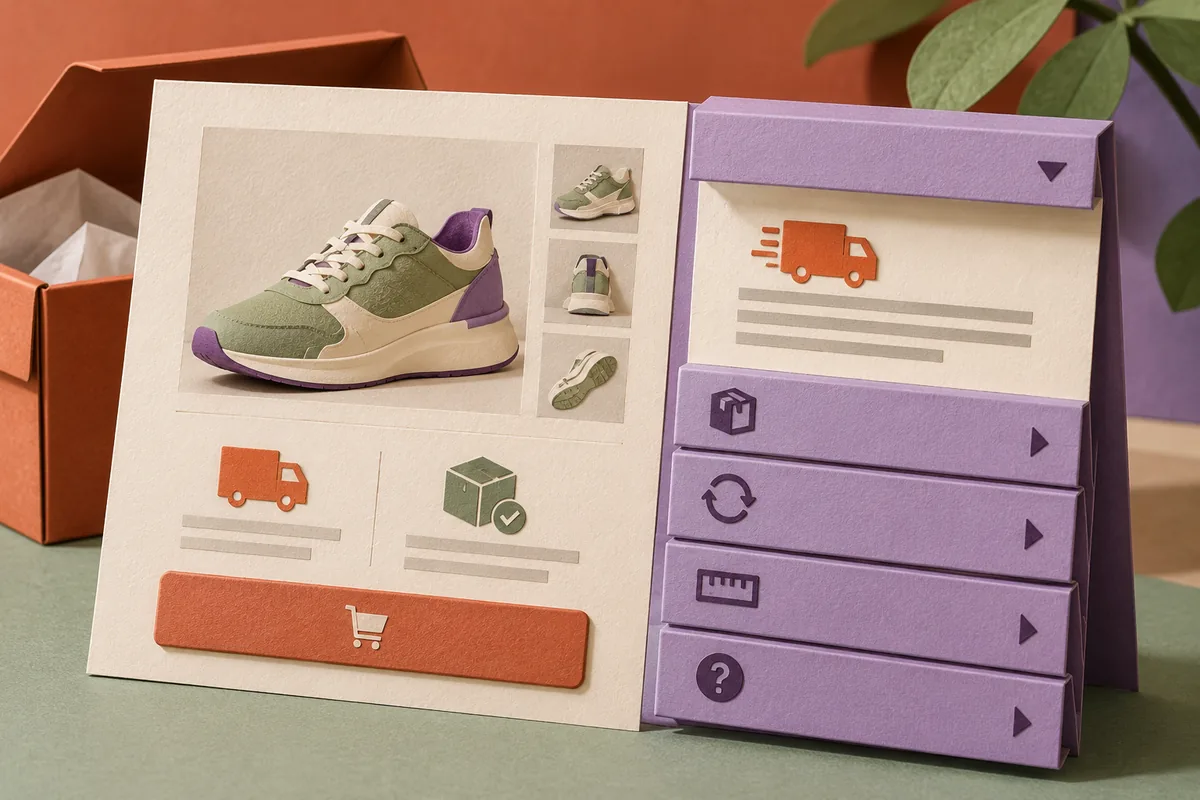
Frequently asked questions can be useful, but an accordion can also become a convenient place to hide everything a customer needs. Chrome 120’s December support for grouping details elements makes a simple exclusive accordion easier to build. The more important design decision remains editorial: which information deserves a place in the open, and which answers benefit from being expanded on demand?
Do not make the reader hunt for the main answer
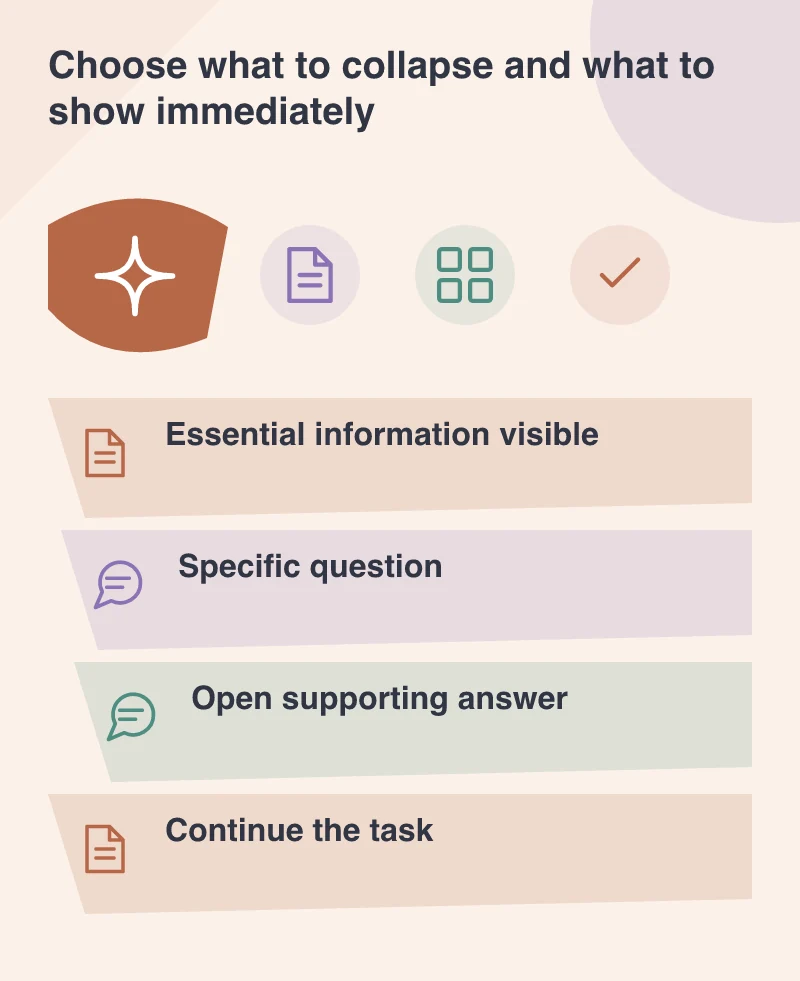
A product’s important delivery condition or compatibility requirement should not disappear into an undifferentiated list of closed questions. Put essential information near the relevant decision. Use the FAQ for supporting detail, exceptions and questions that do not need to occupy the main flow for every visitor.
Start with the questions customers actually ask. A heading written as a slogan is difficult to scan when a visitor is looking for a practical answer. Use specific labels and make the first sentence of each answer useful on its own, then add the necessary detail without repeating the whole service page.
Choose the right disclosure behaviour
The new name attribute lets related details elements form a group in which at most one is open at a time. That can reduce vertical space, but it is not always the best behaviour. A customer comparing two answers may prefer to keep both visible rather than repeatedly open and close them.
Test the content before choosing an exclusive group. A short help list and a set of detailed product comparisons have different reading needs. Native HTML can provide a good foundation, while the layout and behaviour should follow the task instead of a preference for one particular visual pattern.
Keep the control recognisable
A disclosure needs a clear clickable or focusable summary and a visible indication of its current state. The answer should appear where the person expects it, without moving unrelated controls in a surprising way. Review the component with a keyboard, enlarged text and a narrow screen.
Avoid putting another interactive action inside an already complicated summary unless the behaviour has been carefully considered. A visitor should know whether tapping the row opens an answer or follows a link. Where the answer includes a useful destination, put that link clearly in the expanded content and describe where it leads.
Treat the FAQ as content that needs ownership
An outdated answer can be more damaging than a missing one because it gives the visitor a reason to trust the wrong information. Assign ownership to policy questions and remove contradictions between the FAQ, the product page and the contact team’s response. Reusing a design does not mean all its answers should stay unchanged indefinitely.
Ask a fresh reader to find a particular answer and explain the next step. If they must open every row or interpret a vague label, improve the questions and hierarchy. The browser feature can simplify the implementation; the value comes from revealing the right information at the moment the person wants it.