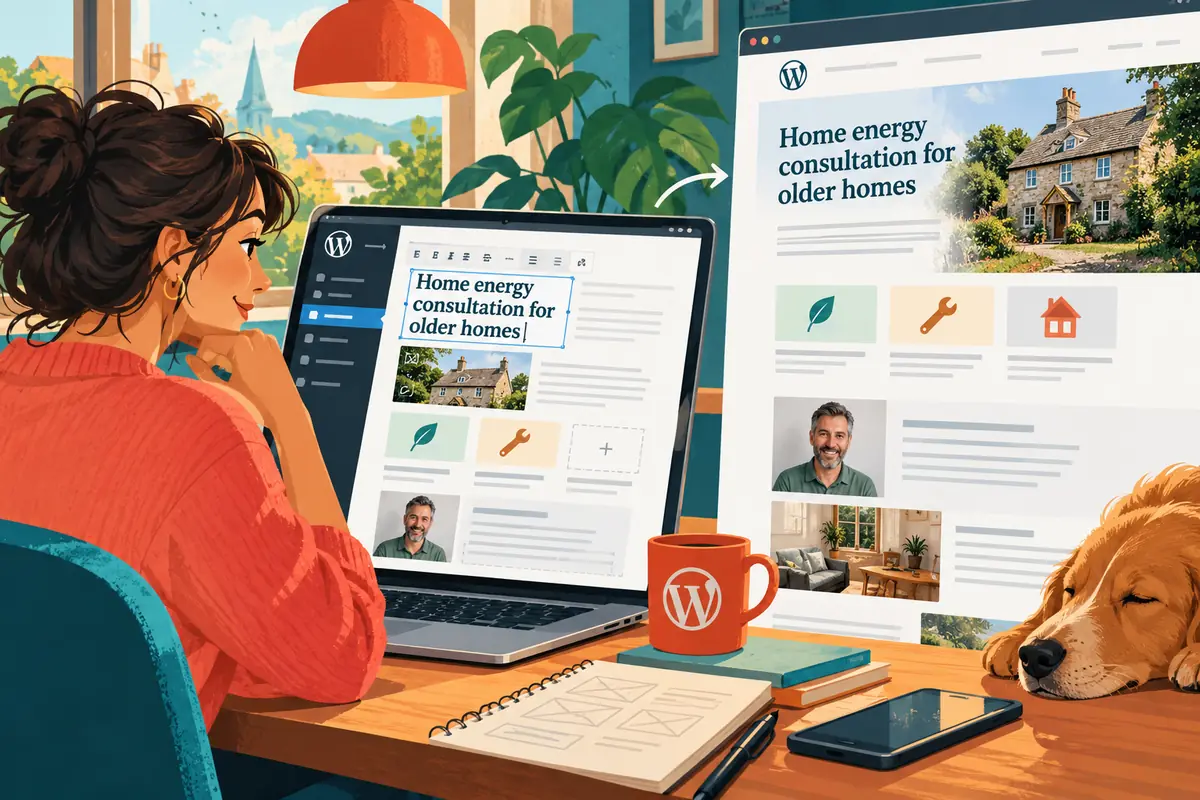
A design presentation usually shows the best version of a page. The person maintaining that page needs to know what happens when the title is longer, a photograph is missing or a new service must be added. Letting them edit a working preview can answer those questions much faster than another annotated screenshot.
Show the maintenance experience early
WordPress Playground runs a WordPress environment in the browser. The project’s January update describes improvements to previews, tooling and reusable Blueprints. For a website project, this makes an editable demonstration easier to share without first preparing a full local setup for every reviewer.
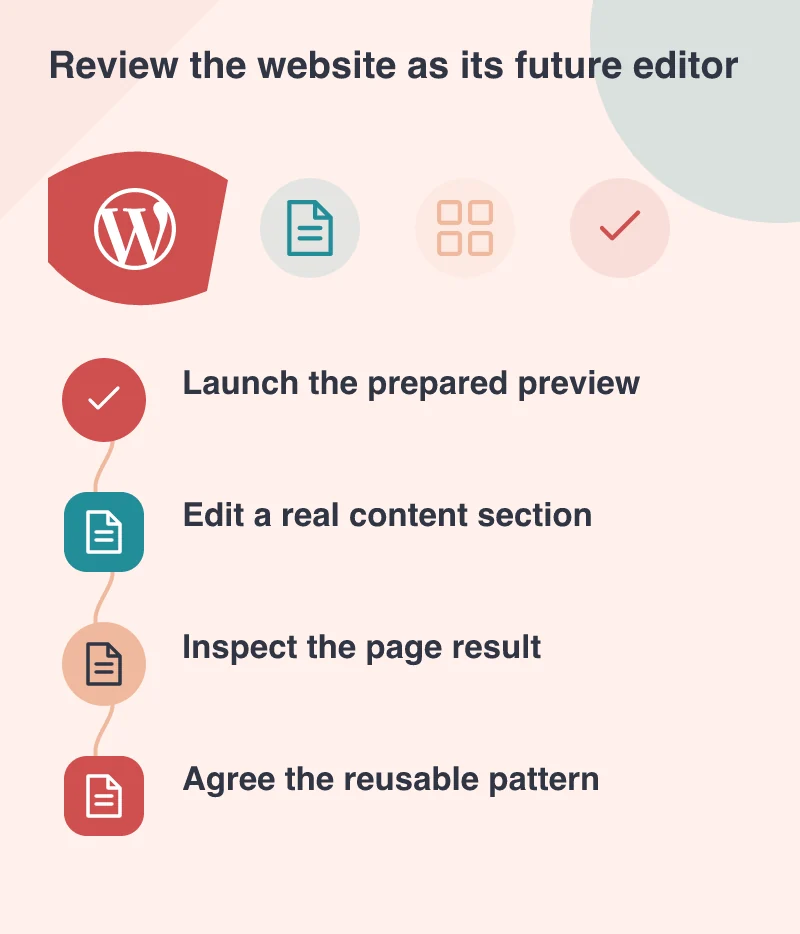
The best demonstration has a task. Ask the future editor to replace a service description, add an image and update a call to action. They can then judge whether the design’s flexibility is real. A beautiful page that becomes fragile after ordinary edits is not yet a finished design system.
Prepare content that resembles the business
A preview filled with short placeholder text hides important constraints. Use a realistic service title, an ordinary staff photograph and an article with several headings. The purpose is to reveal the behaviour of the layout, not to make every sample look unusually tidy.
Imagine a professional-services team reviewing a reusable profile section. One person has a two-word title; another has several qualifications and a longer role. Putting both into the preview makes the design discussion concrete and helps distinguish a content issue from a layout limitation.
Make the starting point repeatable
Blueprints provide a way to prepare a consistent environment. A team can review the same theme, sample content and relevant plugins instead of comparing different installations. Record what the preview includes and which parts are there only to illustrate the workflow.
A browser preview is not automatically equivalent to production hosting. Payment connections, mail delivery and other external services need their own verification. Keep the preview focused on the questions it can answer well, such as editing behaviour, page structure and the clarity of controls.
Turn feedback into a better pattern
When an editor gets stuck, watch where the difficulty appears. Perhaps the section needs clearer labels or an image choice is hidden inside a complex group. Improve the reusable pattern rather than writing a long set of instructions around an awkward control.
An editable preview changes the review from “Do you like this page?” to “Can you work comfortably with this website?” That is a stronger foundation for a custom WordPress build. It brings visual design and everyday ownership into the same conversation while improvements are still easy to make.