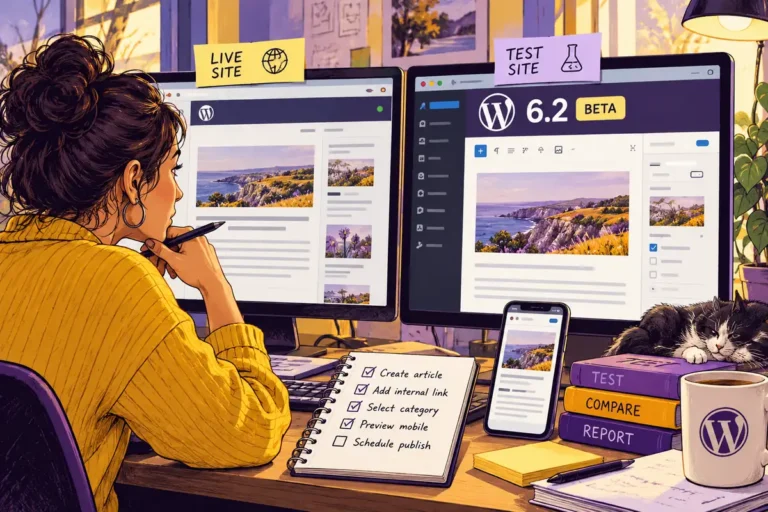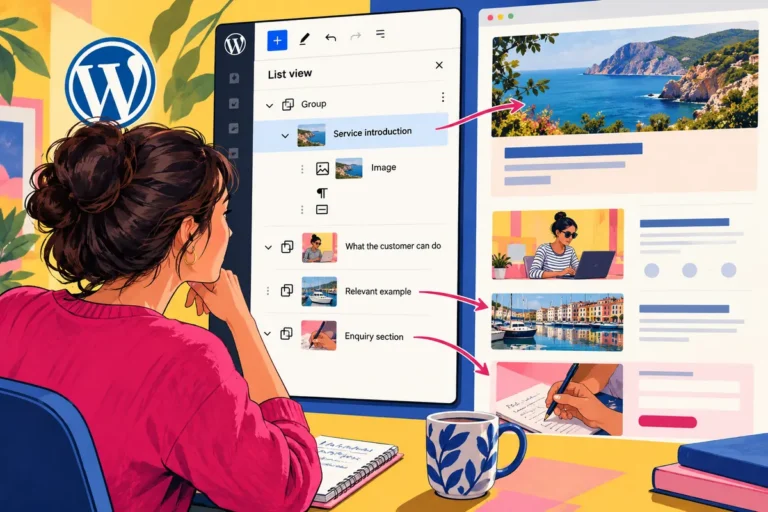
A custom button in the editor may have solved a genuine problem two years ago. It may also be something nobody remembers owning. With WordPress 6.5 release candidates available in March, a separate test site can do more than check that the dashboard still opens. It can help a team examine the small workarounds that have accumulated around the publishing process.
Begin with the reason the customisation exists
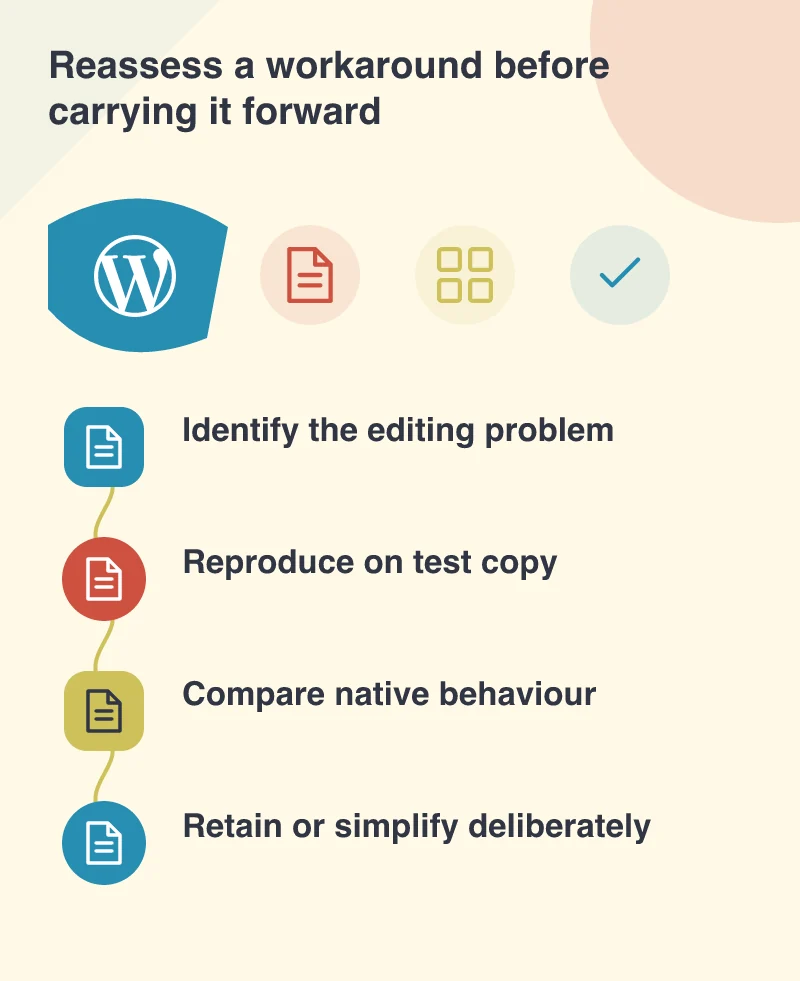
List the editor changes that are specific to the website: hidden controls, custom block settings, extra media fields or shortcuts for a particular page type. For each one, ask which task it supports and who uses it. An unexplained customisation is difficult to test because its intended result is already unclear.
Do not remove a workaround simply because it looks old. It may encode a useful business rule or protect an editorial layout from an accidental change. The first goal is to recover its purpose, then compare that purpose with the behaviour available in the candidate version on the test environment.
Use a representative page rather than a blank one
Choose content with the site’s normal complications: a long heading, linked images, a reusable section and an internal link. Ask the person who normally maintains it to perform a real update. Observe where the customisation helps, where it adds confusion and which controls the editor actually needs.
The release candidate remains testing software. Keep it separate from the live site, prevent real notifications or transactions and record the build being reviewed. A useful rehearsal should let the team explore freely without making a customer’s visit depend on unfinished software.
Compare the complete editorial result
A native control and a custom control may look similar while producing different saved content. Check the frontend result, mobile presentation and ability to revisit the content later. A change that makes the current screen easier but locks the text into an opaque format may create more maintenance work for the next editor.
Also review roles and permissions. A content author, site administrator and developer should not automatically have identical responsibilities. The handover needs to make it clear which changes are local to a page and which affect the design or behaviour of the whole site.
Make a small, documented decision
For each workaround, decide whether it should remain, be simplified or receive further investigation. Record the reason and the checks performed. That gives the next maintainer a useful starting point instead of another unexplained layer of code and assumptions.
A candidate review is not a requirement to redesign the website during an upgrade. It is an opportunity to reduce uncertainty while there is a safe place to compare behaviour. The result can be a shorter, better-understood editing workflow, with essential custom features preserved and unnecessary complexity removed only after its purpose has been checked.