An editor wants to replace one image and finds a long list of anonymous groups. The page looks clear to visitors, yet its backstage structure feels like a guessing game. WordPress 6.4’s November editing improvements, including named Group blocks and image previews in List View, offer a practical opportunity to make the editing experience as considered as the published design.
Use names that match the page’s meaning
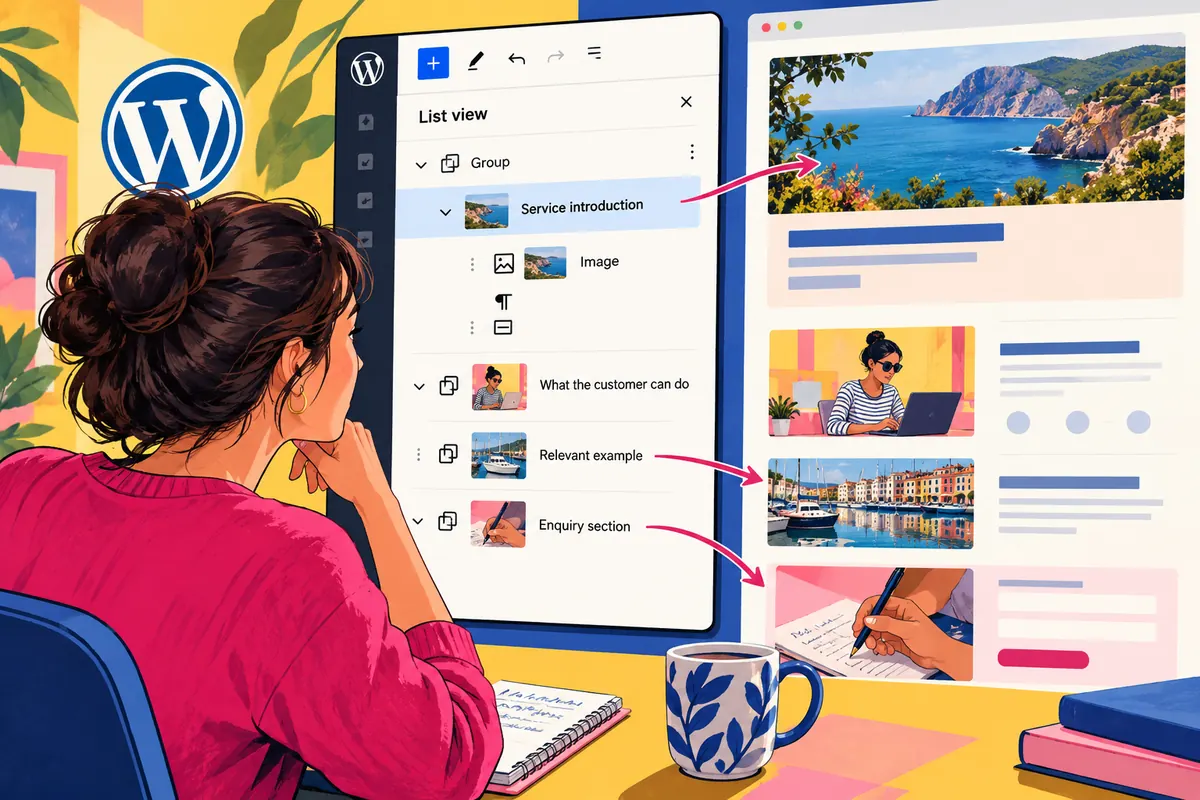
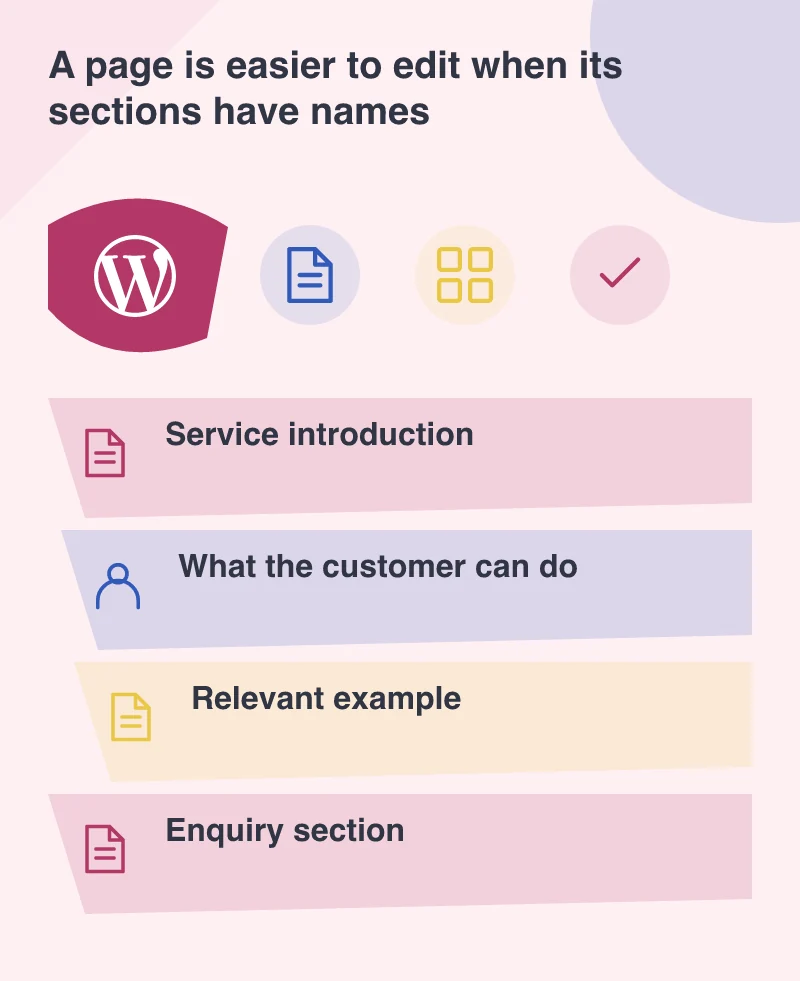
A Group called Section 4 helps only the person who remembers the original sequence. A name such as Service introduction or Customer enquiry gives the next editor a reason to select it. The name should describe the job the section performs, not the temporary appearance of its background.
The release allows custom names for Groups to appear in List View. Use that capability selectively to create a useful outline. Naming every small wrapper can produce another kind of clutter. Concentrate on the sections and repeated structures that a colleague is likely to search for when performing an ordinary update.
Make the image task easier to recognise
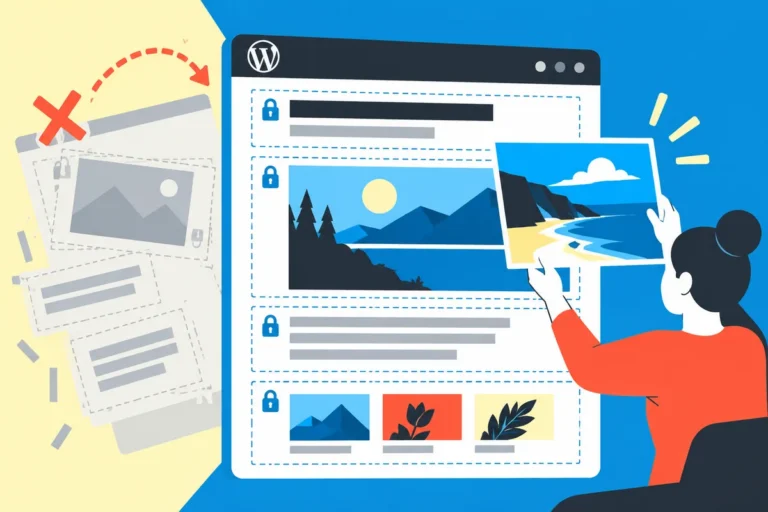
An editor replacing a project screenshot needs to identify the right image and understand its purpose. List View previews can help locate it, but the surrounding workflow still needs a sensible featured-image choice, appropriate alternative text and a clear caption where the image carries information.
Try the task with two similar images on the same page. Ask someone who did not build the layout to replace the intended one, preview the result and undo the change. Their uncertainty will show whether the structure needs a better name, a clearer grouping or a short piece of editing guidance.
Organise reusable options around common work
WordPress 6.4 also adds pattern categories and filtering improvements. A small set of purposefully named patterns can help an editor begin a new page without recreating the same structure. Categories should reflect the team’s real needs, such as service sections or article layouts, rather than an elaborate taxonomy nobody remembers.
Keep the relationship between a pattern and its instances clear. A shared message and an independent page section have different update expectations. Before handing the site over, demonstrate which change stays local and which affects other pages. Discovering that distinction through an accidental global edit is an avoidable lesson.
Review the website from both sides
Include an editorial task in the design review: update a heading, replace a photograph, adjust an internal link and inspect the mobile preview. A polished frontend does not compensate for an editing process that makes a small correction feel dangerous. The published result and the route to producing it are both parts of the website.
List View and the editor improvements give teams better tools for that route. The useful result is not a more complicated editor with more controls; it is a colleague who can find the intended section, make a deliberate change and recognise the result. A readable page structure is a modest improvement that can make the whole website feel easier to own.