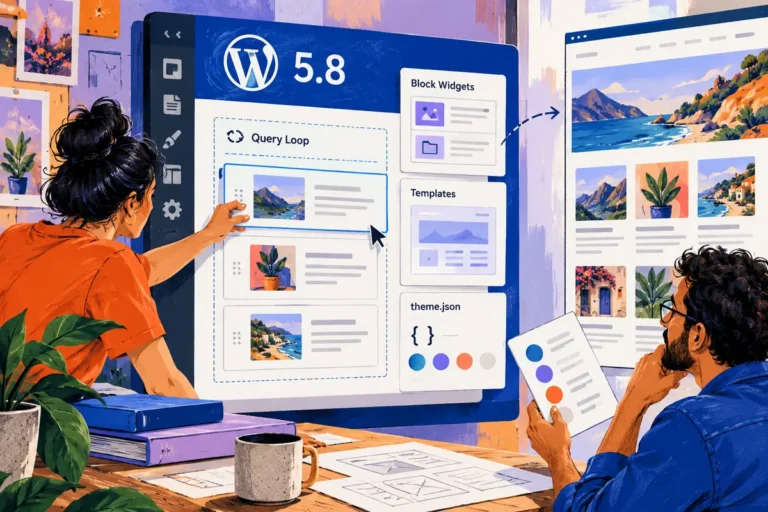
The instruction sounds simple: replace the photograph and update the paragraph. Then an editor accidentally removes the surrounding group, the spacing changes and a small content correction becomes a design repair. WordPress 6.0’s May release includes block-locking controls that can help with this familiar kind of fragility. The aim should be a calmer editing experience, not a website whose content is difficult to change. A sensible layout gives the editor a reliable starting point and makes the intended freedoms easy to recognise.
Protect the relationship that matters
Released on 24 May, WordPress 6.0 adds controls for locking blocks against movement or removal, alongside other editing and style improvements. Those controls can help preserve a pattern’s structure. They should not be confused with a security boundary or a substitute for the site’s account permissions.
Choose the relationship worth protecting. A contact section might need its heading, explanation and action to remain together, while the words and destination are expected to change. Locking everything indiscriminately can make maintenance frustrating; leaving every structural piece fragile can make ordinary edits unnecessarily risky.
Test the pattern with the person who will use it
Give the editor a real update to perform on a test copy. Ask them to change the photograph, use a longer title and remove optional content. Watch which parts of the interface make the structure obvious and which require explanation. The goal is to make a routine edit understandable without a developer standing beside the person.
Use the preview as part of that task. The editing surface and the public page have different responsibilities, and a page can look manageable in one while producing an awkward result in the other. Check the phone layout before the content is considered ready.
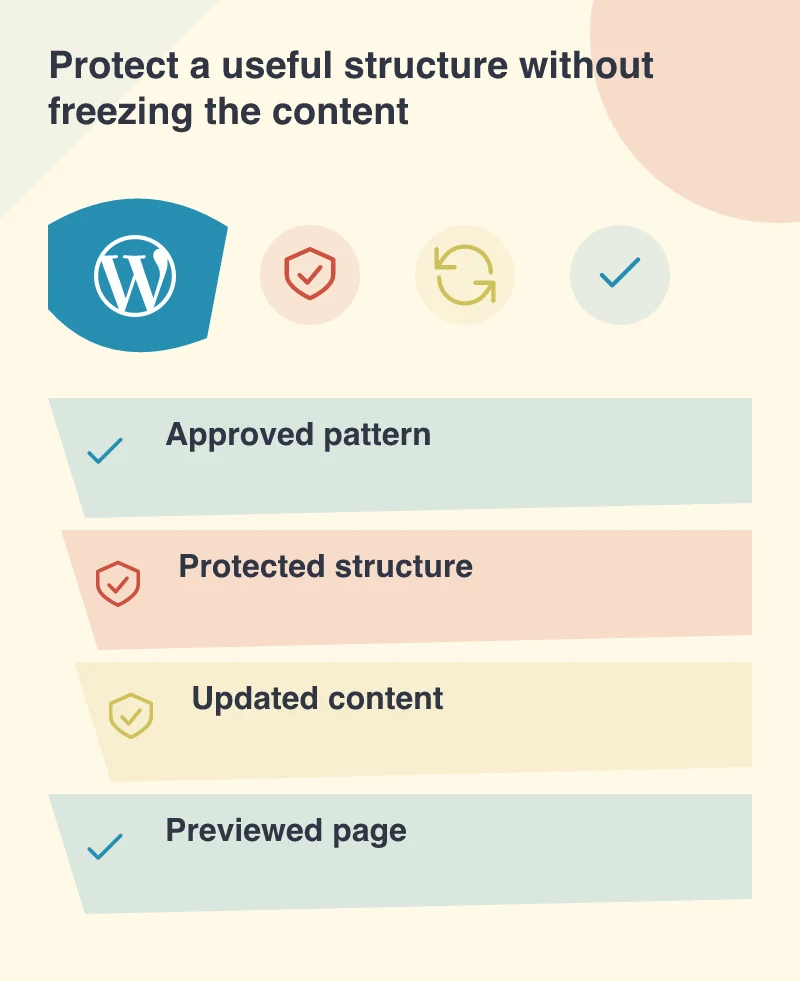
Keep the handover short enough to remember
A small guide can show where to edit shared content, which patterns to begin with and which changes affect the wider site. It should describe the actual setup, not the entire WordPress interface. An editor needs a path for the work they perform regularly and a clear route for asking about an unusual change.
This is also a good time to remove a workaround that has outlived its purpose. If a routine content update still requires copying raw markup or matching spacing by eye, investigate whether the pattern and theme can carry that decision more reliably.
Try the next ordinary content update with the person who will publish it. They should be able to recognise what is editable and finish without repairing the surrounding design. Keep the handover focused on that real task rather than a tour of every available control.