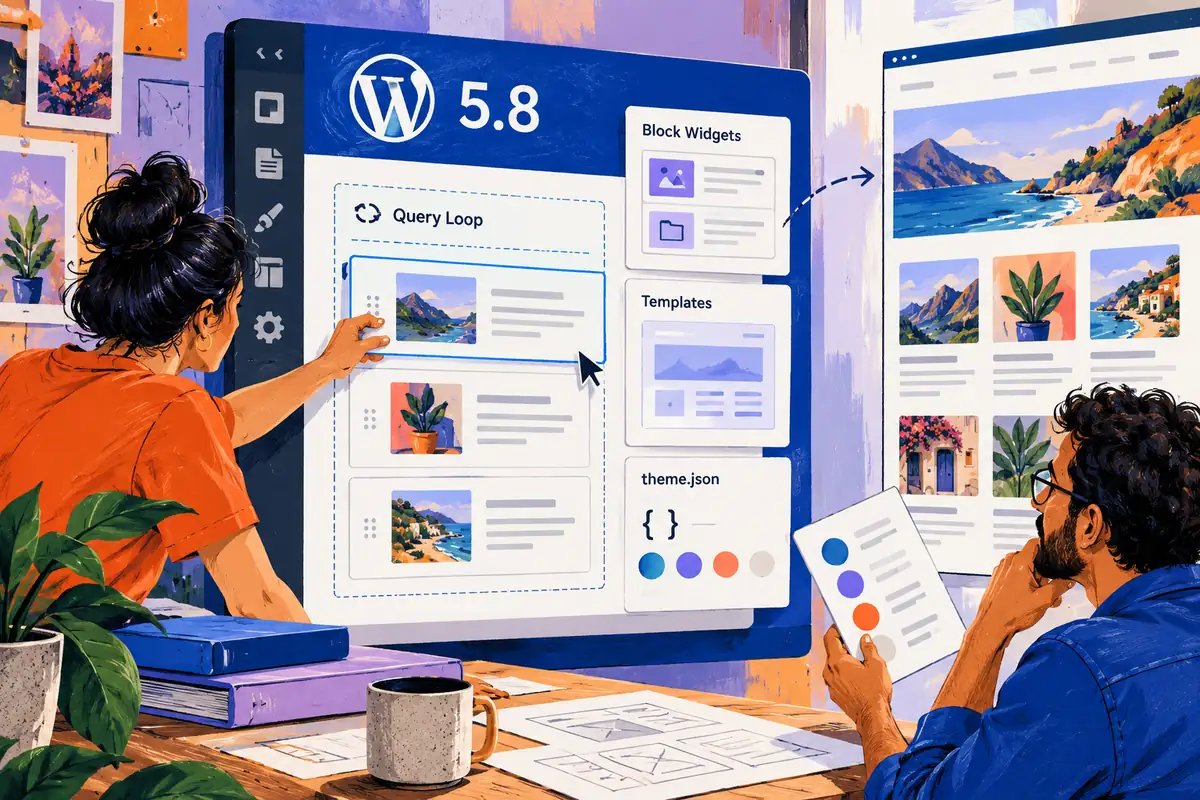
A content editor wants to change a list of articles, while the designer wants that list to remain recognisably part of the site. WordPress 5.8 gives both sides more to work with. The July release extends block-based editing into additional areas and introduces tools such as the Query Loop and theme.json. The interesting question for a business is how to turn that flexibility into a publishing experience that feels clear rather than fragile.
Give the controls a purpose
Released on 20 July, WordPress 5.8 includes block widgets, template-related editing capabilities and WebP image support as well as the Query Loop and theme configuration work. These are specific additions, not a promise that every theme now exposes every part of the site in the same way. The site’s own implementation still determines the experience an editor receives.
Start the upgrade review with actual tasks. An editor might need to choose which articles appear, replace a sidebar item or add an image. The release is useful when those tasks become understandable without requiring the editor to reconstruct the design.
A list of posts is an editorial choice
Take a studio publishing practical guides and company updates. A Query Loop can present content according to defined rules, but the team needs to agree what the listing promises. If a section says helpful guides, the selection should reflect that promise. Categories, ordering and exclusions should be explained in terms the publisher can manage.
Test an empty category, a long title and a post without a featured image. Good template work anticipates those ordinary variations. It does not rely on a demonstration archive in which every card has the same convenient amount of content.
Keep design decisions shared
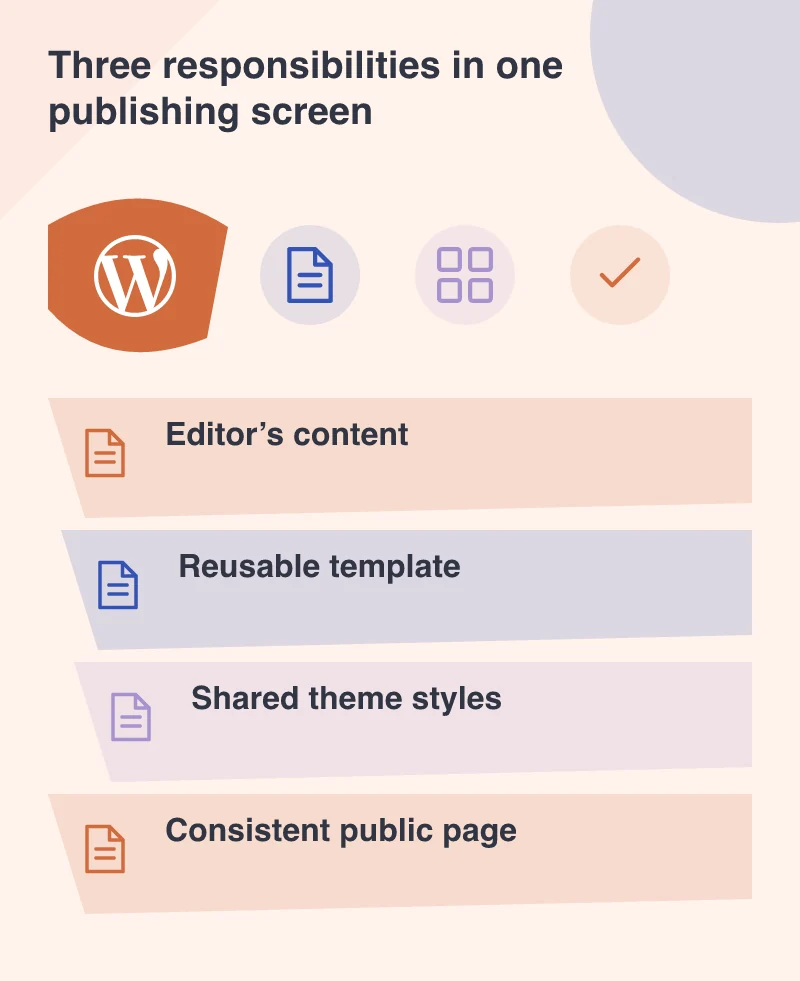
A theme’s configuration can carry choices that would otherwise be repeated manually: available colours, typography and consistent layout settings. Giving editors a dependable palette is different from asking them to remember how a designer styled an earlier page. The point is to make ordinary content changes safe and predictable.
That still requires a conversation about freedom. Which variations are useful to the business? Which combinations create a confusing page? An editor should understand the available choices and the effect of changing them, rather than discovering the limits through a public mistake.
Rehearse an ordinary publishing session
On a test copy, ask the future editor to create a new article, choose its image, assign its topic and preview the listing. Try a correction after saving. Check the public page on a phone and navigate with a keyboard. These simple tasks show whether the controls and visual system support one another.
Rehearse a normal publishing session before handover. An editor should be able to update the words and images, preview the result and recognise which repeated elements belong to the wider site. Those are the freedoms that make a new set of controls useful in daily work.