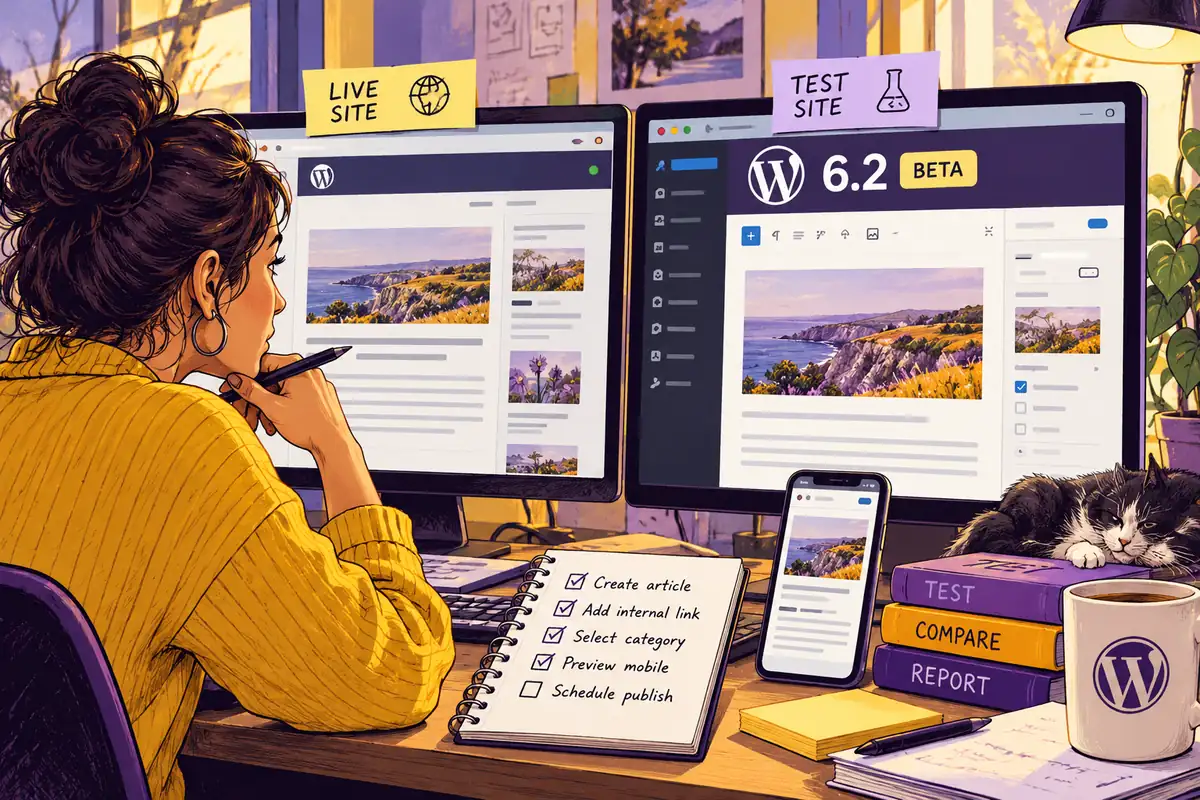
The person who updates opening hours may notice a WordPress change before the developer does. A menu is harder to find, a saved layout behaves differently or a familiar publishing step no longer looks familiar. With WordPress 6.2 Beta 1 available this February, there is time to discover those questions on a separate test site, before the final release becomes part of an upgrade plan.
Test the beta in the right place
The WordPress announcement explicitly describes the beta as software under development and advises against using it on production or mission-critical websites. That should shape the exercise. The live site remains the reference; a separate copy becomes the place for experimentation, comparison and a clear record of what happened.
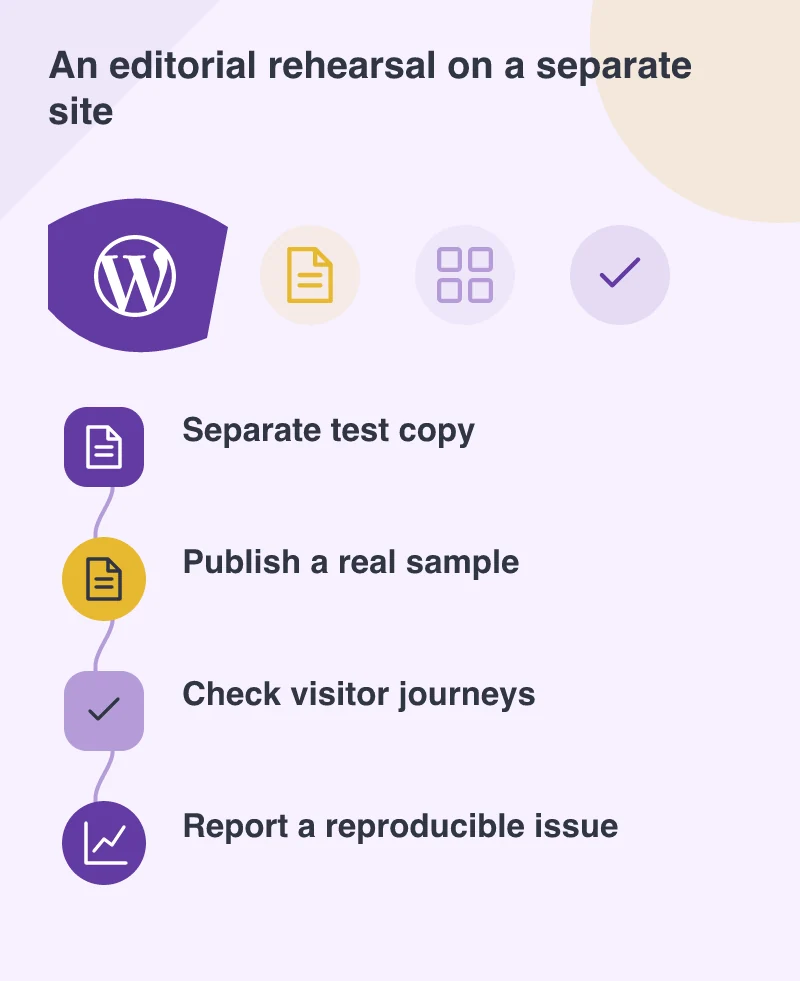
The copy needs enough resemblance to the real site to be useful: the active theme, relevant plugins, representative content and the same important configuration. Remove personal customer information where it is not required for testing. Also prevent the copy from sending real enquiries, payment requests or automated marketing messages while someone explores the editor.
Build the review around one complete publishing job
Choose a task the business performs often. A marketing editor might create an article with a featured image, add an internal link, select a category, preview the mobile layout and schedule publication. A site administrator might update navigation and confirm that the change appears in the intended header.
Record the route through that task, not merely whether the dashboard opens. Look at the final page, the navigation, the image crop and the preview link. Where several people edit the site, include their different permission levels. A workflow that succeeds for an administrator can still be awkward or unavailable for the colleague who normally handles it.
Separate a changed interface from a broken feature
An unfamiliar control is not automatically a defect. Ask whether the task still makes sense after a brief explanation and whether the interface makes the result predictable. A genuine failure deserves more precise evidence: what was attempted, which theme and plugins were active, what appeared instead and whether the problem can be repeated.
Try isolating a suspected conflict on the test copy. Make one change at a time and keep notes so the original state can be restored. A concise, reproducible report is more useful to a maintainer than a screenshot with the comment that something looks wrong. It also gives the business a clearer basis for deciding whether an issue affects its own release timing.
Plan the handover as well as the update
The value of a beta review is not early adoption for its own sake. It is knowing which customisations need attention and which colleagues need a short walkthrough. Keep a list of unresolved issues and repeat the important checks against the appropriate later build rather than assuming an early test remains conclusive.
When a stable release is available, the production upgrade still needs its own backup, review and recovery plan. The rehearsal gives that decision a clearer basis. It can also reveal a simpler opportunity: remove an unnecessary workaround or clarify an editing task that was already confusing before the beta arrived.