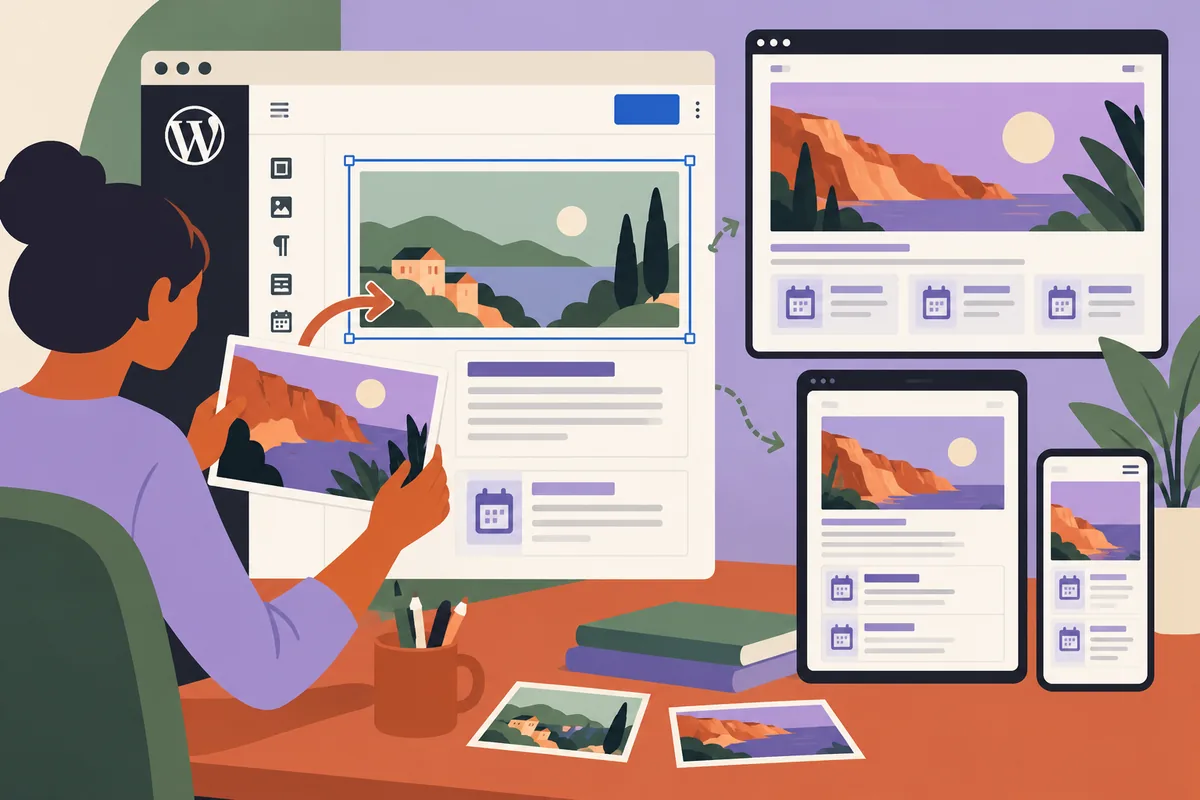
A website can pass a visual check and still make its editor miserable. The homepage looks right, but replacing a photograph changes the crop. A longer event name breaks a card. A paragraph that was simple to update now needs a developer. These problems rarely appear in a screenshot of the launch design. WordPress 6.0.1 arrived on July 12 with fixes to Core and the Block Editor. It is a maintenance release, rather than a new design direction. That makes it a good moment to put the ordinary publishing task at the centre of release testing.
Pick a page that earns its keep
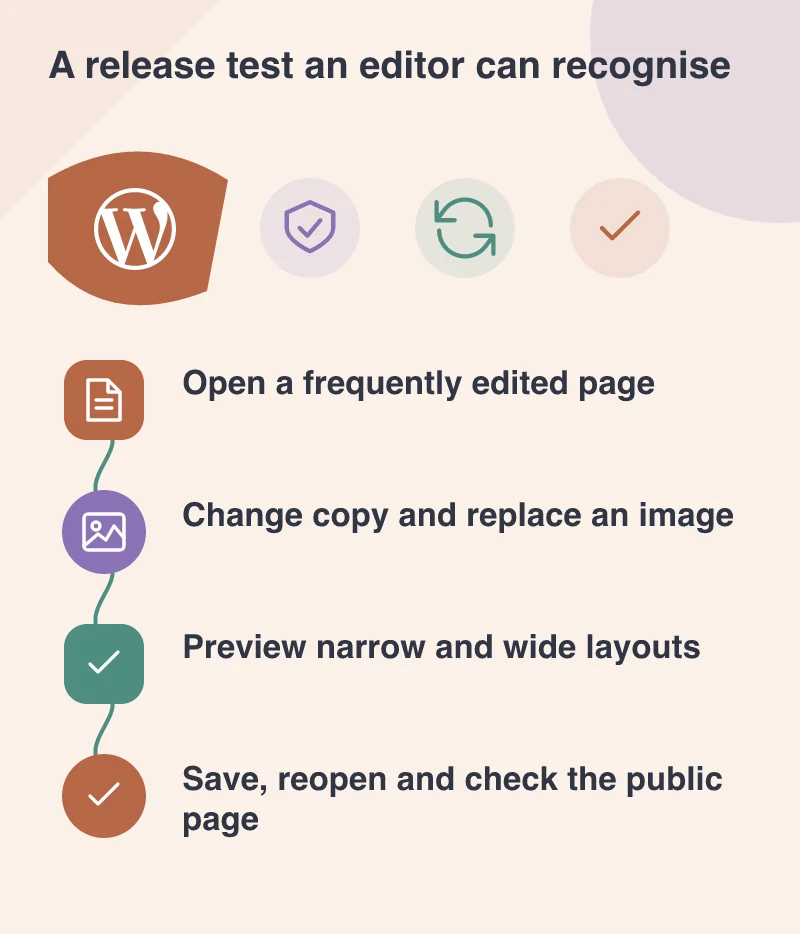
Start with something the team actually changes: a weekly event listing, a service announcement or a product advice page. A quiet legal page may be easy to test, but it tells little about the editing experience.
Keep a copy of its real content in the staging site. Include the awkward pieces: the portrait photograph, the long heading, a link inside a paragraph and the call to action near the bottom. A page made entirely of short placeholder text hides the problems your editor will meet on Monday morning.
Write down the expected job in plain language. “Change next week’s date and booking link without altering the layout” is more informative than “test the editor.”
Make the edit, rather than inspecting the controls
Ask the person who normally publishes to carry out that job. Watch where they hesitate. Can they find the right block? Does selecting text accidentally select the surrounding group? Is an image’s alternative text easy to understand?
Then save and reopen the page. Check that the intended changes survived and that unrelated content stayed intact. Preview it on a narrow screen before checking the public page. The editor canvas and the visitor’s page serve different purposes; neither replaces the other.
A problem is easier to report with its exact sequence. “Replace this image, save, reopen, and the focal point moves” gives a developer something reproducible. “The editor is broken” does not.
Protect a working publishing routine
Before updating, retain a database and file backup and understand how to restore them together. Use staging when the site’s plugins, custom blocks or checkout make the update consequential. Background updates can reduce routine effort, but someone still needs to notice when a form or publishing task stops working.
Keep this reference page for the next release. It becomes a small, practical record of what the site must continue to do.
Editors should spend their time improving the message, rather than rediscovering how the layout works. A ten-minute task completed comfortably is a stronger sign of a maintainable website than a beautiful page nobody wants to touch.