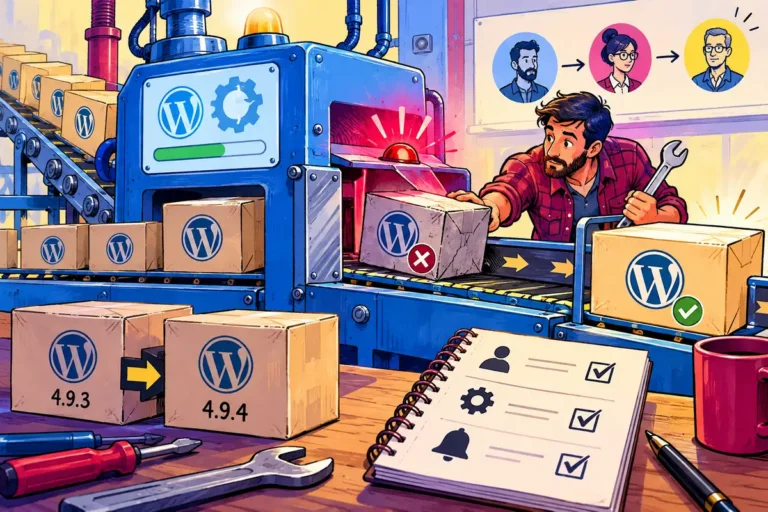
The website is rarely the only thing demanding attention from a small business. That is why maintenance works better as a routine than as a series of emergencies. WordPress 5.4.1, released on 29 April, included security fixes as well as maintenance changes. It is a practical occasion to ask whether the team knows who updates the site, how recovery works and what gets checked afterwards.
Prompt action and controlled action belong together
The official release announcement recommended updating because security issues affected earlier versions. It also described fixes for older supported branches, rather than requiring every site to make an unrelated major-version jump at the same time. The important business decision is to act on an identified security release with a process that can be repeated.
A process does not need a large committee. It needs a responsible person, a known deployment route and a way to establish that the public site is still doing its job. Delaying indefinitely and clicking blindly are both avoidable when those basics are clear.
Make the backup a recovery tool
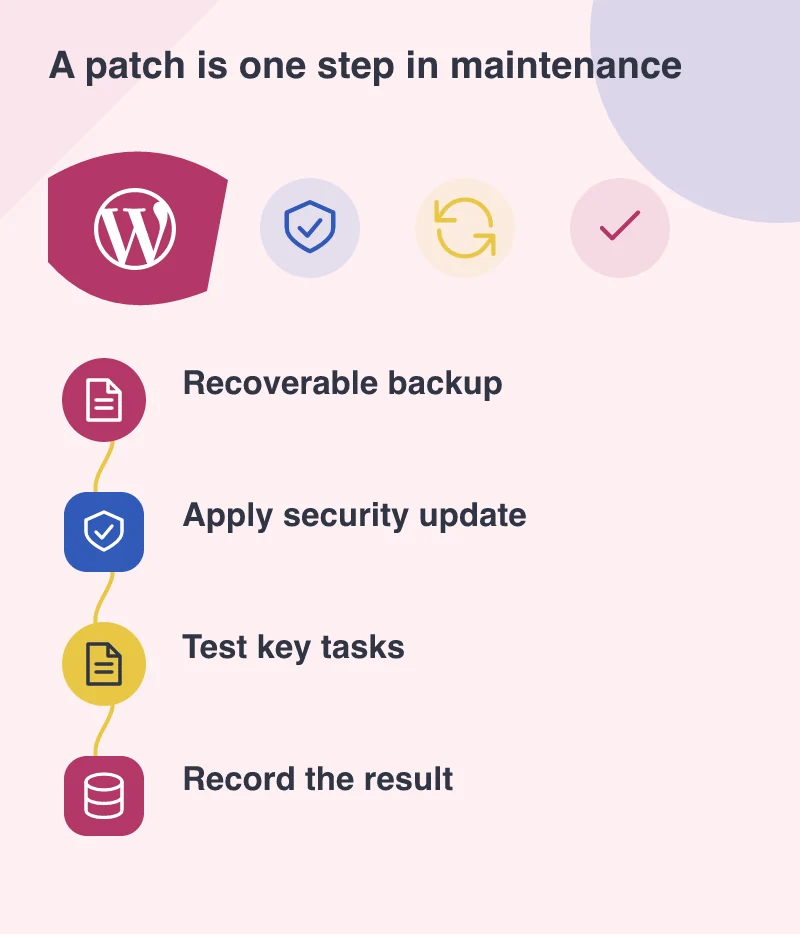
Before maintenance, establish what is being backed up and where the copy lives. WordPress content is in the database, while themes, plugins and uploaded media are files. A partial copy may not be enough to restore the site that customers recognise. Keep the recovery instructions somewhere that does not depend on the website remaining available.
A useful exercise is to restore a backup into a protected test environment. That checks the practical steps rather than merely the presence of a backup file. It also reveals whether an essential setting or external service credential has been left out of the recovery plan.
Test a handful of meaningful journeys
For a service business, the post-update checks could include opening a service page, sending a clearly marked test enquiry and confirming that the responsible inbox receives it. For a shop, they might include product selection, basket changes and the supported payment test route. Pick tasks that would cause real inconvenience if they failed.
Check the editor too. The person responsible for tomorrow’s opening-hours notice needs to be able to sign in and publish. A public homepage that loads correctly does not prove that media uploads, forms and the content workflow are all functioning.
Keep a record that someone else can use
Record the version installed, when the work happened, the checks completed and anything that still needs attention. An ordinary maintenance note becomes valuable when a problem is reported later. It helps distinguish an update-related change from an older issue or an external service interruption.
This approach also makes responsibility easier to discuss with a development partner. Instead of asking whether the website is generally secure, the business can ask who monitors announcements, applies relevant fixes, tests recovery and verifies important tasks. April’s release is one event; the lasting improvement is a care routine that does not depend on somebody remembering the site only when something goes wrong.