An automatic update is valuable precisely because a busy owner should not have to inspect software versions every morning. But automation also needs a way to tell someone when it stops. As March maintenance gets under way, WordPress’s February update incident provides a concrete reason to review that arrangement. A site that appears normal to visitors can still be waiting for a person to finish a maintenance task.
The failure was in the update route
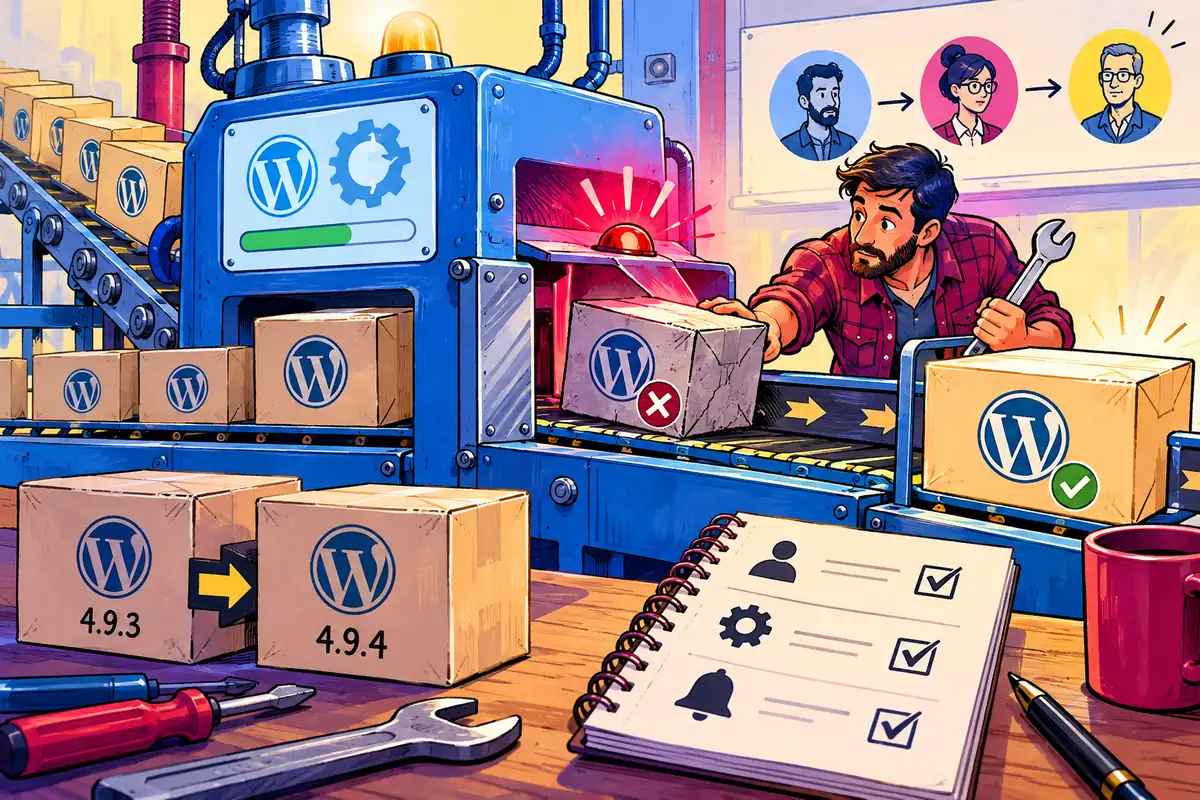
WordPress 4.9.4 was released on 6 February to fix a bug in 4.9.3 that prevented affected sites from updating themselves automatically. The official announcement asked an administrator or host to perform the update through another route. Managed hosts could use their own update tools. That distinction matters: the problem was not evidence that every installation had been compromised, and it was not solved merely by waiting for the same failed process to try again.
Picture a consultancy website whose visible pages continue working throughout this incident. The owner could receive enquiries and reasonably assume everything was maintained. The version in the dashboard, rather than the appearance of the home page, is the evidence needed to establish whether the update actually arrived.
Name the person who handles an exception
A useful maintenance agreement names who checks the update status, who can log in if a manual action is required and how the owner is notified after completion. These may be three different responsibilities. A hosting company might manage WordPress core while a developer maintains paid plugins; the contract should make that boundary understandable without requiring the business owner to interpret a server log.
Keep a second, controlled access route for the responsible administrator. An account belonging to a former employee is a poor dependency. Test account recovery and store the required access securely. The point is to avoid a situation in which a small software problem remains unresolved because nobody knows which person owns the login or the hosting subscription.
Check an update without guessing
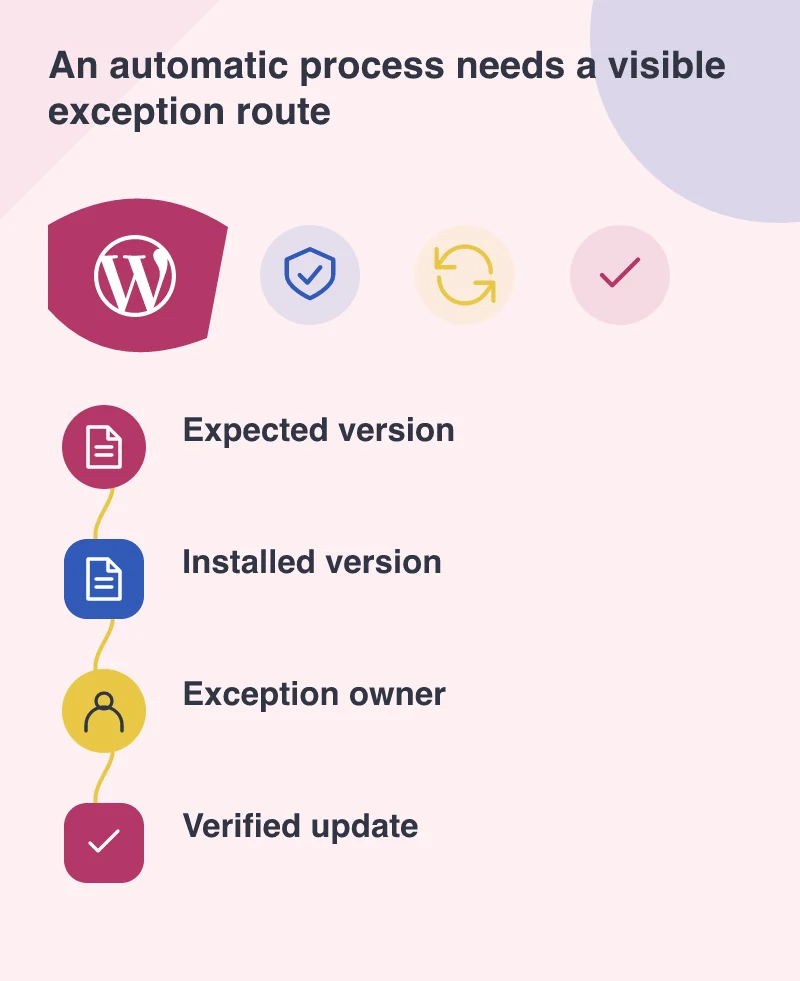
Record the current WordPress version and compare it with the release being deployed. Take an appropriate backup before a manual change, including the database and files needed to restore the site. On a more complicated installation, use a separate copy for compatibility checks while keeping the urgent maintenance decision proportionate to the issue. Copying the site is useful only if the copy represents its actual configuration.
Afterwards, sign in, edit a draft and submit a clearly identified test enquiry. Confirm the message reaches the expected recipient. If the site accepts payments, use its approved test facilities. These checks are deliberately short: they demonstrate that essential journeys survived the change rather than attempting to prove that every possible plugin behaviour is correct.
Make silence meaningful
Ask what happens if the update notification never appears. A scheduled status check can compare the expected version with the installed one and raise an exception. It should also distinguish a failed check from a successful result. Otherwise the monitoring process can become another automation whose silence is mistaken for health.
The sensible outcome is a small, documented routine: normal updates proceed with little attention, failures reach a named person, and completion is verified. February’s specific bug has a specific fix. The broader operating decision for March is to make sure that the next exception, whatever its cause, has somewhere to go.