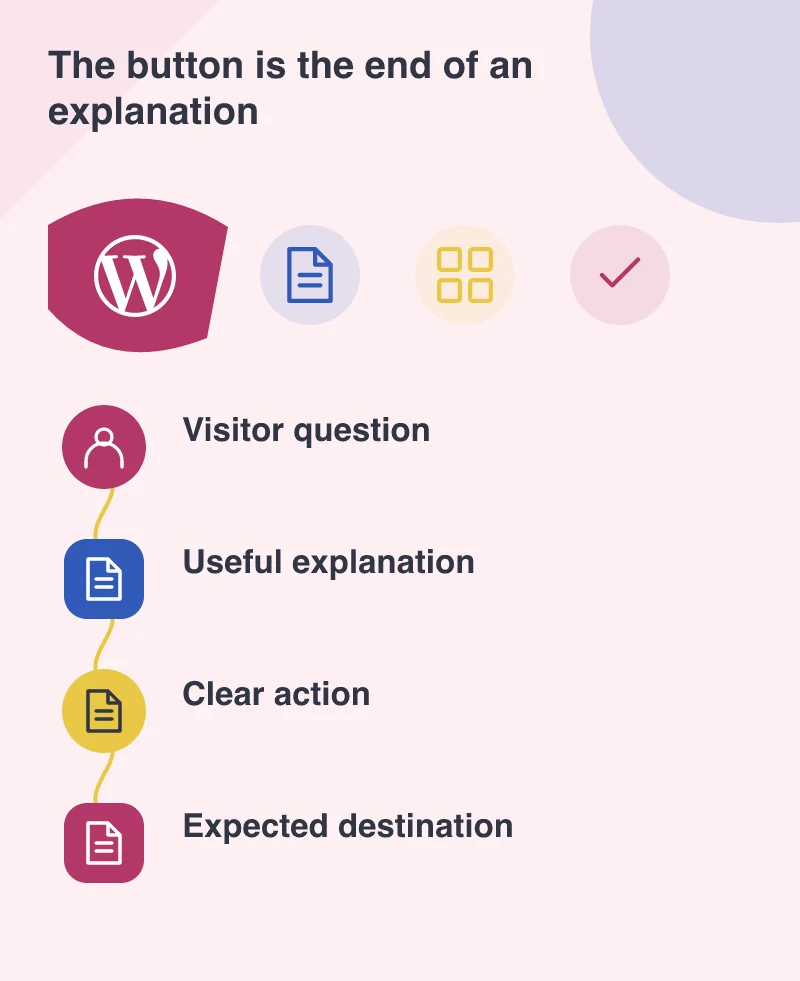
A business page often ends with a button, but the button is only as useful as the explanation leading to it. March’s WordPress 5.4 release makes some everyday publishing tasks more straightforward, including adding groups of buttons and social links. The opportunity is to give editors better control over a visitor’s next step without asking them to construct a page from fragments of custom HTML.
Small blocks can remove recurring work
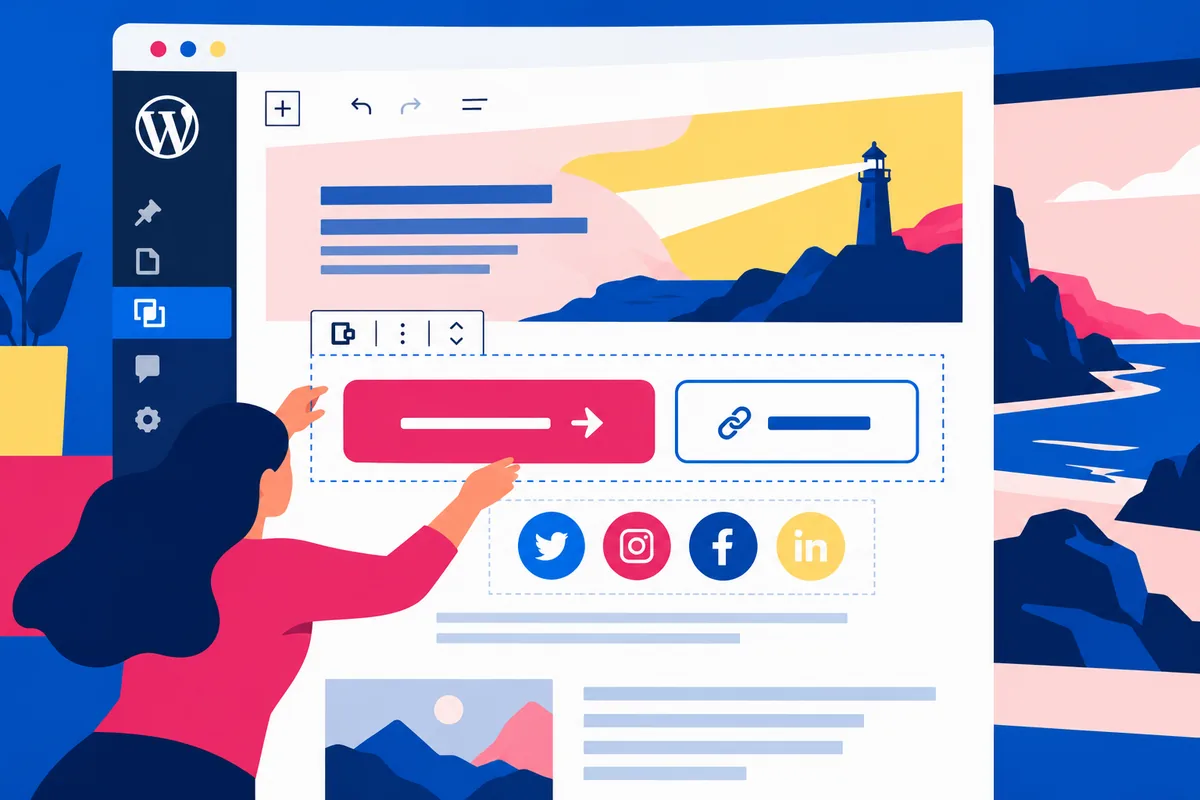
Released on 31 March, WordPress 5.4 introduced Buttons and Social Icons blocks alongside changes to colour controls and editor navigation. These are modest-looking additions with a practical role. An editor can manage familiar interface elements within the publishing workflow instead of relying on a separate workaround for every page.
The release does not decide what a good call to action says. That remains a content and product decision. A business still needs to choose the most useful action, explain what happens after it and avoid presenting every available link with equal emphasis.
Build one deliberate action hierarchy
Imagine a professional-services page describing a website review. The primary button might invite someone to discuss their site, while a secondary link leads to an example of the work. Those actions serve different levels of readiness. Their labels should tell the visitor which route suits them, rather than using the same vague instruction twice.
A row of several bold buttons can look organised while making the decision harder. Start by removing choices that do not belong to the page’s purpose. Then check whether the remaining labels describe an outcome the destination actually provides. The editor’s new control is most valuable when it supports that discipline.
Keep the visual system in the theme
Colour and gradient options can be useful for expression, but they also create opportunities for inconsistency. Agree a restrained set of styles for primary actions, secondary links and social profiles. A theme should give those decisions a reliable starting point so editors do not have to remember colour values and spacing each time.
Test the result with a long label, keyboard navigation and a small screen. A button that looks attractive in a short demonstration may wrap awkwardly in ordinary use. Social links also need meaningful destinations and understandable names; an icon alone does not explain every unfamiliar platform to every visitor.
Use the upgrade to improve the handover
Before updating production, try the release on a copy of the site with the theme and plugins that editors actually use. Work through a real page revision and compare the editor with the public view. The aim is to find whether a common task has become simpler, not merely to confirm that the dashboard opens.
A short handover can then show editors how to choose the right action style, replace a destination and preview their changes. That is a tangible benefit of the release: fewer small requests waiting in a developer’s queue, while the website continues to speak with one clear visual and editorial voice.