A photograph of a machine can mean several things on a website. It might introduce a product, show a control panel or illustrate the difference between two fittings. A description that merely names the machine may be accurate and still miss the information a reader needs.
Start with the image’s job
WordPress 7.0, released on May 20, introduces an AI Client and central connection management. An optional AI plugin can suggest content including alt text. That can help an editor get started, but the appropriate description depends on how the image is being used on the page.
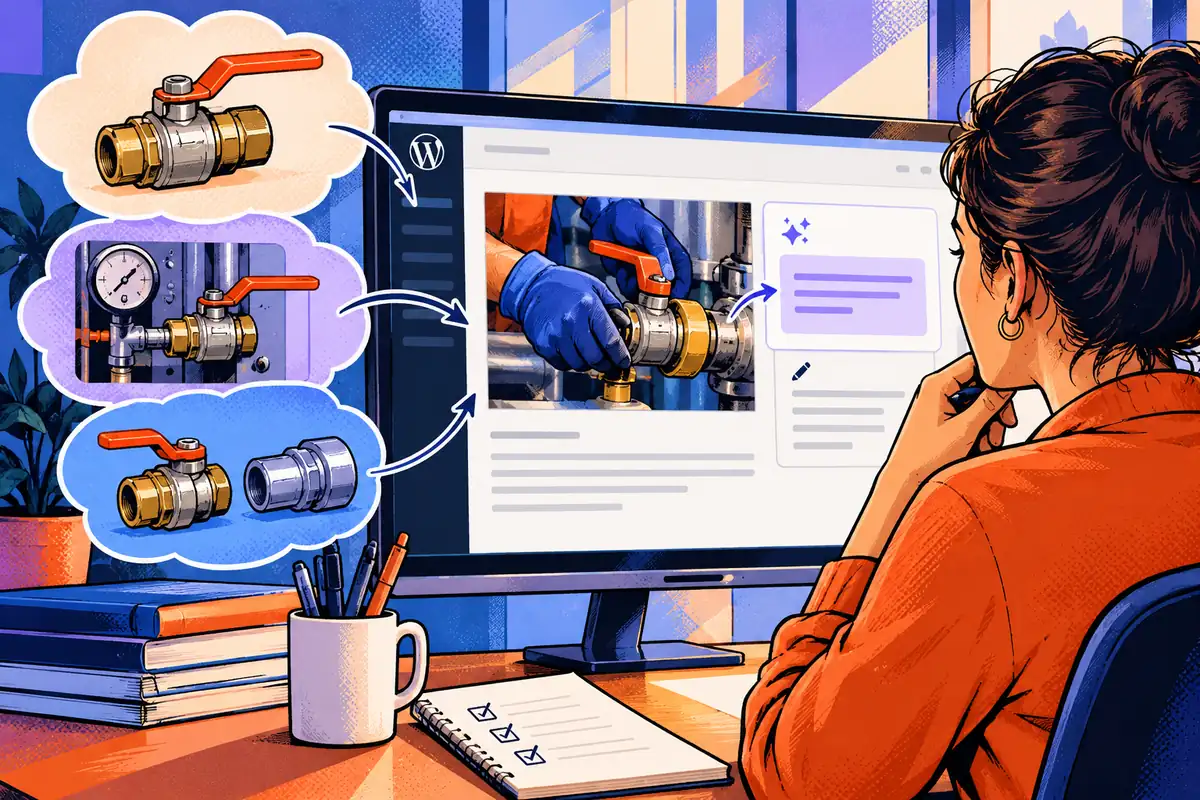
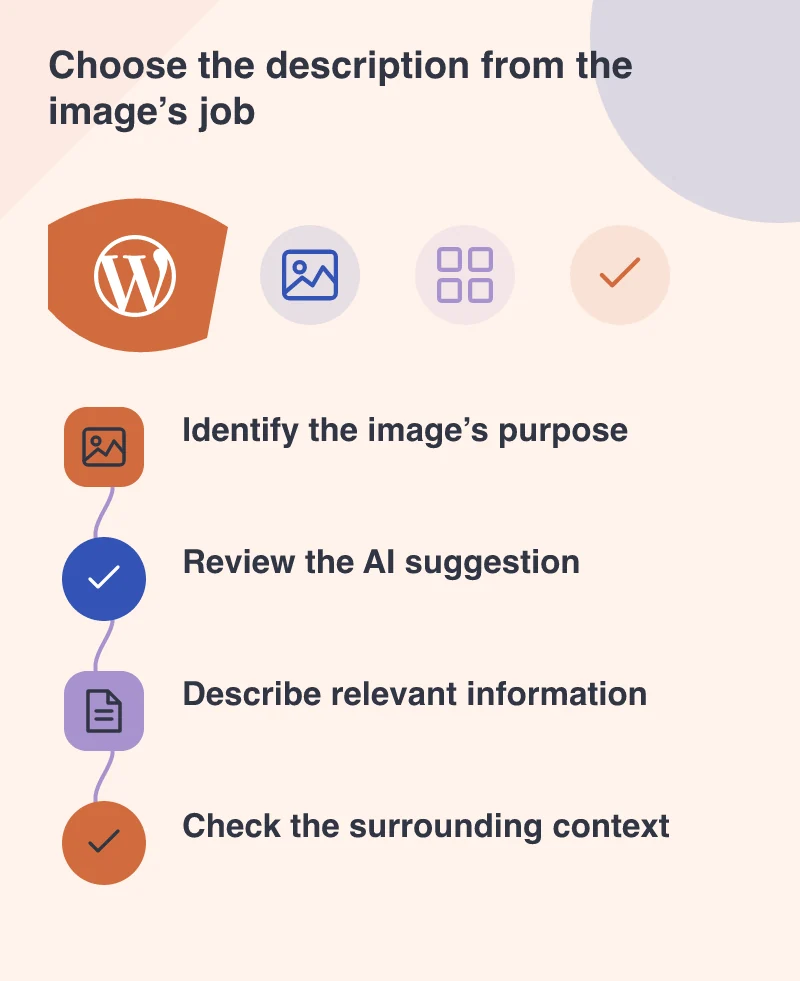
Ask what someone would lose if they could not see it. A product photograph may need to identify the variant. A close-up explaining a connection may need to describe its visible arrangement. The relevant detail is not necessarily the first thing an image model notices.
Keep the surrounding words in view
Imagine a service article showing a technician inspecting a valve. If the paragraph already explains the inspection process, a short description of the photograph may be enough. If the image is the only place showing which connector to use, it carries a different responsibility.
Avoid copying a long caption into every text alternative without considering repetition. The page should make sense when its content is encountered in sequence. An editor needs to review the image, the nearby text and the proposed description together.
Do not turn description into promotion
Alt text is a poor place to repeat slogans or a list of search phrases. A reader seeking the information in the image needs a useful equivalent, not another marketing paragraph. Keep descriptions factual and focused on the image’s role.
For a diagram, a short label may not be sufficient. Provide an accompanying explanation of the process or relationship that the graphic communicates. AI can help draft that explanation too, but the business needs to confirm that the labels and sequence match the actual service.
For repeated product images, review a small representative set before applying a shared approach. Different variants may need different identifying details. A template that describes only the product family can erase the distinction the photograph is supposed to explain.
Make review an ordinary publishing step
Put the suggestion where the editor can inspect and change it. A missing description should be visible in the workflow, while decorative images should have an appropriate treatment. Avoid turning a generated sentence into a hidden checkbox that nobody reads.
This is a small but worthwhile use of AI in a content team. It can reduce the friction of starting a description and encourage attention to neglected images. The editor’s judgement makes the result useful: what matters here, what is already explained, and what the reader needs to know.