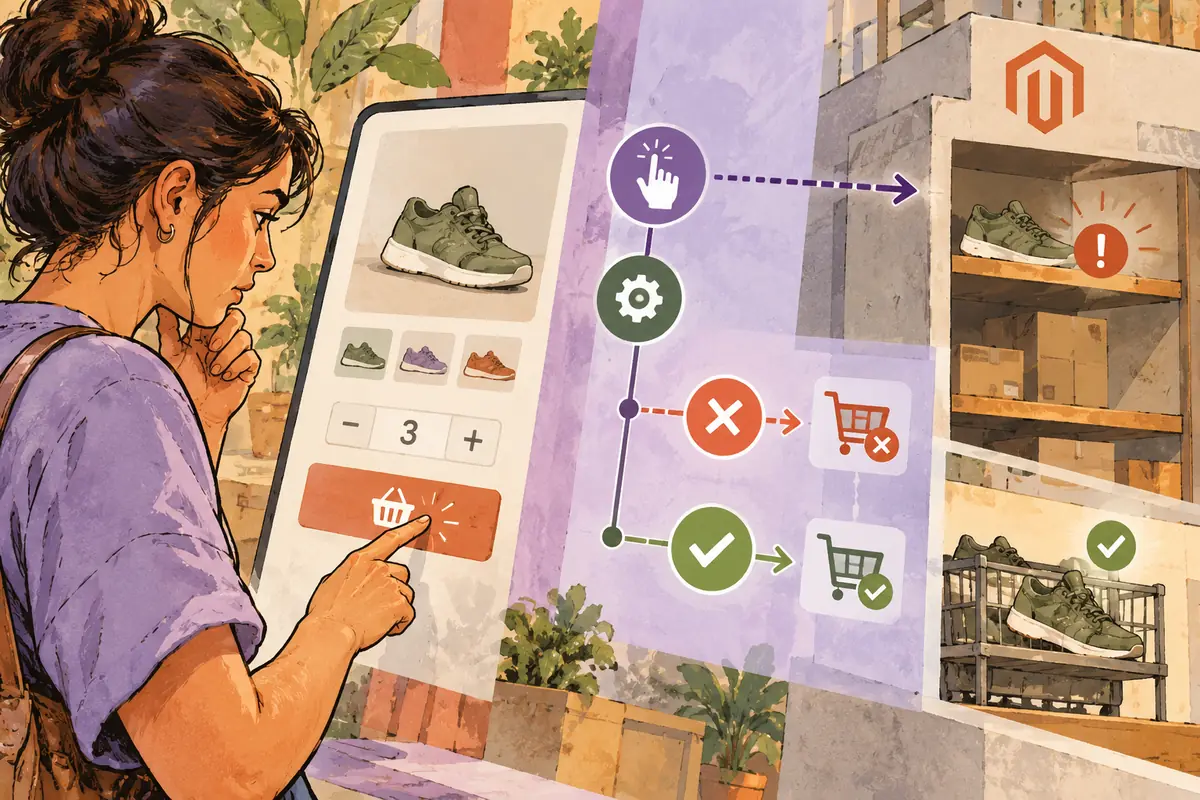
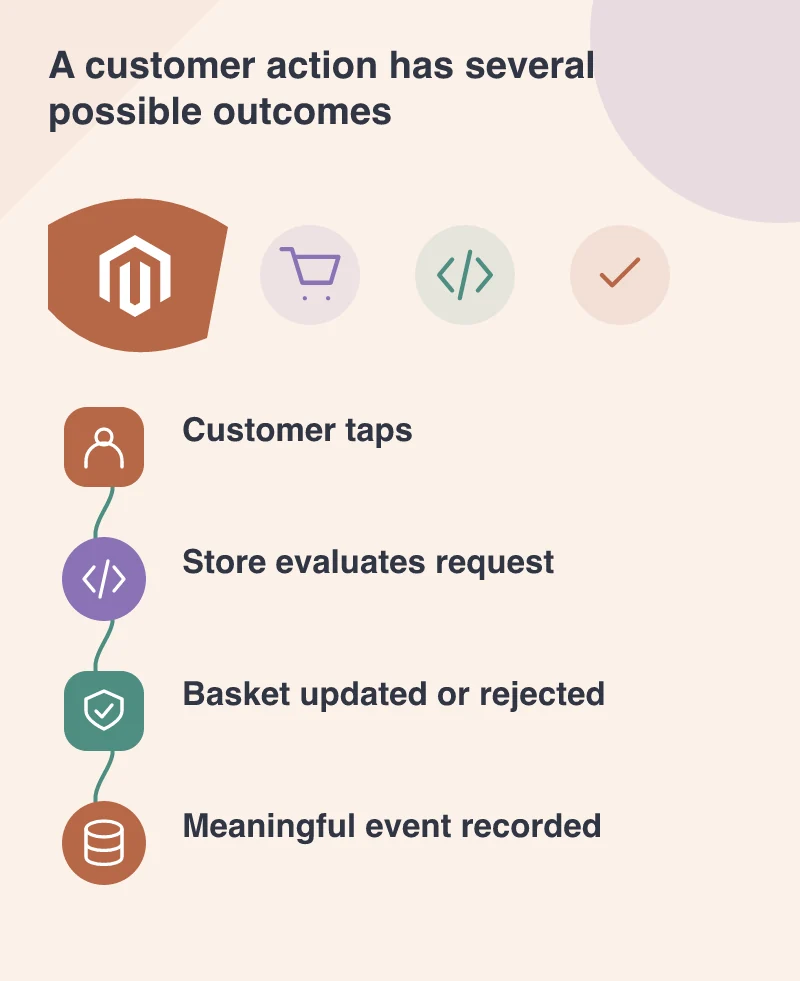
A customer taps Add to Basket. The store rejects the quantity because stock has changed. If the analytics still records an ordinary successful addition, the report and the customer have experienced different journeys. PWA Studio 12.5’s June eventing framework gives headless teams a good reason to define their measurements before sending more data to more services. The important work is a shared vocabulary. An event should mean something the commercial, support and development teams can explain consistently.
Define the business moment
The 28 June release introduces a framework for publishing and subscribing to application events, with coverage including cart operations, product interactions, searches, page views and account actions. That supplies a technical route for measurement. The store still needs to decide which event represents a request, which represents a confirmed state and how failures are distinguished.
Start with a small event dictionary. Name the event, the moment it is emitted and the information necessary to interpret it. If two colleagues would describe the event differently, the definition is not yet ready to become a dashboard.
Trace one ordinary purchase attempt
Picture a shopper selecting a variation, adding it, changing the quantity and returning to the product page. Follow that sequence through the interface and the event record. Check whether repeated taps, network retries and rejected requests create duplicates or misleading success counts.
Then test an unavailable variation. The resulting evidence should help the team understand the problem the customer encountered rather than classify every tap as progress towards a sale. A smaller, trustworthy dataset can be more useful than a detailed record whose meanings change between components.
Collect the information the question needs
An event designed to understand a basket error may need a product context and an error category. It does not automatically need the customer’s message, email address or every field on the screen. Decide the purpose before choosing the payload and destination. Respect the application’s relevant user choices and data-handling requirements.
Keep measurement code out of the way of the task itself. A customer should not lose the ability to complete a purchase because a secondary reporting endpoint is unavailable. Test that failure separately from the commerce operation.
Put the definition beside the report
When a dashboard shows a number, the team should know what was counted and which states were excluded. Preserve that definition when the storefront changes. A new component or extension may need to emit the same business event even if its internal implementation is different.
Put the event definition beside the report, including what the storefront knows at the moment it emits it. A colleague should be able to explain whether a count means attempted actions or accepted basket changes. That distinction turns instrumentation into information the business can use.