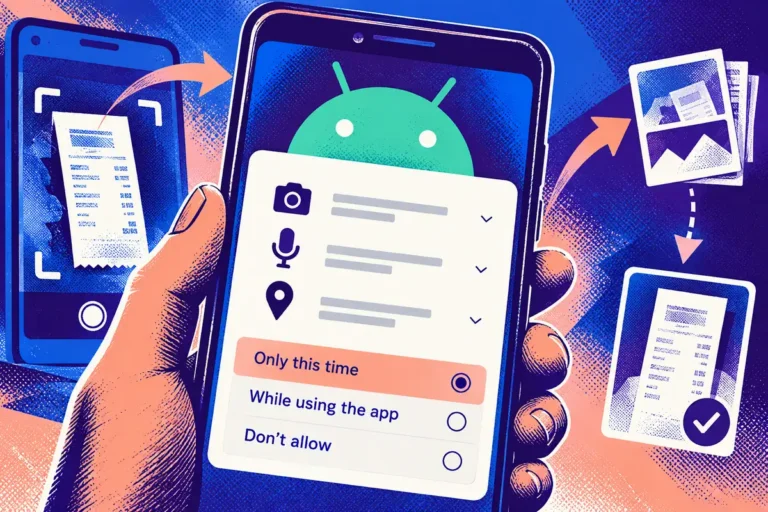
A customer grants an app access once, completes a task and comes back a week later. The next visit should not become a puzzle about settings or a dead end that looks like a broken feature. Android 11’s September release brings privacy and permission behaviour into the everyday product conversation. Compatibility testing needs to cover what happens between visits, not only whether a new installation opens successfully.
The release changes the testing context
Google released Android 11 on 8 September, with changes spanning conversations, device controls, privacy and permissions. One-time permissions are particularly relevant to apps that use the camera, microphone or location. A business should review how its application responds when access is temporary or unavailable, rather than assuming permission remains a permanent background condition.
The broader point is continuity. A customer thinks about capturing a document, checking a booking or recording a visit. They do not organise their task around the application’s internal permission state. The interface needs to translate that state into a sensible next step.
Try a realistic interruption
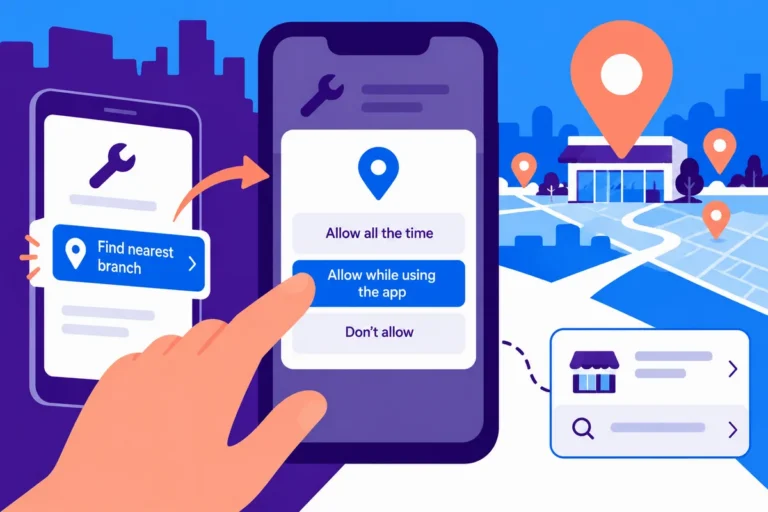
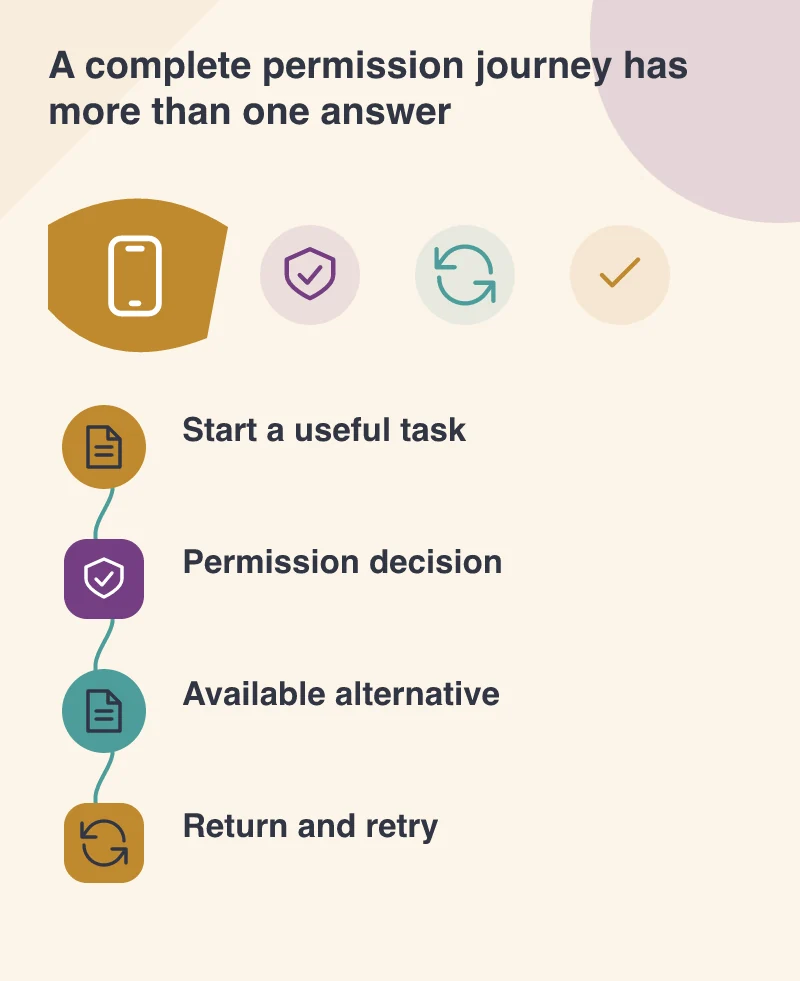
Consider a delivery application used by a small field team. Start a job, grant location access, leave the app and return later. Check whether the job remains understandable and whether the app asks for access in the right context. Then repeat the journey with access declined.
A calm explanation is better than a repeated request with no new information. If an alternative is possible, such as entering an address manually, make it discoverable. If a particular operation genuinely cannot continue, explain why and preserve any work that can safely be kept.
Include the software around your own code
Mobile applications often contain SDKs for maps, messaging, analytics or account access. Test the supported versions of those dependencies with the platform update. An apparently small change in an external library can affect the permission prompt, the timing of a screen transition or the state restored after returning to the app.
Give suppliers precise reproduction steps when a problem appears. Include the device, app build, permission choice and task being attempted. That creates a shared investigation rather than a vague complaint that the new Android version is incompatible.
Release with an observation plan
Before distributing an update, confirm the ordinary tasks on a representative set of devices and accounts. Check sign-in, navigation, forms and the functions that depend on sensitive access. A focused compatibility update can be more useful than adding new features while unresolved problems remain in the existing journey.
After release, provide the support team with the wording customers will see and the steps they can use to recover. The goal in September 2020 is a familiar service that behaves predictably on the new platform. Good permission design makes the boundary visible without making the customer feel responsible for understanding how the application is built.
A simple support note can list the expected permission choices and the available recovery route. That keeps customer advice consistent with the interface instead of relying on improvised instructions about system settings.