A customer opens a new app and immediately faces requests for the camera, microphone and location. None of those requests explains the service they came to use. February’s first Android 11 developer preview is a useful prompt to rethink that experience. Permission handling is part of the product conversation: the app asks for access, the person decides whether the reason is convincing, and the task should still make sense afterwards.
An early look at a changing boundary
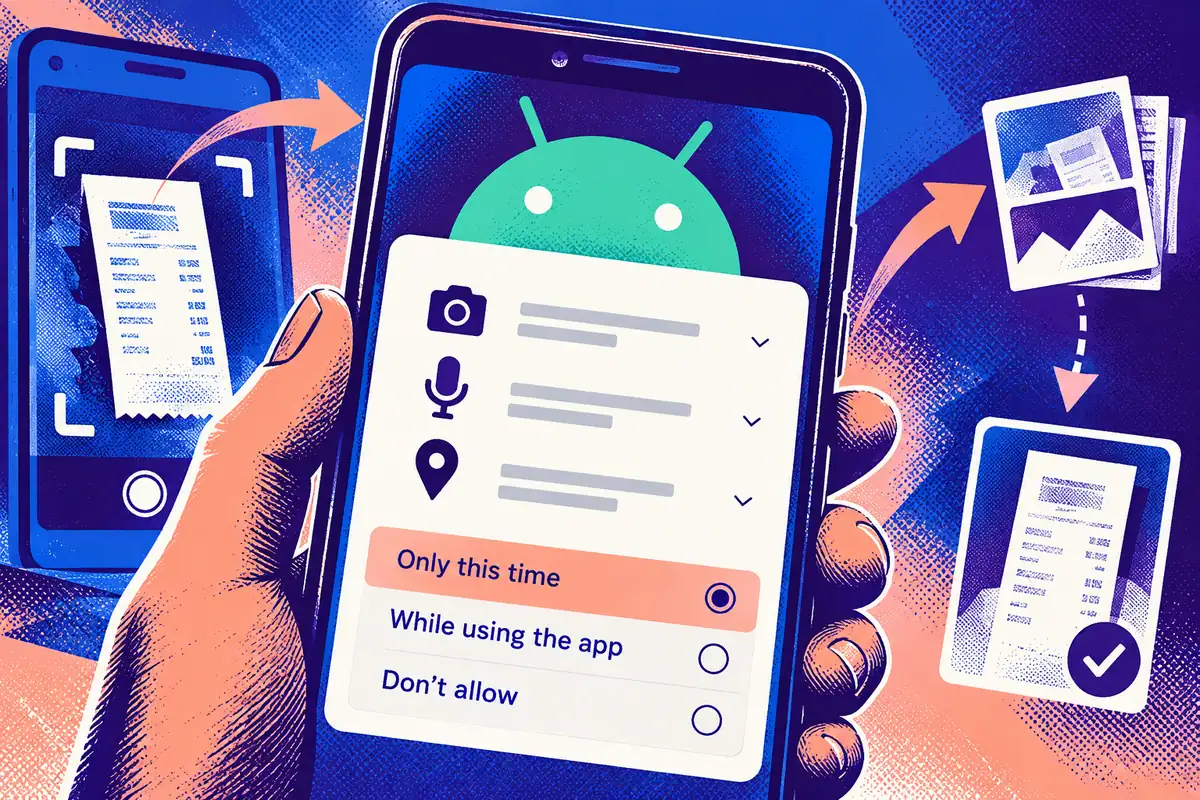
Google released the first Android 11 developer preview on 19 February. Among the early privacy changes was a one-time permission option for sensitive access such as location, microphone and camera. This was a developer preview, not a finished consumer release. Its value to an app team was the opportunity to inspect assumptions and report problems while the platform was still being developed.
An app cannot safely assume that a previous permission decision lasts forever. The person may grant access for one task and expect another choice later. Product design and application state need to handle that possibility together.
Start with the reason someone opened the app
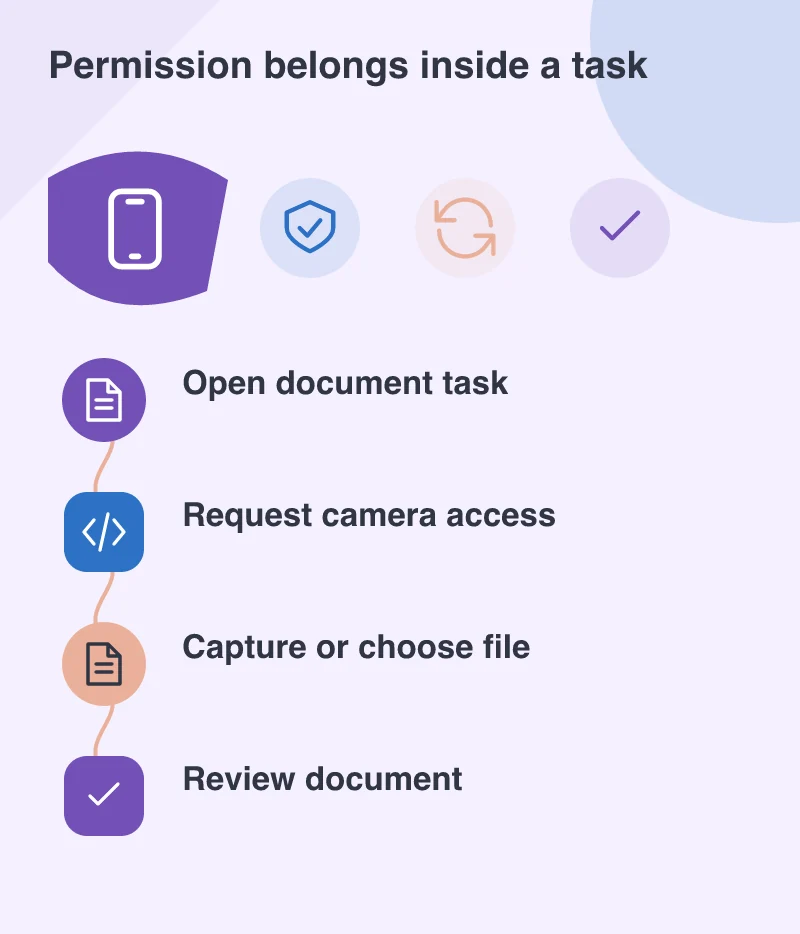
Imagine a document-scanning app. The user chooses to scan a receipt, sees a brief explanation of why the camera is needed and then encounters the system permission request. If they decline, the app can offer file selection or explain how to return to scanning. A blank screen or repeated prompt would leave them unsure whether anything had broken.
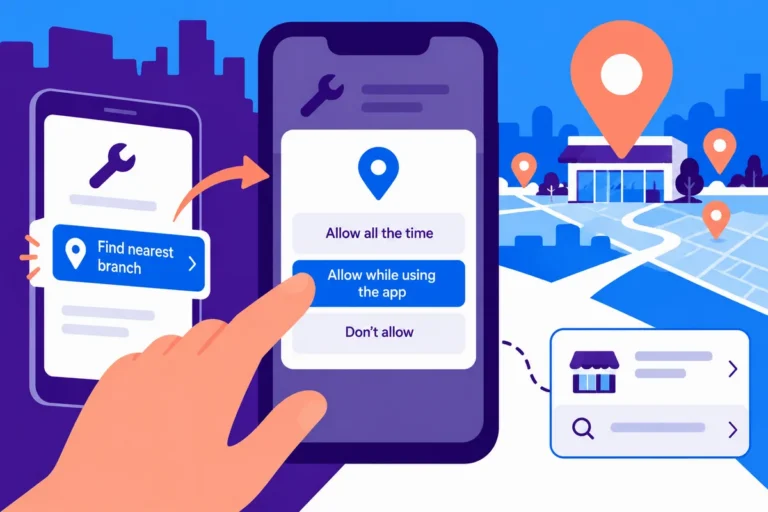
The same principle applies to a field-service app requesting location. Asking when someone records a visit provides context that an unexplained request at launch cannot. The wording should describe the immediate task, without claiming that access is essential for unrelated parts of the application.
Test the second visit as carefully as the first
A permission test should include granting access, declining it, leaving the app and returning. It should also include changing a permission through system settings. These journeys expose state-management problems that a single successful test on a developer’s phone may miss.
Record what remains available in each state. Can the customer view existing records? Can they save work before resolving the permission issue? Does the explanation fit on a small screen and remain understandable with larger text? The goal is continuity of the task, rather than persuading every person to choose the same answer.
Make a promise the implementation can keep
Permission copy creates an expectation about data use. If the interface says the camera is used to capture a receipt, the application’s behaviour and supporting services should respect that scope. Review unnecessary requests and SDK requirements before polishing the explanation. Better wording cannot repair a feature that asks for more access than its task needs.
For businesses planning Android work in February 2020, the preview provides a concrete testing opportunity. It also offers a useful design discipline: earn access through a clear purpose, handle refusal calmly and let the customer understand what happens next. Those decisions make a mobile product easier to trust even before a new platform version is ready for general use.