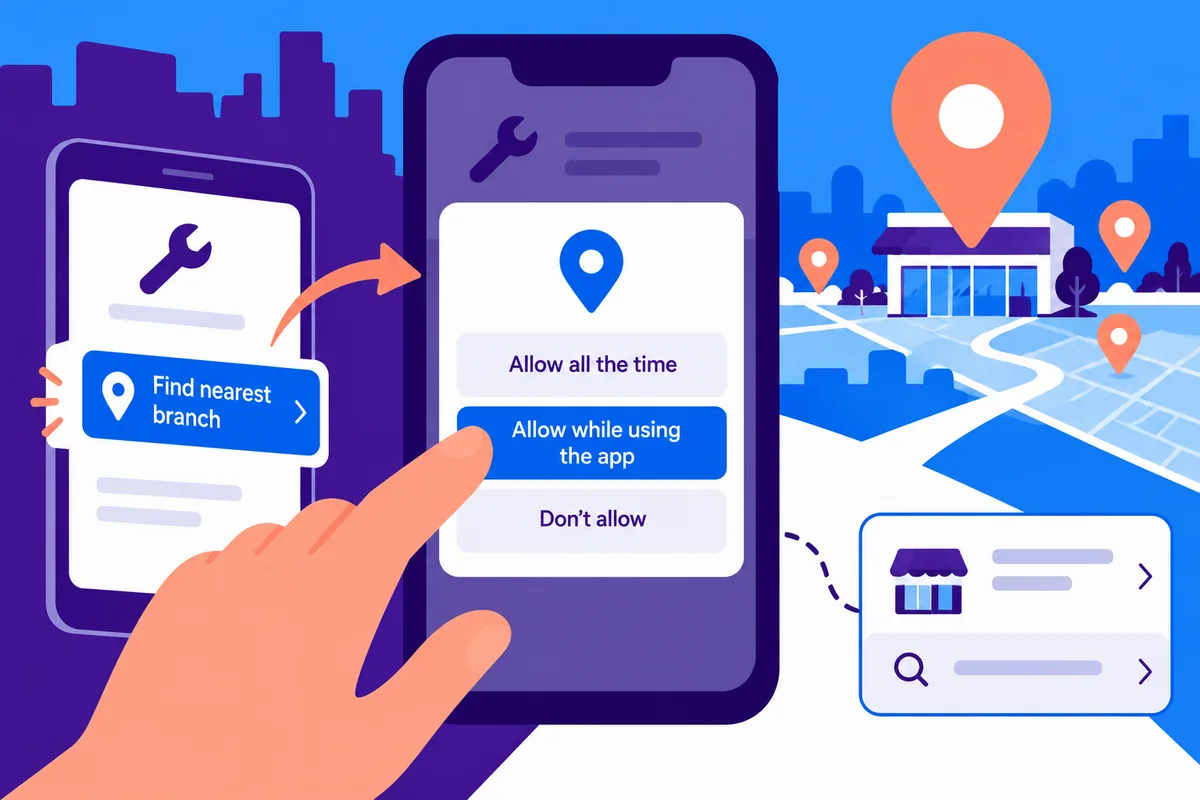
A delivery app and a brochure app have very different reasons to ask where someone is. The permission dialog cannot explain that difference on its own. Android 10, released on 3 September, adds a location option allowing access only while the app is in use. For a business app, this is a chance to be more precise about the feature: what information does it need, when does it need it and what can the person do without it?
Ask at the moment the reason becomes clear
Imagine a service-booking app offering to find the nearest branch. Asking for location after the person chooses that action is easier to understand than asking on the first screen before any benefit is visible. Explain the purpose in ordinary language and let the operating system present the actual permission choice.
If entering a town or postcode can perform the task, keep that route available. A refusal should not disable unrelated information about services or contact details. The person may be protecting privacy, using a shared device or simply choosing not to grant access. The interface does not need to speculate about the reason in order to respond well.
Foreground access and background access are different promises
Android 10’s while-in-use option gives people a narrower choice than unrestricted access. Review the app’s behaviour when it leaves the foreground. A feature that quietly assumes continued location access can fail or produce misleading status information. Have the mobile team identify the exact dependency rather than treating the change as a wording exercise.
For a genuine ongoing tracking function, explain the need, visible state and stopping behaviour carefully. Do not disguise continuous collection as a one-time nearby search. The appropriate implementation depends on the purpose and applicable requirements; a stronger business justification is needed than the possibility that the data might be useful later.
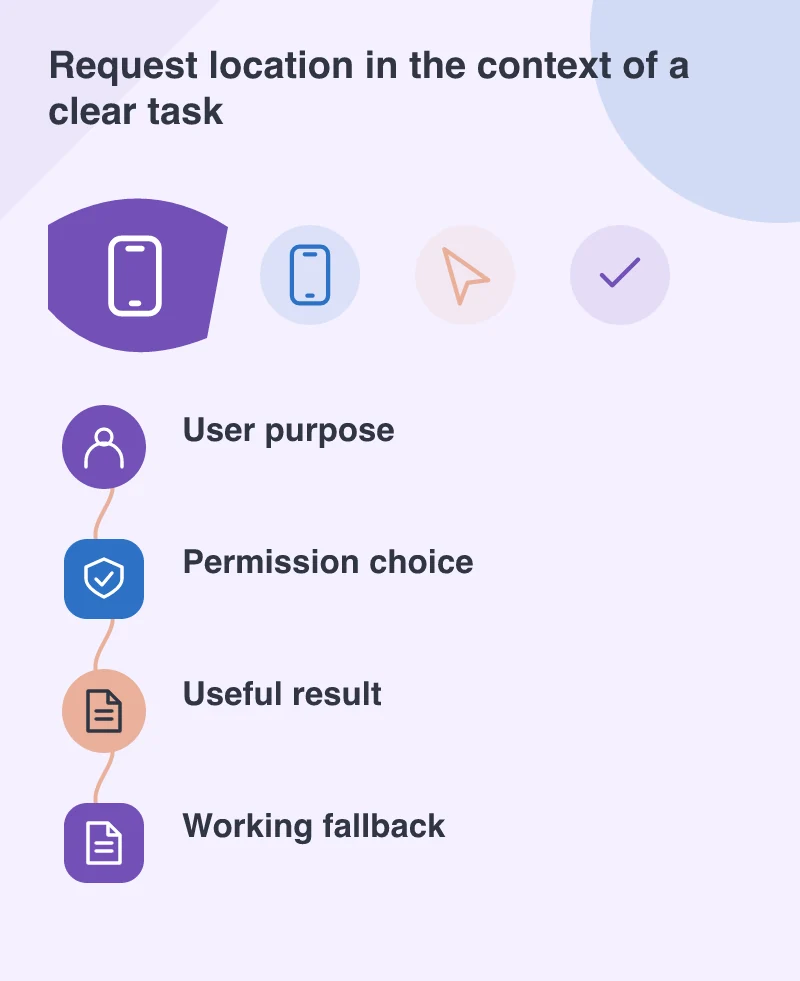
Test the permission as a changing state
Try a fresh installation, a refusal and a permission revoked after the app has been used. Return from settings and repeat the task. Check that the app does not crash, display a stale result as current or repeatedly demand the same access without explaining the choice. Show a clear fallback when location is unavailable.
Also review any SDK that uses location on the app’s behalf. A third-party component is still part of the experience the business offers. The owner needs to know which feature uses the data and which provider receives it. Keep that account consistent with the explanation shown to users.
Make the result worth the request
Even a well-timed permission request is irritating if the resulting feature is poor. A nearby-branch list should show enough information to choose: distance where appropriate, opening details and a clear contact or directions route. A pin alone may leave the user with another task to solve.
Android 10 starts rolling out with Pixel devices, while the business still supports other phones and versions. Keep a representative test range and preserve a coherent fallback. The best outcome is a feature people can choose confidently because its purpose is clear and the app respects the answer they give.