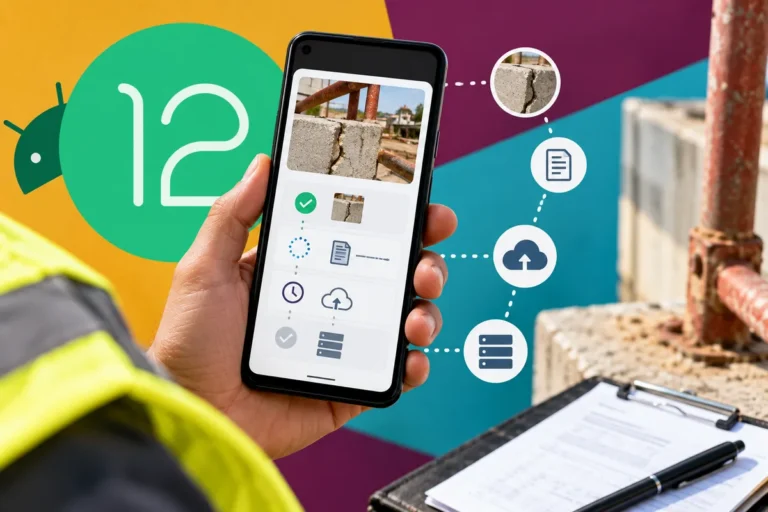
An operating-system announcement arrives in a single headline. Customers encounter the change through a much less tidy sequence of devices, updates and personal choices. Android 12’s October release to AOSP is an important platform milestone, but a business app cannot treat it as the day every customer receives the same software. The release plan needs to account for the variety already present in the audience.
Keep the milestones separate
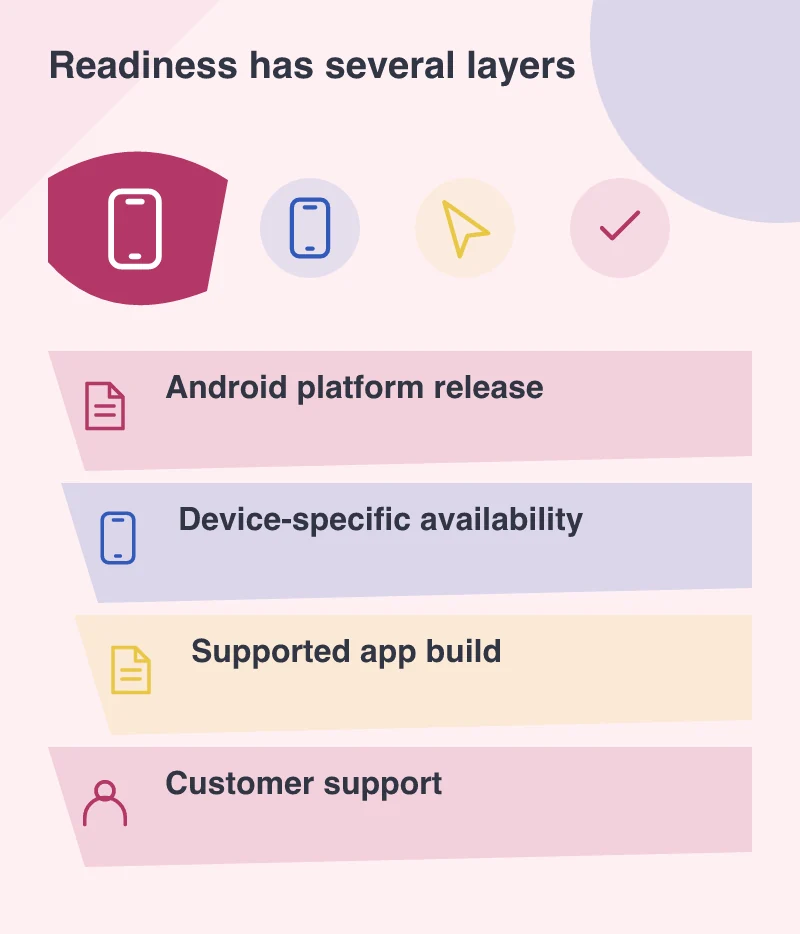
Google released Android 12 to AOSP on 4 October and described the following device rollout. That source release gives developers a stable platform reference. It does not establish that every manufacturer’s supported phones receive the update at once, or that customers install it immediately.
For a product owner, the relevant list is the app’s supported devices and versions. Use that list to decide where testing and support effort belongs. A release checklist built only around the developer’s newest phone can miss the device that a field team or customer group actually uses.
Revisit the task the app exists to support
Imagine a booking application used by customers during a working day. Signing in, finding the next appointment and changing a detail matter more than demonstrating every new system capability. Exercise those tasks on the relevant platform versions before expanding the product’s feature list.
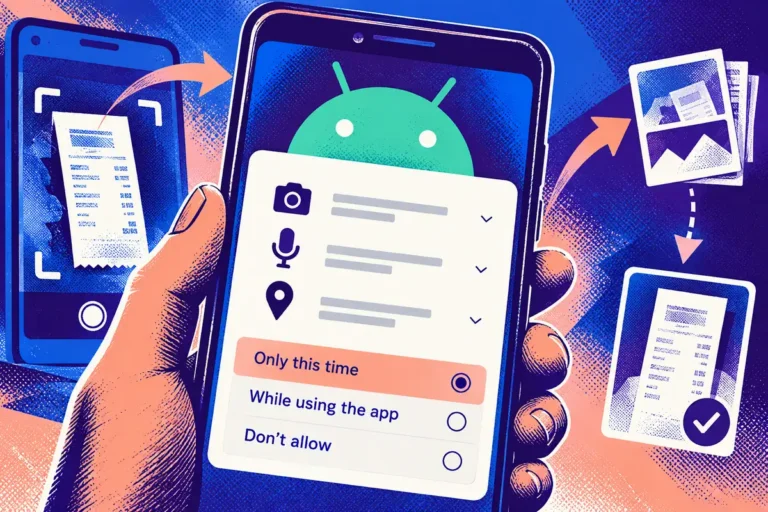
Include interruptions. Follow a notification, leave for another application and return to an unfinished form. Check permissions and saved state. A compatibility problem often appears between screens rather than on the opening view that receives the most attention.
Let the interface respond to the person’s settings
Text size, contrast preferences and accessibility tools are part of the real device environment. Test whether a longer label still fits and whether controls remain discoverable when the interface changes scale. A screen that is attractive only under the default demonstration settings is not a complete mobile design.
Do the same with navigation conventions and system surfaces the app relies on. The objective is a recognisable service that belongs on the device, not an isolated visual layer that fights the person’s chosen way of using it.
Give support a useful release note
Explain which app build has been tested, what a customer may notice and how to report a problem. Ask for the device, operating-system version, app version and task involved. That is enough to begin a focused investigation without asking the customer to become a developer.
Keep a route for an issue that affects an essential operation. A business should know who can assess and distribute a corrective app update, and how customers will be told about it.
Choose enhancements after readiness
New platform features can be valuable, but they should enter the product because they improve a task. A staged approach lets the team establish compatibility before introducing additional behaviour that makes diagnosis harder.
Keep the release milestones in the support plan alongside the devices the business actually supports. A platform announcement starts the readiness work. The evidence comes from the familiar customer journeys that continue to function as people receive the update on different days.