An app may look quiet while it is still doing a great deal: refreshing information, scheduling a transfer or waking a service. Those choices affect reliability as well as battery use and privacy expectations. The first Android 12 developer preview, released in February, is a useful occasion to inspect background assumptions before they become hard to separate from the product’s ordinary behaviour.
Use the preview as a test environment
Google’s 18 February release is intended for developer testing and feedback. It includes early privacy, security and behaviour changes rather than a finished consumer experience. A business should therefore use it to investigate its supported app and dependencies, not as a reason to replace the software on the team’s ordinary working phones.
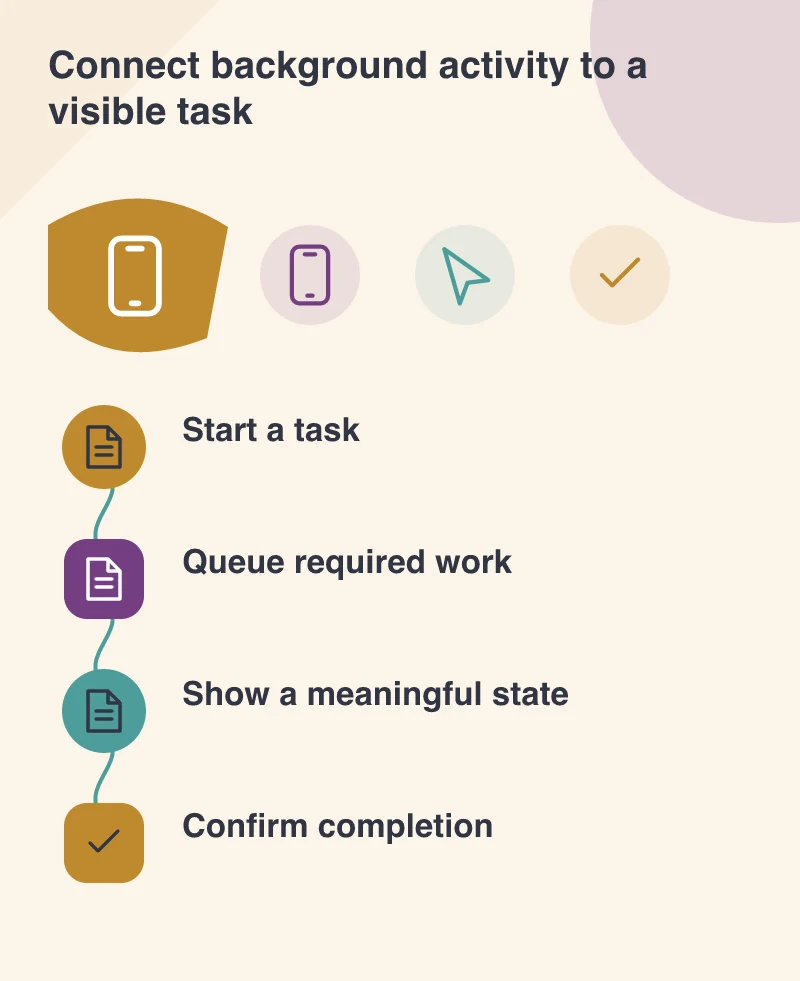
Begin with the tasks the application must complete. A sync operation for a field worker has a different urgency from refreshing decorative content. Making that distinction explicit helps a developer choose an appropriate implementation and a designer choose an honest status message.
Show what is happening to the person waiting
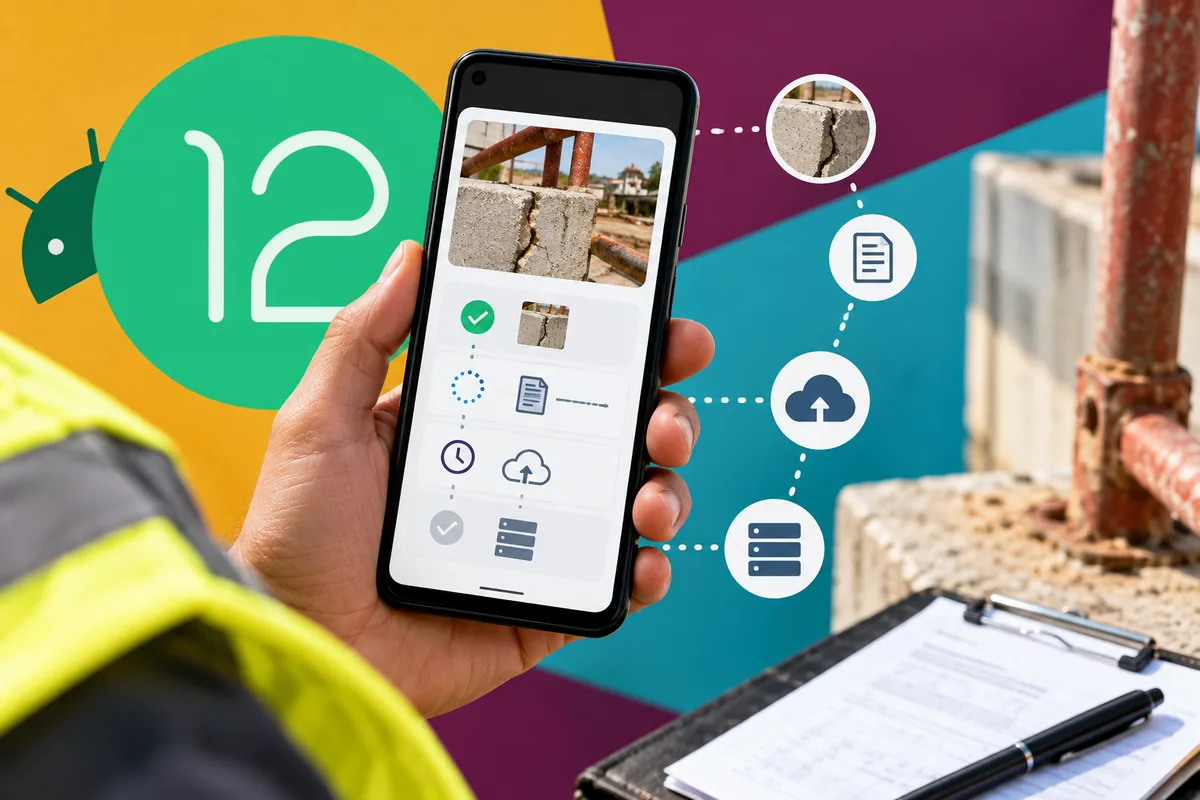
Consider a inspection app that uploads a photograph and a short report. If the connection drops, the user needs to know whether the work is saved, queued or complete. A spinner that runs indefinitely gives no useful answer. An optimistic confirmation before the server has accepted the report can be more misleading still.
Design the task states in plain language and test the transitions. Leave the app during an upload, return after a delay and try again after a failed connection. Those journeys are part of using a mobile service, not exceptions that can be postponed until after launch.
Review dependencies alongside your own implementation
A maps, messaging or analytics SDK may start work that the product team rarely sees. Check the supported versions and the supplier’s compatibility information. If a dependency requires a behaviour that the app no longer needs, the preview period is a useful time to question that cost.
Keep the investigation focused on evidence. Record the device, application build, task and interruption that reproduce a problem. That gives a supplier something actionable and helps the business understand whether the issue affects a critical customer journey or an optional enhancement.
Define success beyond opening the first screen
A compatibility review should include sign-in, notifications, deep links, file handling and the tasks that leave or re-enter the application. Choose the relevant set for the product rather than mechanically testing features it does not use. Check that unfinished work remains understandable after the interruption.
Removing an unnecessary background upload can be as valuable as adding a visible feature. It reduces the work the app must coordinate and the number of states a customer has to understand. Let the preview reveal those assumptions before they become release-day surprises.