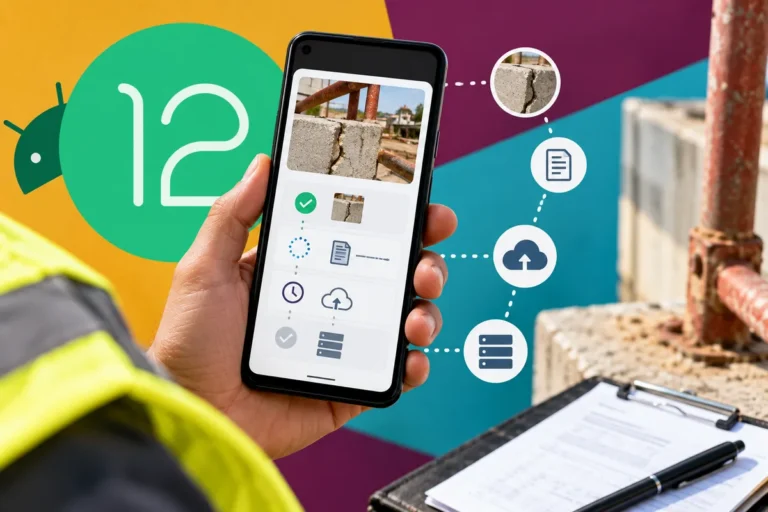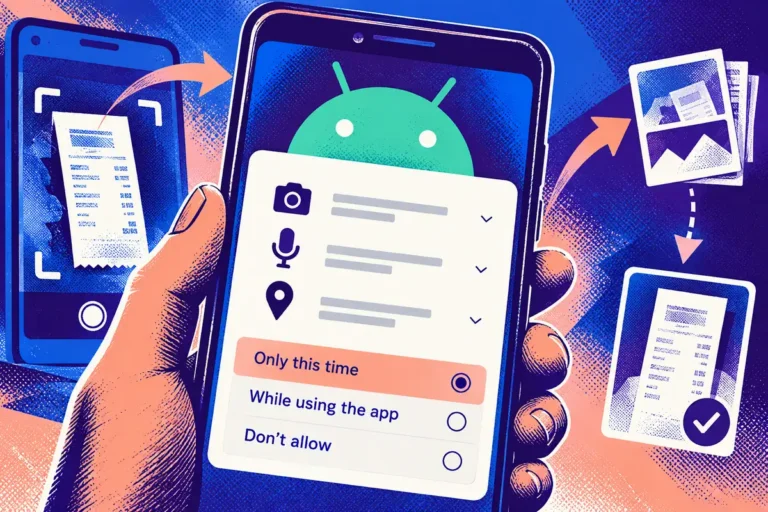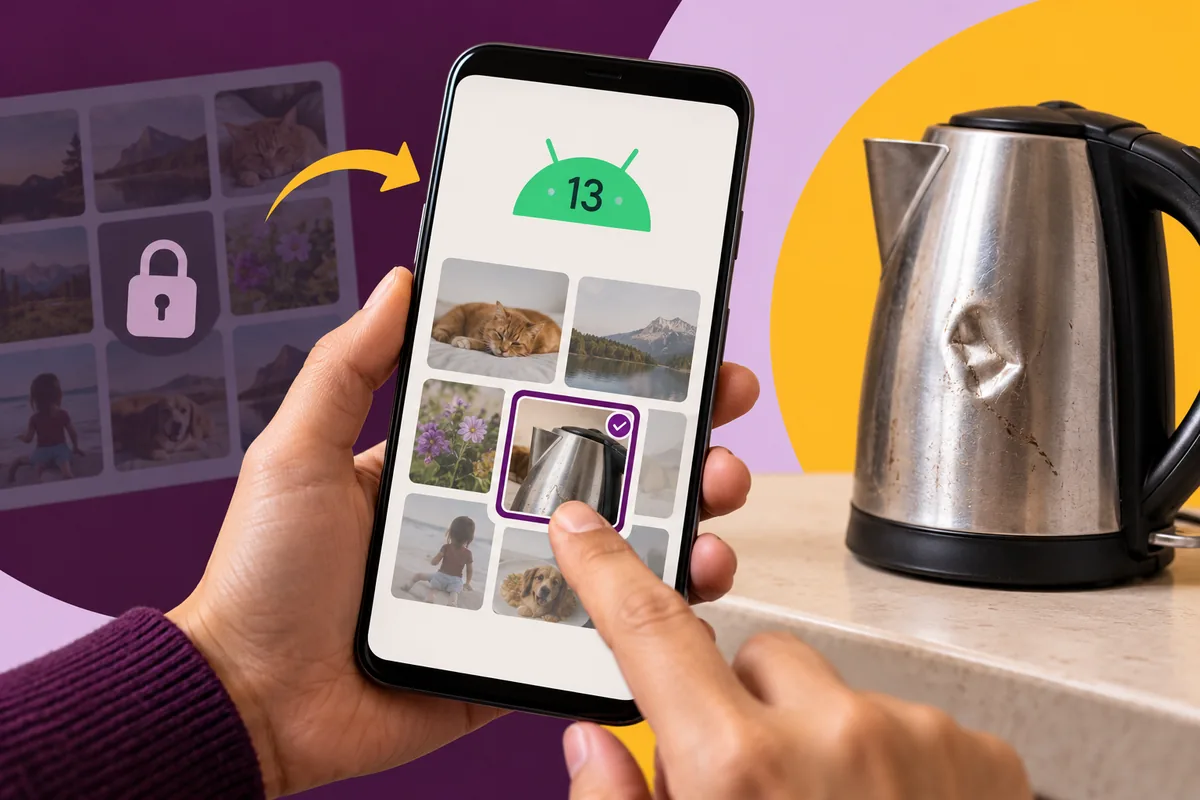
A customer wants to attach one photograph to a support request. Asking for broad access to their media library can feel disproportionate to that small task. Android 13’s first developer preview introduces a photo picker designed around selected media. For a business app team in February, that is a chance to reconsider what the application needs to access and what the customer thinks they are handing over.
Keep the preview in its proper context
Google’s 10 February announcement describes an early Android 13 developer preview. The photo-picker work is part of that evolving platform, with plans for wider availability through supported mechanisms. A product should not assume every device already has the final behaviour or remove an existing supported selection route on the strength of a preview announcement.
Use the release to investigate the task and test compatibility. The narrow-access principle can inform the design even while implementation support is being assessed.
Put selection next to the reason for it
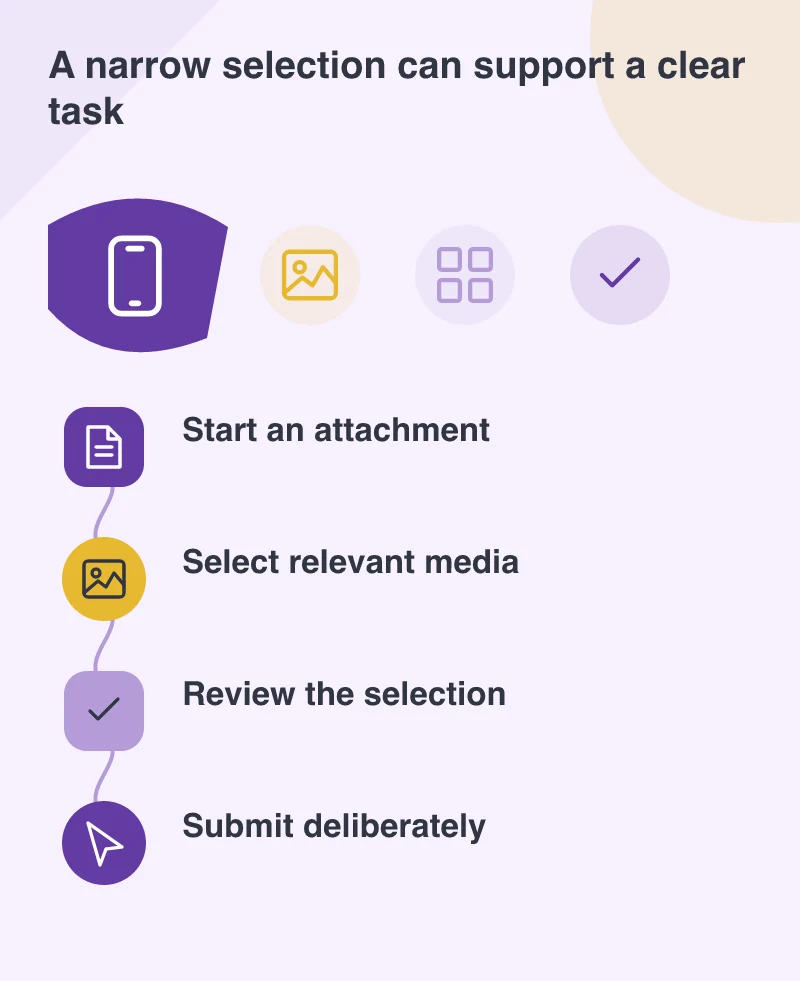
Picture a warranty-enquiry app asking for a photograph of a damaged item. The user should understand which image is useful and why the team needs it before entering the selection screen. A clear instruction can prevent several rounds of support messages caused by a photograph that does not show the relevant detail.
After selection, show what will be attached. Give the person a way to remove or replace it before submission. The system picker can handle choosing media; the business application still owns the explanation and review around that choice.
Treat the photograph as more than a filename
An image can include a face, a home address or information in the background. A customer may not notice those details when selecting it. A review step and a proportionate explanation of where the attachment will go help the person make an informed decision about the material being shared.
Avoid adding technical detail to the customer interface unless it helps that decision. The person does not need to understand platform APIs to understand that a photograph will be sent to the support team.
Test cancellation and returning
Leave the picker without choosing anything, choose an unexpectedly large image and return after the app has been interrupted. The form should preserve the work it can safely keep and explain any attachment that is no longer available. These states belong to the normal use of a phone.
The support recipient should also be able to identify the attachment’s connection to the enquiry. A successfully uploaded file is not useful if its context is lost.
Build around the smallest useful request
Design around the smallest access the task needs, with a clear recovery route if a person declines. The app can explain the selected image and let the customer change it before submission. That is a more useful starting point than asking for a whole library by habit.