
A mobile app stretched across a tablet can feel like a phone screenshot with extra empty space. A cramped split-screen view can fail in the opposite direction, hiding the control someone needs to finish a task. Android 15’s second beta arrives in May alongside guidance on adaptive apps. It is a useful prompt to design around the available window, rather than one assumed device shape.
Start with the relationship between the screens
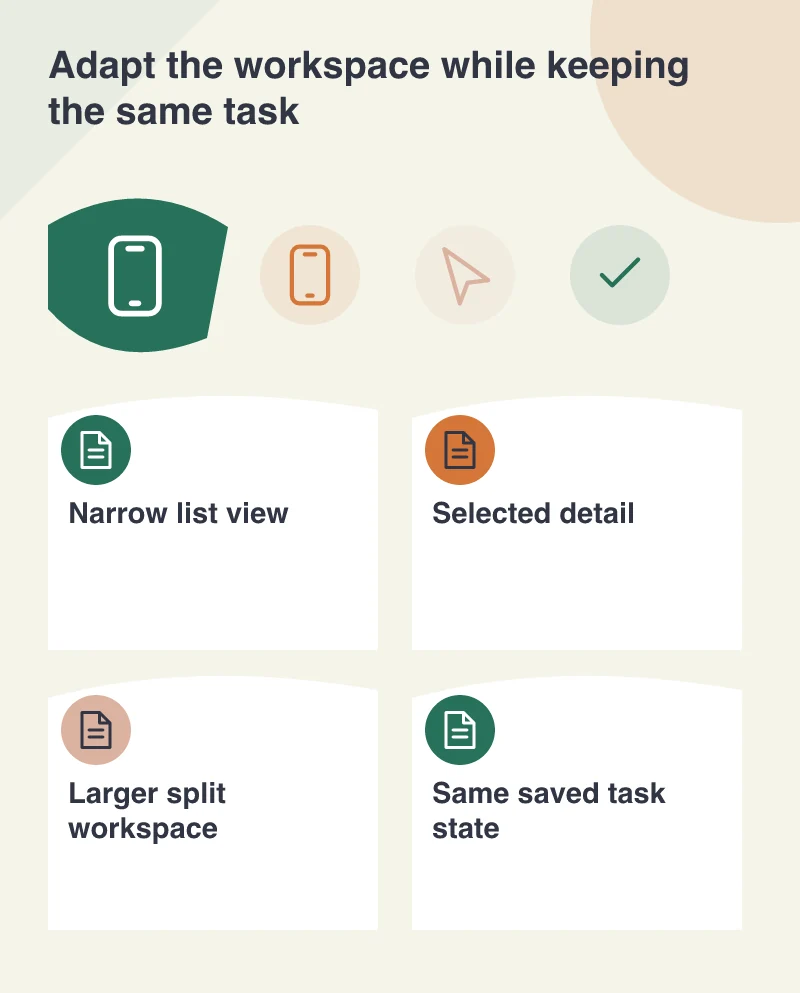
Imagine a field-service app showing a list of jobs and the details of the selected job. On a narrow screen, moving from list to detail is a reasonable sequence. In a larger window, showing both may help the user compare jobs and keep their place. The content has not changed; the working arrangement has.
Decide which relationships genuinely benefit from extra space. Enlarging every button and stretching a paragraph across the full width can make a larger layout harder to use. Give the task a deliberate structure, with a sensible reading width and a clear location for its primary action.
Keep the task intact when the window changes
A person may rotate the device, resize a window or move between supported display arrangements. The app should preserve the selected job, appropriate entered information and a comprehensible navigation state. A layout change should not unexpectedly restart the work or erase a half-completed note.
Test an in-progress task rather than resizing an empty home screen. Open a record, enter a draft, bring up the keyboard and change the available space. Watch whether the important field and action remain reachable. The useful result is continuity, not simply a layout that redraws without an obvious crash.
Account for different ways of operating the app
A larger device may be used with a keyboard, mouse or other input method. Review focus order, visible selection and labels that make sense without relying on a finger touching a particular region. The app should communicate its current state through more than colour or position alone.
Also try increased text size and longer labels. A carefully balanced two-pane layout can become unreadable if each pane assumes fixed text dimensions. Allow content to wrap where appropriate and choose a narrower arrangement when that better supports the task. Device width is an input to the design, not a reason to ignore readable content.
Use the beta as a separate review environment
The May announcement is a beta milestone. Test it on a suitable device or environment without making ordinary business work depend on unfinished platform software. Record the build, the layouts reviewed and any behaviour that needs to be checked again as the platform develops.
A useful adaptive review ends with a task someone can complete in several working arrangements. The same person should recognise the selected record and the next action whether the app has one narrow pane or a broader workspace. That is a more durable design goal than making the interface fit a particular promotional device image.