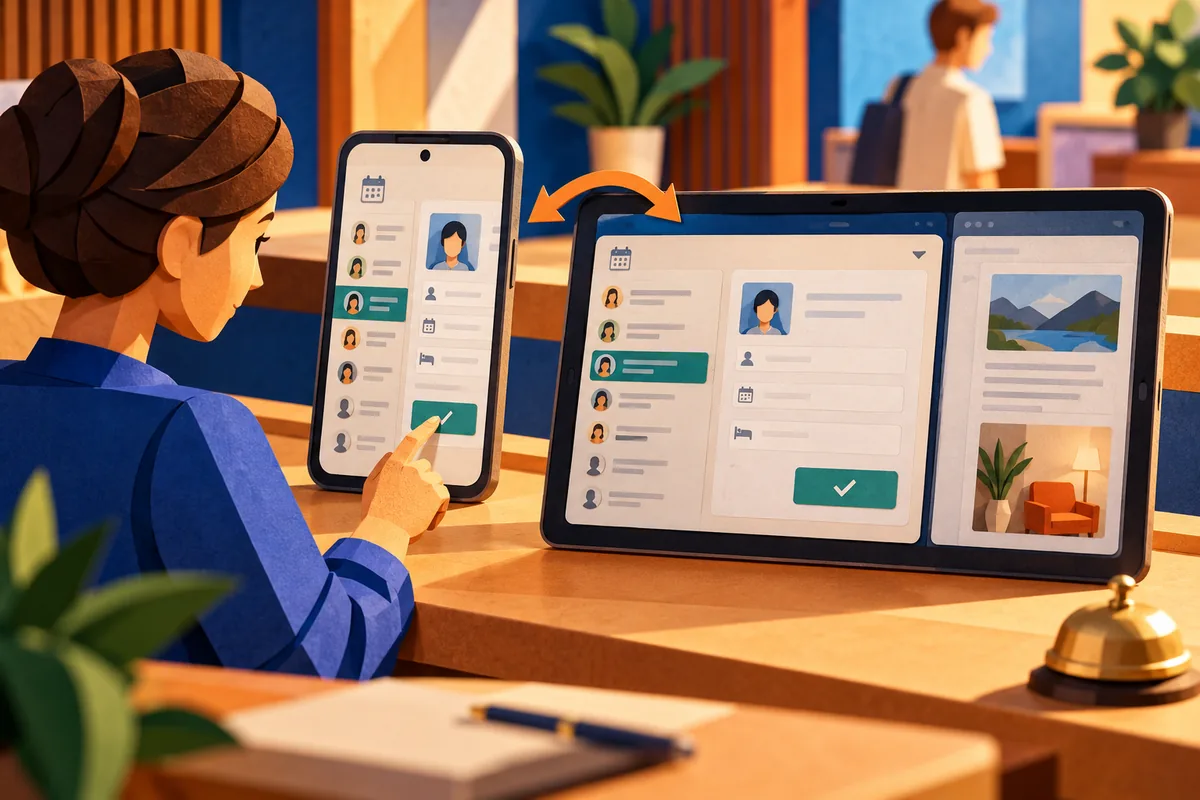
A scheduling app can look excellent on one phone and awkward on a tablet beside a reception desk. The list becomes too wide, a booking form stretches across the screen, and the important action slips away from the fields it belongs to. Android 16 gives teams another reason to review those assumptions.
A large window is not a stretched phone
Android 16 was released on June 10. Its announcement explains that apps targeting API level 36 face changed handling of orientation, aspect ratio and resizability restrictions on displays with a smallest width of at least 600dp. The practical implication is to test the application’s real layouts, rather than rely on a fixed portrait presentation.
For a business app, more space should make the task clearer. A list and detail view might sit beside each other, while a form keeps a readable width. The customer should not have to scan an entire tablet to discover which record is selected.
Preserve work through a layout change
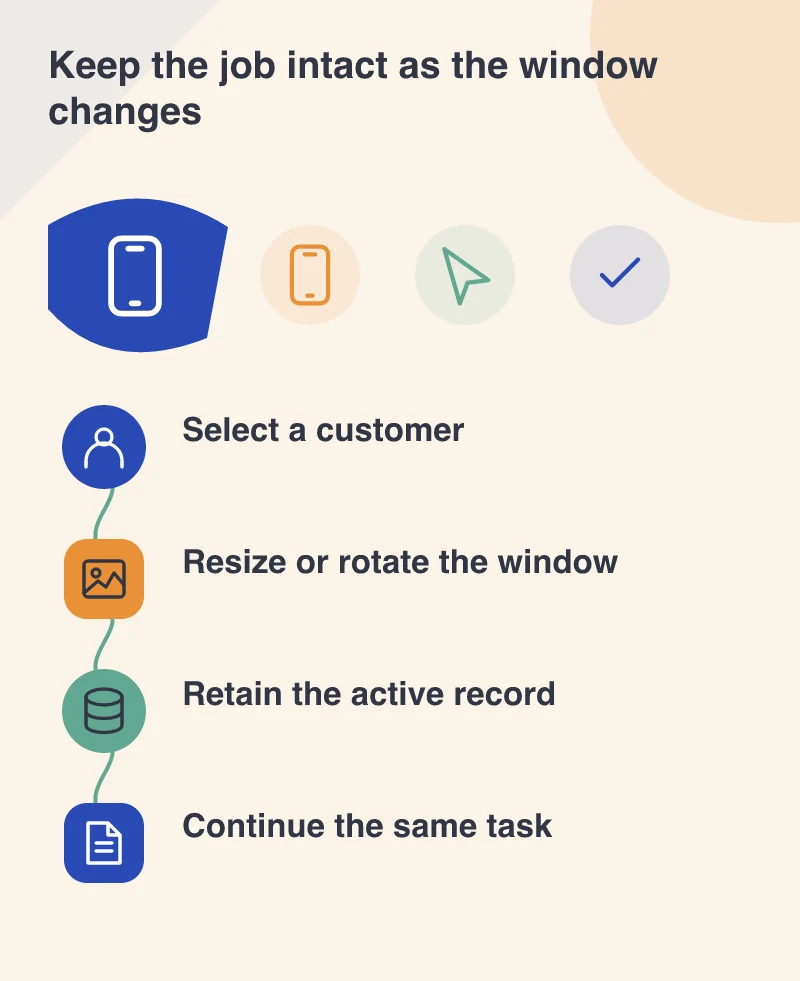
Imagine a receptionist entering a booking while another app opens beside the scheduler. The available window narrows. The booking should remain the same booking, with entered details and validation messages intact. Losing that state turns a layout transition into duplicated work.
Test changes in both directions. A selected list item should remain recognisable when its details move to another panel or screen. If focus moves unexpectedly, keyboard and assistive-technology users may lose their place even when the visual layout appears correct.
Give every action a clear relationship
Wide layouts tempt teams to show everything at once. Resist filling spare space with unrelated cards. Keep the booking summary, date controls and confirmation action connected. A secondary panel should support the active decision, not compete with it.
Check longer customer names, larger text settings and translated labels too. A balanced mock-up with short sample text can hide the constraints of real records. Layout quality comes from accommodating these variations without making staff hunt for the next step.
Test the production app before changing its target
Google recommends installing the existing app on Android 16 and working through its flows, including the libraries and SDKs it uses. Separate that compatibility review from the changes that apply when the app targets the new API level. This makes failures easier to locate.
Choose a complete task, such as finding a customer and moving an appointment, then perform it across several window sizes. The test succeeds when the person can continue with confidence. Adaptive design is doing its job when the screen changes and the work still feels like one continuous task.