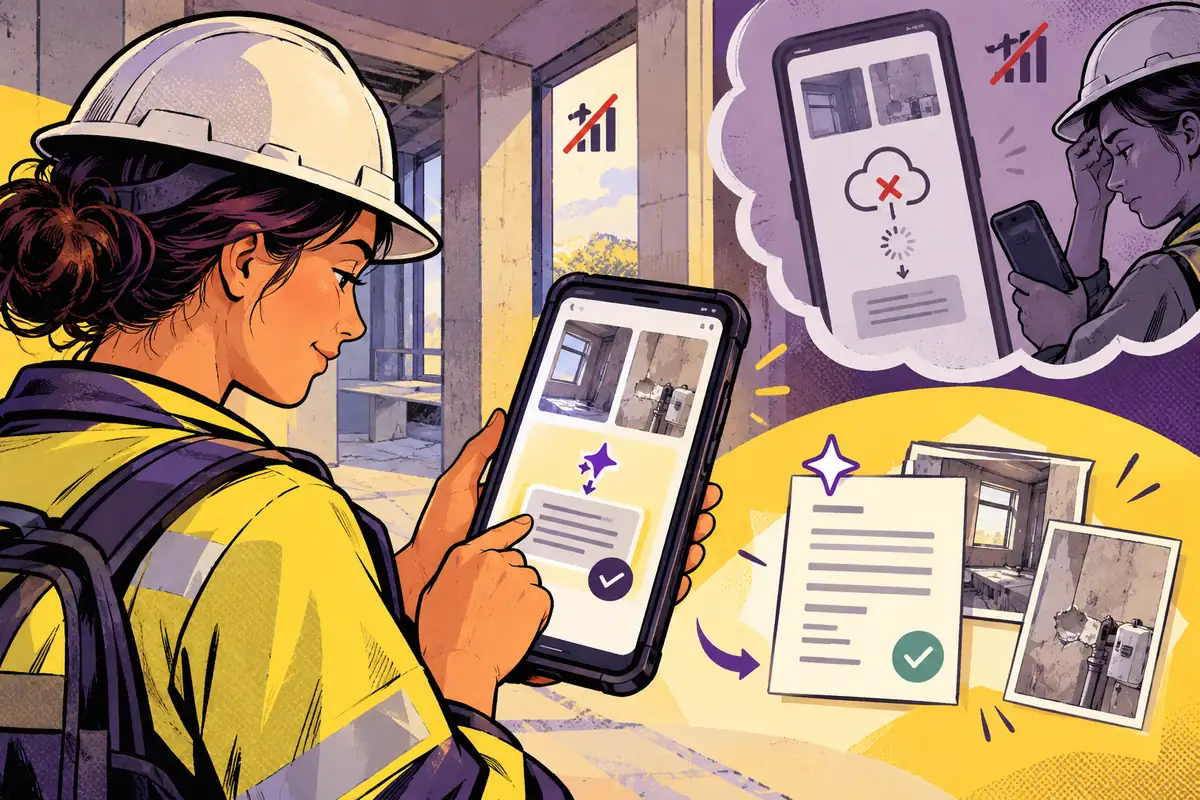
A field worker finishes a visit in a building with poor reception. They have notes to tidy and photographs to attach, but the app’s AI button depends on a cloud response. The feature may look impressive at a desk and become an obstacle at the exact moment it should help.
Begin with the moment of use
At Google I/O on May 20, Google announced ML Kit GenAI APIs using Gemini Nano for common on-device tasks. That opens a useful product discussion: which part of a mobile workflow benefits from being performed locally? The answer should come from the task, rather than a desire to place AI on every screen.
For visit notes, a local drafting aid might help someone organise a short description while they still remember the details. It should preserve the original notes and keep attachments available. It should not imply that a polished summary is a verified report or that every phone supports the same capability.
Design the capability check as part of the feature
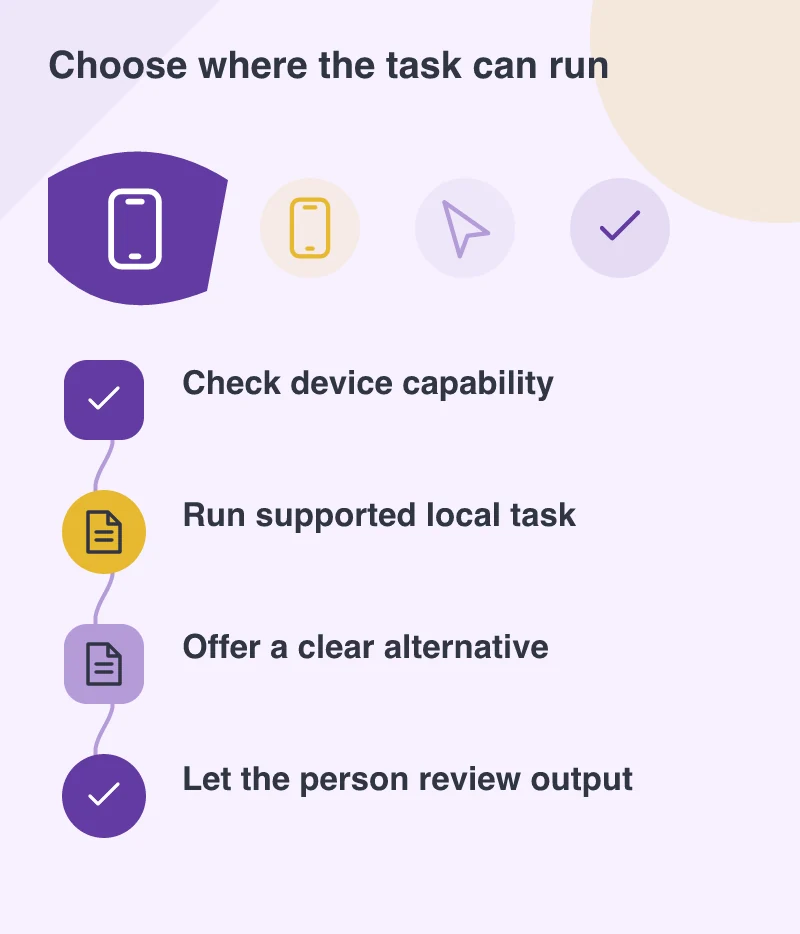
Device support, model availability and application requirements need to be checked in the actual implementation. Do not offer a prominent action and explain incompatibility only after the user has entered a large amount of information. An unavailable local feature should leave the ordinary workflow intact.
A useful fallback might be manual editing now and an optional cloud-assisted draft later. Explain that choice in plain language, including what information would be sent. Keep the user’s work in the app while they decide. A capability limitation should not become a lost-work incident.
Separate drafting from recording
Imagine a maintenance team documenting a damaged fitting. The assistant can organise observations, but the worker still needs to confirm the location, description and supporting photograph. These facts belong to the job record. They should not be silently inferred from a smooth sentence.
Show the proposed text beside the information it came from, with an easy way to edit or discard it. Keep uncertain details visible. In a practical business app, helping someone finish accurately is more valuable than making every output sound finished immediately.
Test in the places the app is used
Try the workflow on supported and unsupported devices, with weak connectivity and after closing and reopening the app. Check what happens when a local operation is interrupted. Confirm that the final saved record matches what the user reviewed.
On-device AI can make a small task more convenient without changing the entire application. Give it that modest, useful role first. When the worker can continue confidently with or without the model, the app has gained a capability rather than a new dependency.