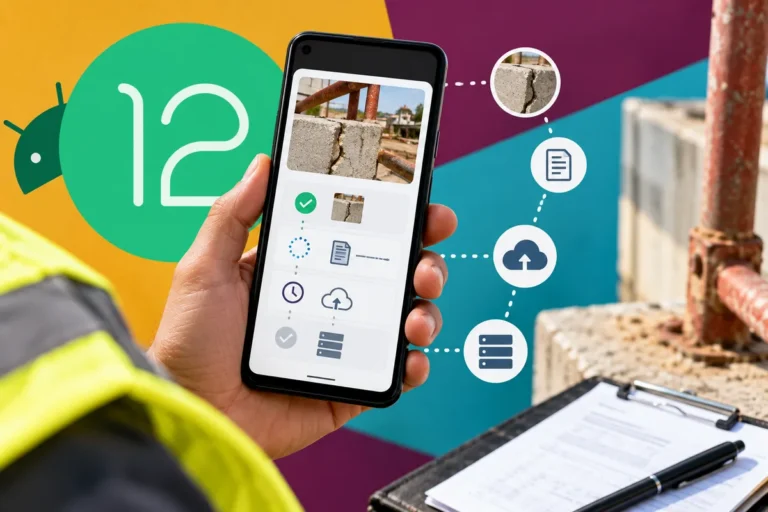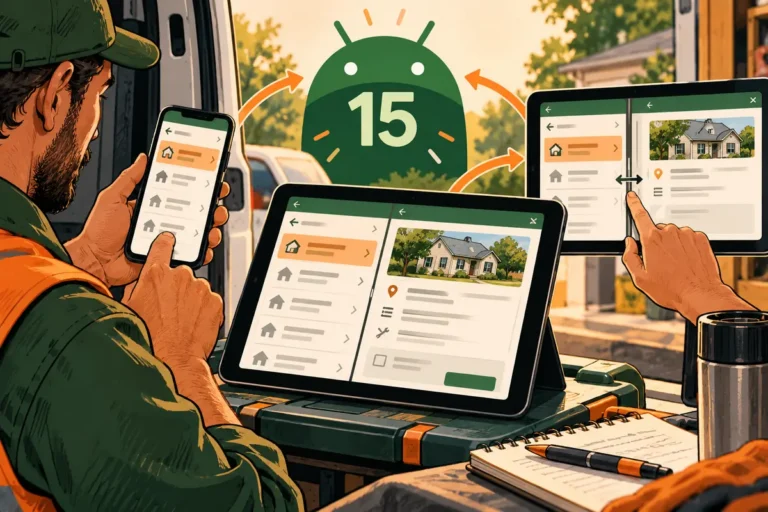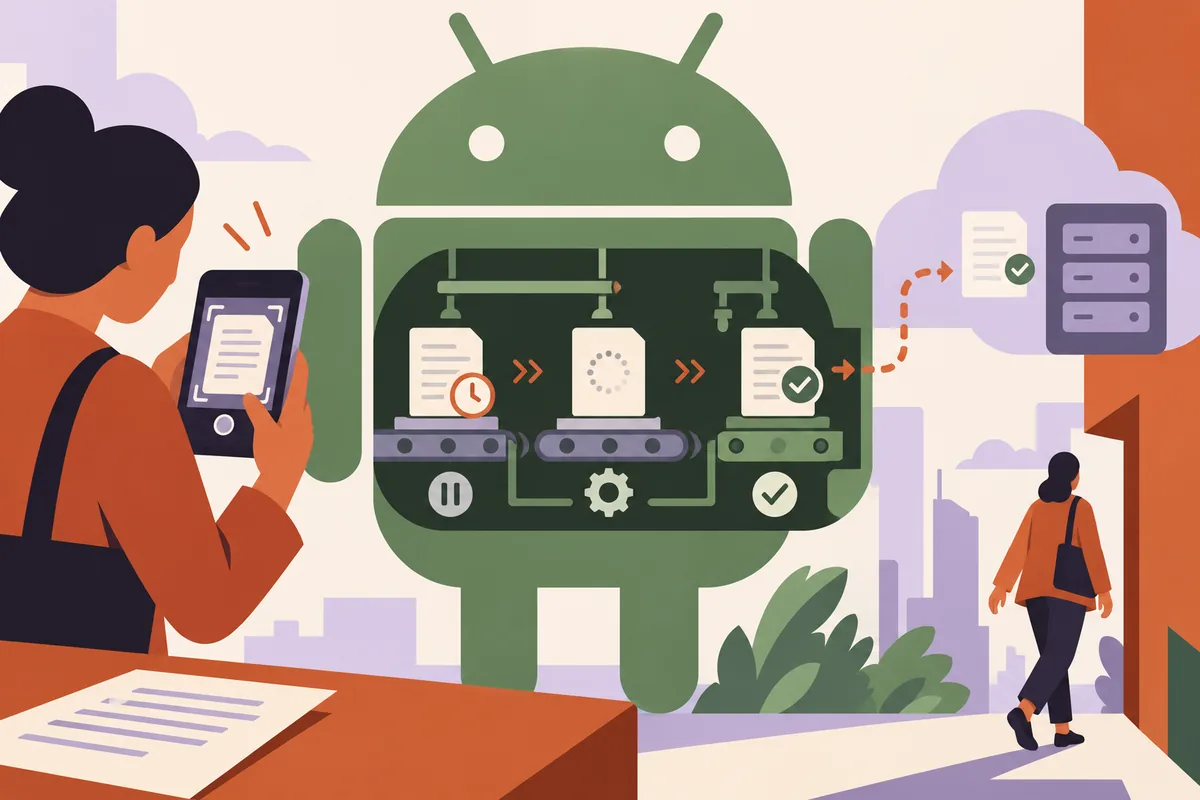
A worker photographs a document, closes the app and assumes it has reached the office. The screen said saved, but nobody explained that the upload was still waiting. Android 16’s second developer preview includes changes and diagnostic additions around background jobs. It is a good time to inspect what a mobile application tells people about work that continues after they leave the screen.
Give each state a truthful name
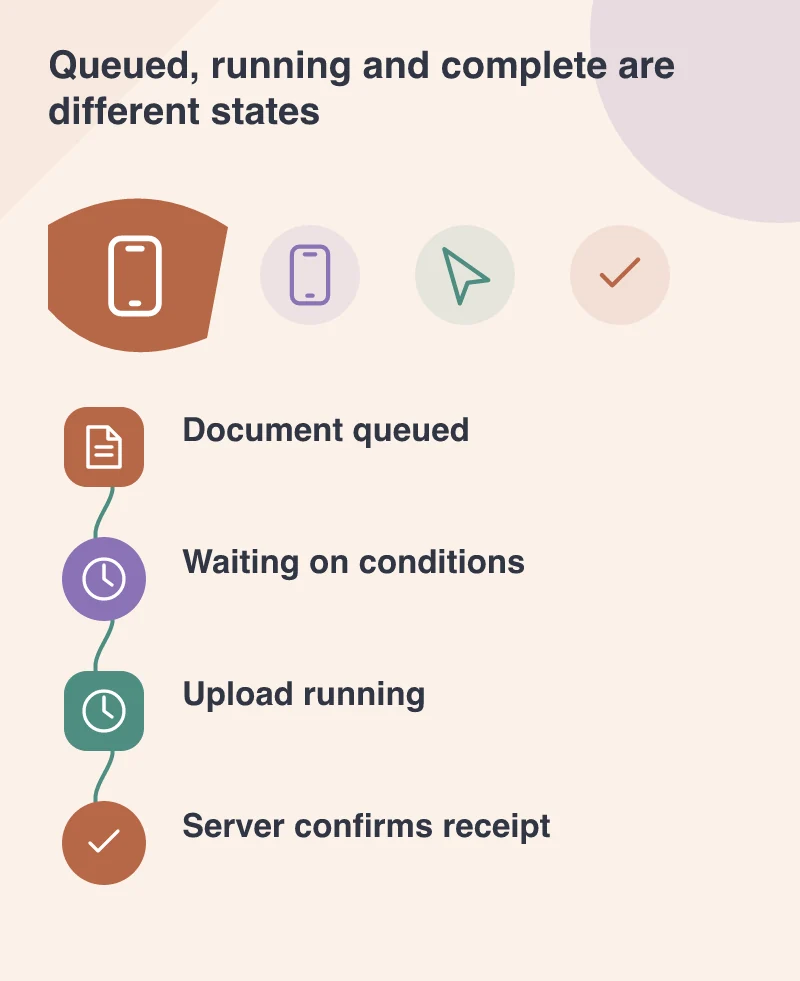
A document stored on the phone is not necessarily a document received by the server. A queued task is not necessarily running, and a completed transfer may still need server-side processing. Use labels that reflect those differences instead of one optimistic success message for the entire sequence.
The person doing the work needs enough information to decide whether it is safe to leave. A visible queue, a last-confirmed status and a route to inspect a pending item can be more useful than a brief animation. The app should not require someone to understand the operating system’s job scheduler to know whether their document arrived.
Expect the system to impose conditions
Mobile background work is not an unlimited extension of the open screen. The preview announcement discusses execution constraints and provides ways to inspect why a job remains pending. Build the product around the reality that a task may wait rather than promising immediate completion after the user closes the app.
Choose appropriate constraints for the operation and understand their effect. A large transfer, a small status update and a task that requires a particular connection may need different handling. The developer’s configuration should correspond to an explainable product decision rather than an inherited default nobody has reviewed.
Make recovery safe for the record
Test a lost connection, an app restart and a repeated upload attempt. The server should be able to recognise the intended record and avoid creating confusing duplicates when work is retried. Give the user a way to see the actual outcome instead of asking them to send the same document again without checking.
Where two copies may have changed, explain the conflict. A silent replacement of a newer office record with an older phone copy can be worse than a delayed transfer. Keep an appropriate local working copy until the agreed completion point, and make its retention policy understandable.
Use the preview for a separate investigation
The December build is for developers, not daily consumer use. Reproduce the relevant task on a suitable test environment and record the preview version and conditions. Keep ordinary business work on the supported production arrangement while the team evaluates compatibility.
A good background workflow ends with a fact the user can rely on: the server has received this item, this task is still waiting or this action needs attention. Better diagnostics can help developers discover the cause. Clear states help the person using the app avoid making a mistaken decision while that cause is being resolved.