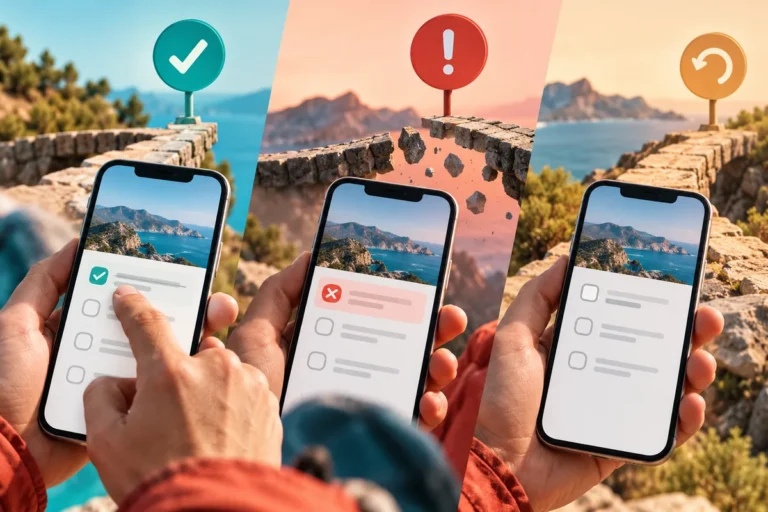
Motion can make a mobile app feel responsive and considered. It can also make a simple task feel like waiting for the interface to finish performing. The difference is purpose: a useful transition explains what changed, while decorative motion asks for attention without helping the person continue.
Begin with a change worth explaining
React Native 0.85 introduces a shared animation backend. The announcement describes the new backend as experimental, with availability starting from 0.85.1. It is a development to explore deliberately, not a reason to assume every production app should immediately animate more layout properties.
Choose an interaction where continuity matters. Expanding an appointment to reveal details can help the person understand that the same item is being opened. Moving a completed task into a finished group can explain its new location. A background shape drifting behind a form rarely offers the same practical value.
Keep the person’s point of attention stable
Imagine a catering planner adjusting the guest count for an event. The relevant totals change. A brief, restrained response can show which values were affected while leaving the input and its label in place. Rebuilding the entire screen around the change makes the work harder to follow.
This is particularly important when someone is entering several values in sequence. The interface should not move the next field away from their finger or shift focus unexpectedly. Motion that interrupts a repeated task is a cost, even when it looks polished in isolation.
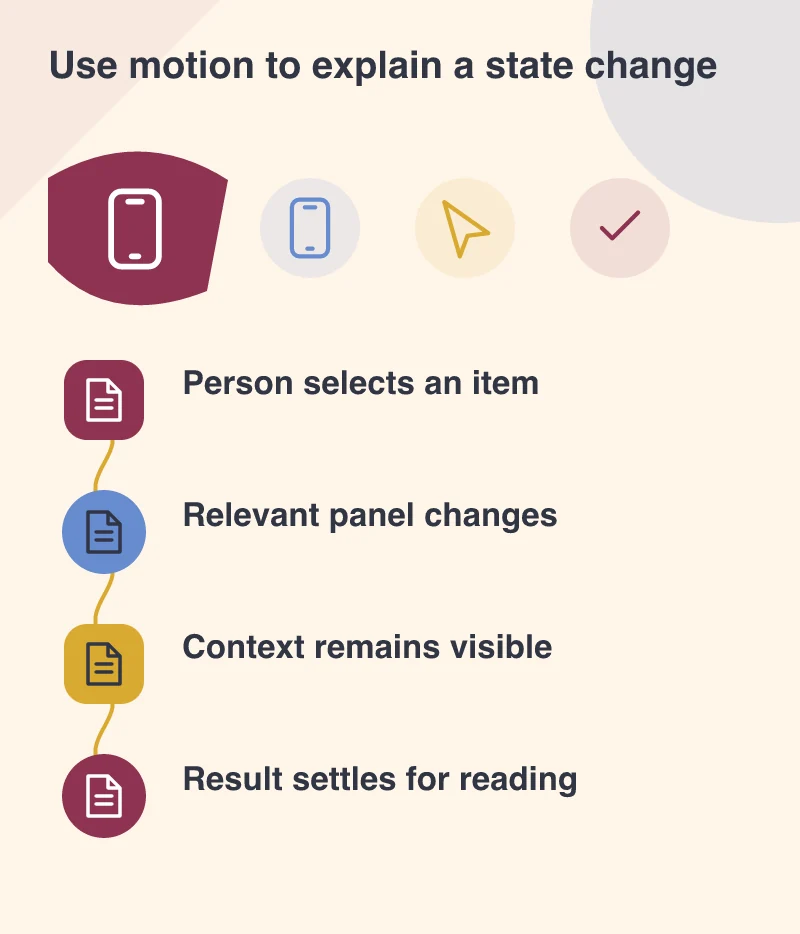
Let the result become quiet
A transition should settle into a readable state. Once the totals have changed, the customer needs time to inspect them. Continuous pulsing, repeated counters or looping highlights can make important information feel unstable and compete with the next action.
Provide an appropriate reduced-motion treatment. The underlying state change must remain clear when the movement is removed. Good labels, contrast and layout do the essential communication; animation can reinforce it without being the only carrier of meaning.
Choose duration and distance in relation to the task. A short reveal can explain that more detail belongs to the selected appointment; a long journey across the screen can separate the result from the action that caused it.
Evaluate motion inside the full task
Review the sequence at realistic speed, with real content and on a representative device. Open several appointments, change several values and move back through the app. An effect that feels charming once may become tiring when repeated throughout a working day.
Technical animation improvements create room for more refined interactions. Spend that room on continuity and feedback. The app should feel alive because it responds clearly to a person’s actions, with enough calm space for them to read, decide and keep working.