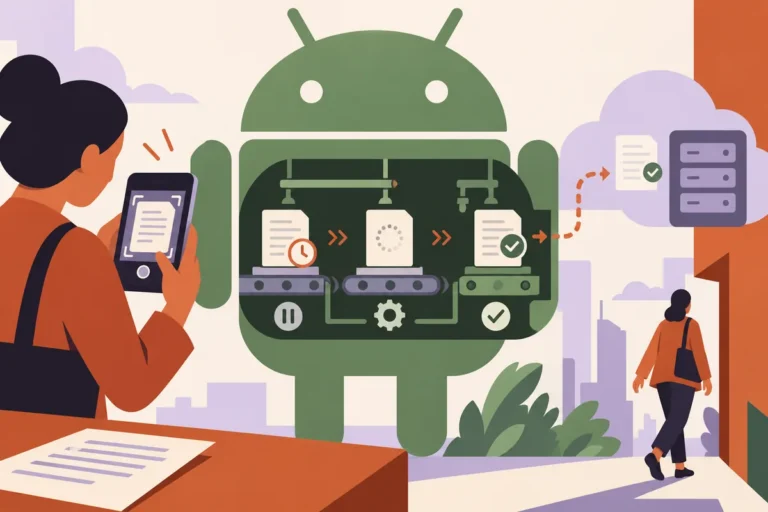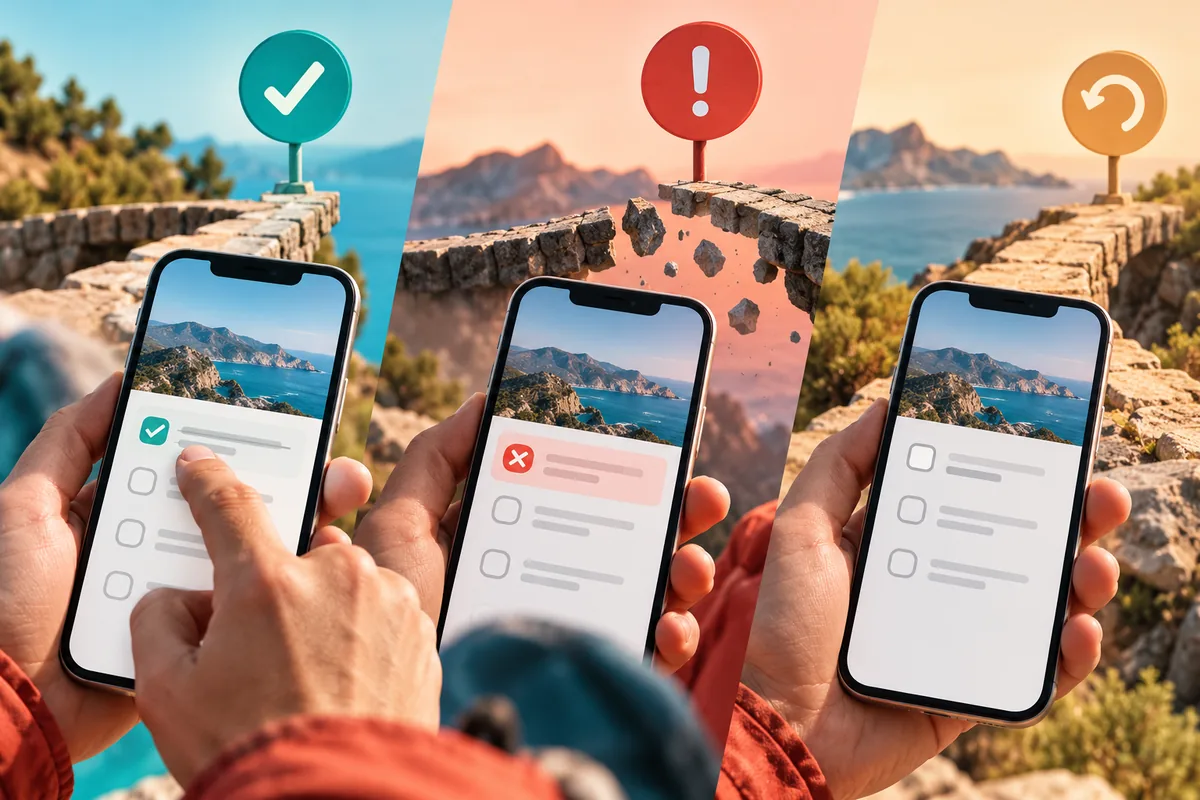
A person marks a task complete and the app immediately shows a tick. A moment later the network request fails. What happens now? React Native 0.78 brings React 19 and its newer tools for asynchronous actions and optimistic state into the mobile framework. Those tools can simplify implementation, but the product still needs a recovery that feels believable to the person who saw the first tick.
Decide which changes can be shown provisionally
A small reversible preference may be suitable for an optimistic display. A consequential operation with an uncertain outcome may need a more explicit confirmation state. Start with the task’s meaning rather than applying one interaction pattern to every request.
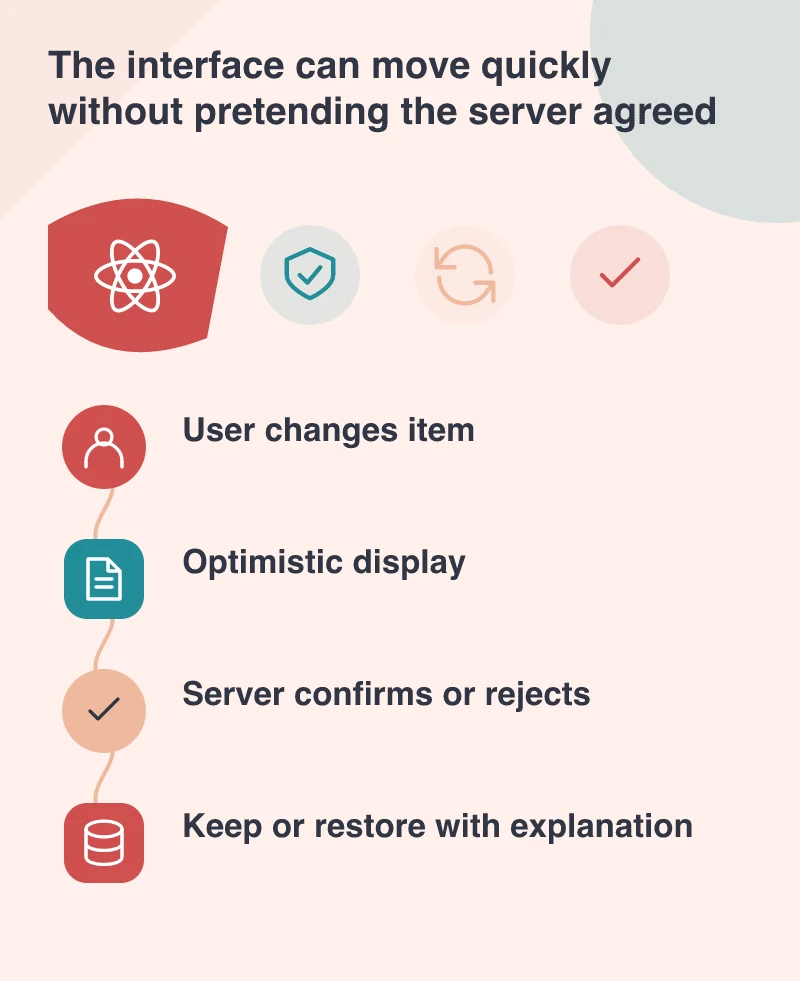
For a shared work list, showing an item as provisionally complete can make the interface feel responsive. The app should still distinguish that local expectation from a confirmed server result where the distinction matters. Another team member may be looking at the same record, so the system needs an authoritative state beyond the first device’s animation.
Make the pending state understandable
React 19’s Actions and related hooks provide ways to manage asynchronous work and pending states. Use them to support a clear interface, not merely to disable a button invisibly. A person should be able to tell whether the app received their action and whether it is still waiting.
Avoid encouraging repeated submissions while an earlier request is unresolved. At the same time, do not leave a permanently disabled control with no explanation after a failure. The route back to a usable state is part of the interaction, not a separate developer concern.
Explain a reversal without blaming the user
If the operation fails, restoring the earlier display can be appropriate, but it needs context. A task that silently becomes incomplete again looks like the app ignored the person. Tell them what could not be saved and whether they can retry, keep a draft or take another route.
Preserve appropriate input when it is safe to do so. A temporary failure should not force someone to retype a long note unnecessarily. If the outcome may already have reached the server, check it before repeating an operation that could create duplicate records or messages.
Test the untidy cases on a device
Use a controlled environment to interrupt connectivity, delay the response and trigger a supported validation failure. Review the visible states and the final record together. Also test leaving and reopening the screen while work is pending, because mobile tasks rarely remain in the foreground exactly as a demo assumes.
The framework update gives developers better building blocks for this work. The quality of the app depends on the contract those blocks support: the action was received, the result is confirmed or a specific correction is needed. Immediate feedback is valuable when the recovery is just as considered as the first response.