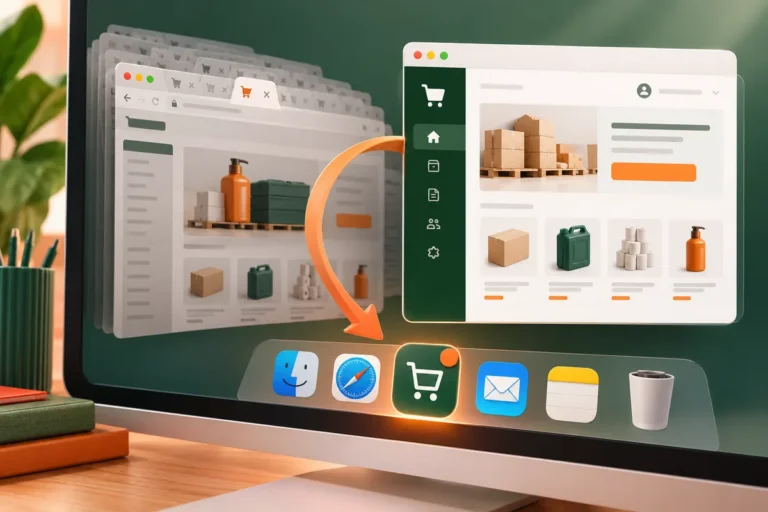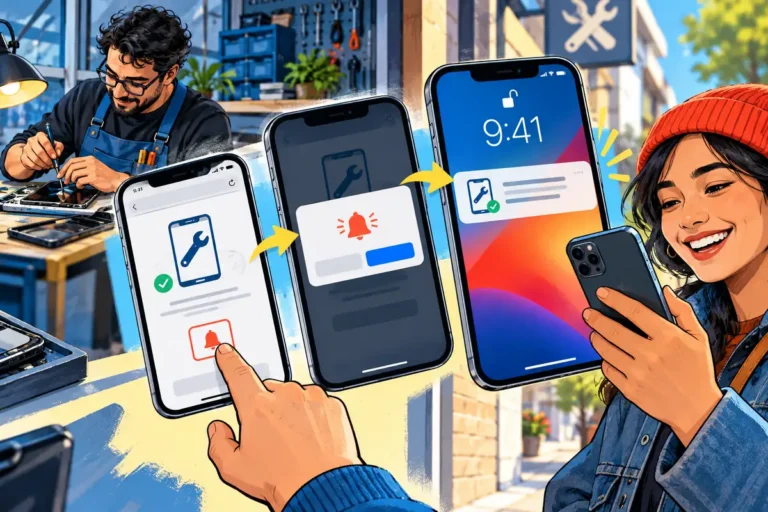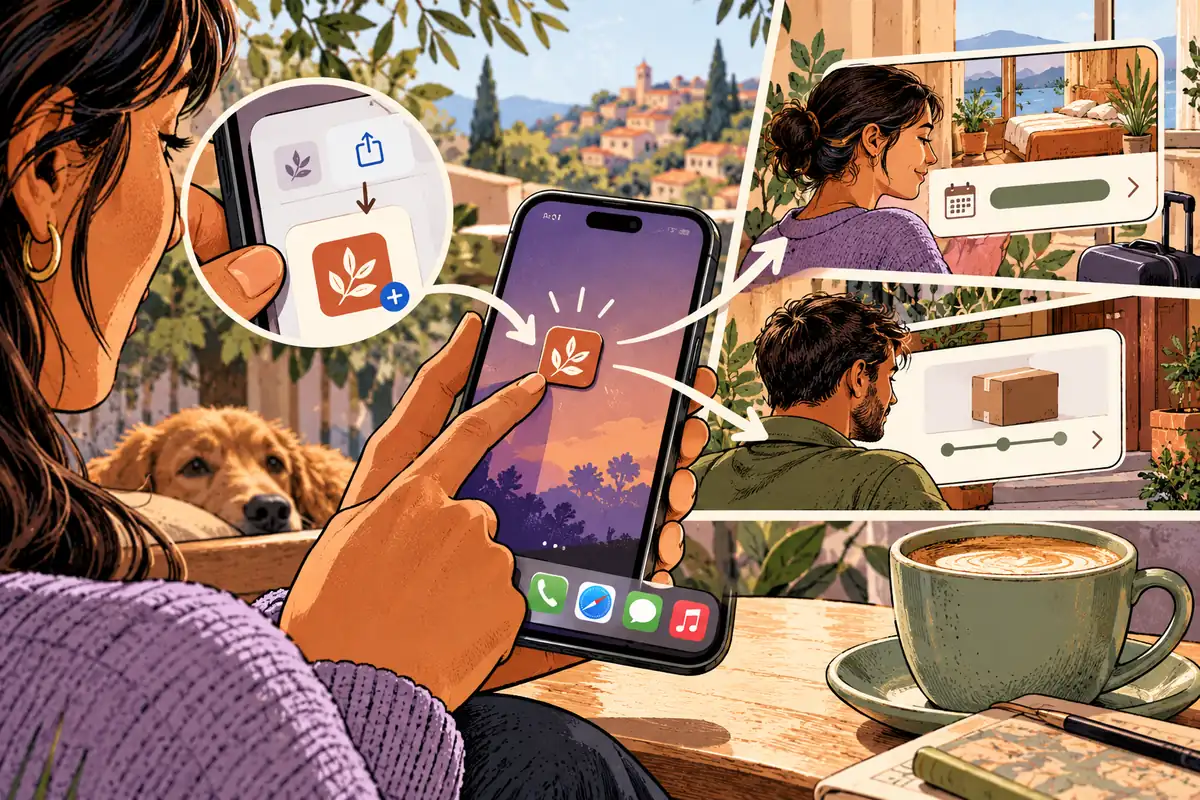
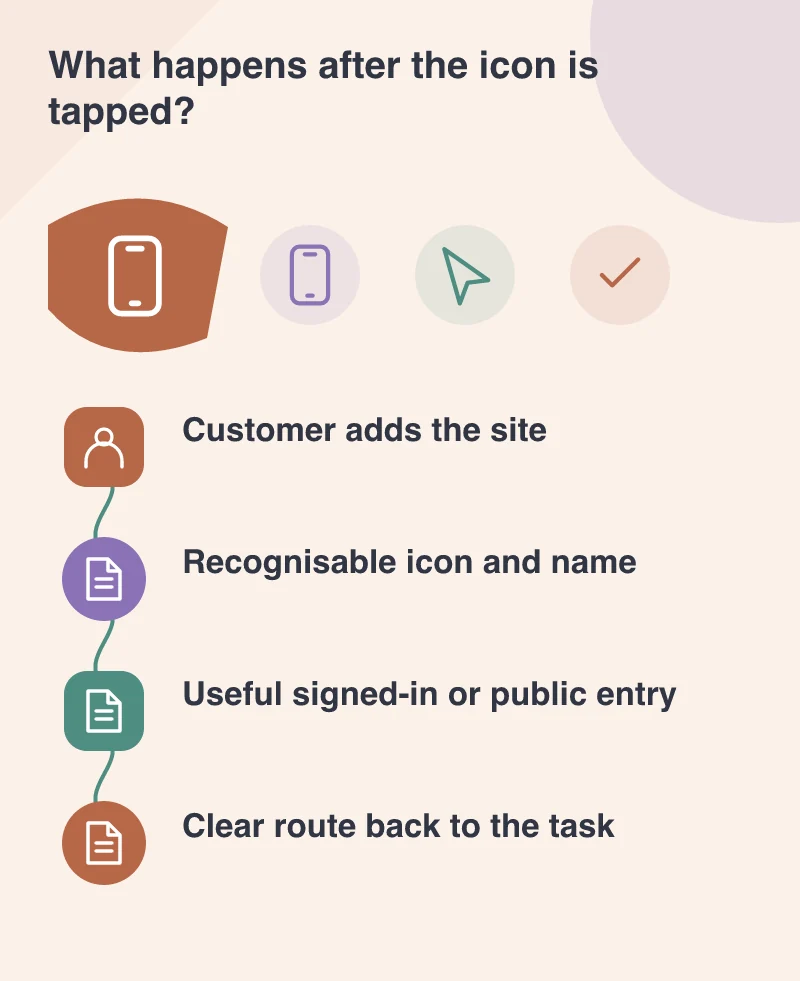
A customer adding your site to their phone’s Home Screen is giving it a small place in their daily routine. That space deserves more than a smaller version of the homepage. It should help them return to something useful: a booking, an order, a saved resource or a frequently repeated task.
Installation is becoming less exceptional
Safari 26 changes the default on iOS 26 and iPadOS 26 so any website added to the Home Screen opens as a web app. Users can turn that option off if they prefer a browser bookmark. A manifest can still improve the experience, but it is no longer the gatekeeper for this behaviour.
That makes the return visit a broader website-design concern. A customer can create an app-like entry even if your team never planned a separate PWA project. Review how the site behaves from that entry, including its name, icon and first useful screen.
Design for someone who already knows you
A new visitor may need an introduction to the company. A returning customer may need today’s booking or their latest order. These are different priorities. Provide a clear route for both, rather than forcing every visit through a promotional sequence.
Imagine a training provider whose learners repeatedly check session details. A stable account entry, readable timetable and clear change notices can make the Home Screen shortcut valuable. A full-screen sales banner between the learner and the timetable wastes the convenience they were trying to create.
Explain connectivity honestly
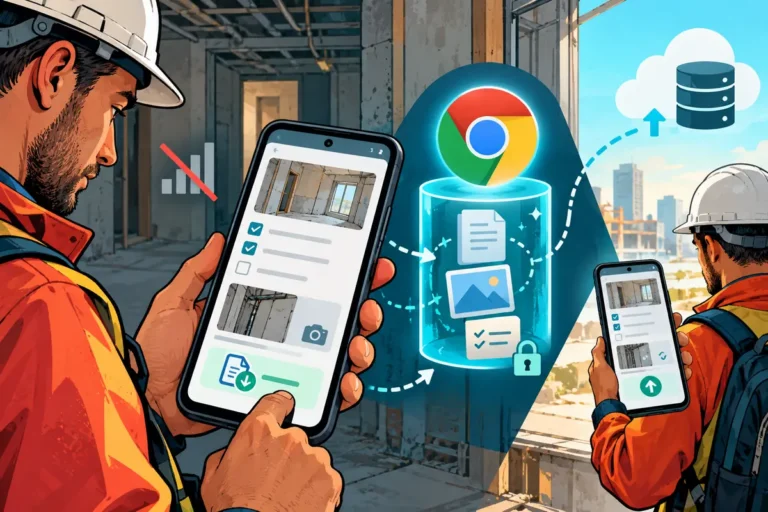
Opening without browser chrome does not automatically make a website work offline. If a page depends on a network request, explain when current information cannot be retrieved. Where the application deliberately keeps local data, distinguish that saved copy from a fresh server result.
A stale timetable presented as current can be worse than a clear connection warning. Build the offline behaviour around the task and the risks of outdated information, rather than treating an offline screen as a badge to add to a feature list.
Make the identity feel intentional
Use an icon that remains recognisable at small sizes and a short, clear name. Check the launch screen and account boundaries on the devices your customers use. Navigation should still make sense when the familiar browser controls are not in front of the visitor.
The opportunity is straightforward: a good mobile website can become easier to return to. Earn that repeat visit with a quick route to meaningful work. The Home Screen icon is the invitation; the usefulness behind it is what makes the site worth keeping.