
A customer portal is often buried among browser tabs even when someone uses it every day. WebKit’s June preview of Safari 17 describes web apps that can be added to the Mac’s Dock. The announcement is part of a beta, but it gives product teams a useful design question now: if someone opens this site as an app, what useful thing should greet them?
Installation is a convenience, not a product purpose
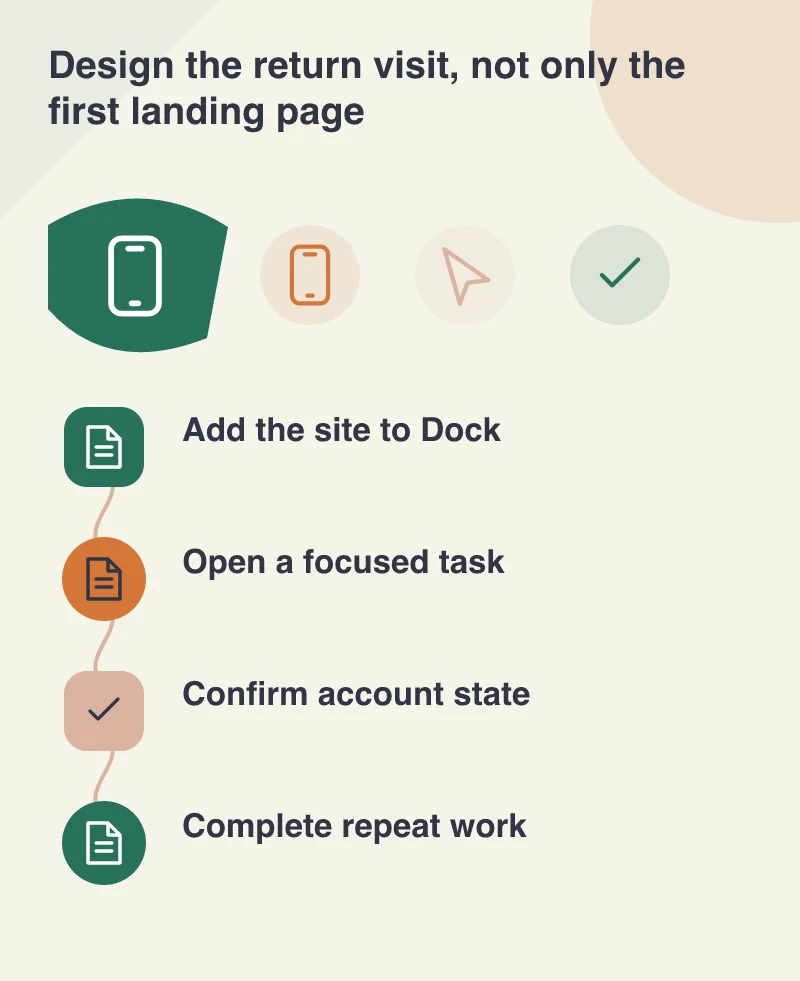
A place in the Dock shortens the route back to a website. It does not make a confusing customer account easier to navigate or create an offline workflow automatically. The most promising candidate is usually a repeat task: checking orders, preparing a quotation or reviewing a team’s current work.
Choose that task before designing an installation prompt. A person who visits once to read an article may have no reason to install anything. A buyer who returns to replenish stock could benefit from a focused starting point. The decision should follow the visitor’s behaviour rather than the website’s enthusiasm for being called an application.
Make the opening screen feel intentional
Imagine a wholesale ordering portal. Its installed start screen might show the customer’s active account, recently ordered products and a clear route to create another order. A full marketing homepage with a campaign overlay would add unnecessary steps to the same person’s daily work.
The web app still needs ordinary navigation, meaningful page titles and a way to recover from a stale link. Opening in a separate window can remove some familiar browser context, so the application should explain where the user is without depending on a row of browser tabs to do that work. Keep help and account controls easy to find.
Understand the sign-in boundary
WebKit’s preview describes copying Safari cookies when a site is added, while other local storage is not copied and later website data is separate. That matters when a product assumes its login or local working state will simply appear everywhere. Test the exact authentication approach rather than inferring the result from a successful first launch.
A business account also needs clear sign-out behaviour and a sensible response when a session expires. Shared computers and people with more than one account are ordinary cases. Show which account is active, protect sensitive pages appropriately and avoid making the user guess why one window is signed in while another is not.
Test a complete week of ordinary use
A useful beta evaluation includes returning to an old window, reopening after a restart, following a deep link and changing a password or session state through the normal authorised flow. Examine notifications only if the product has a relevant reason to send them. Capability alone is not a reason to interrupt a person.
Keep the regular website usable for people who do not install the app or use a different browser. An installed web app offers a convenient doorway to repeat work. The stronger product decision is to make the work behind that doorway focused, understandable and resilient, so returning feels worthwhile regardless of how the person opens it.