A delivery update belongs on a phone. A reminder that a saved item is back in stock might belong there too. A vague invitation to receive everything usually does not. WebKit’s February announcement brings Web Push to Home Screen web apps in the iOS and iPadOS16.4 beta, making this a good moment to rethink the subscription experience rather than simply add a permission button.
A beta changes the planning conversation
The announcement is about a beta release, not a capability available on every customer’s phone. Its scope is also specific: a web app added to the Home Screen can ask for notification permission following a direct interaction, such as choosing to subscribe. A website left open in an ordinary browser tab is not the same product state.
For a business considering a progressive web app, that distinction affects onboarding. People first need a reason to return and a clear way to add the app. Explaining installation, subscription and notification settings in one crowded overlay is unlikely to help them understand any of those steps. Test each decision separately.
Match the message to a real customer event
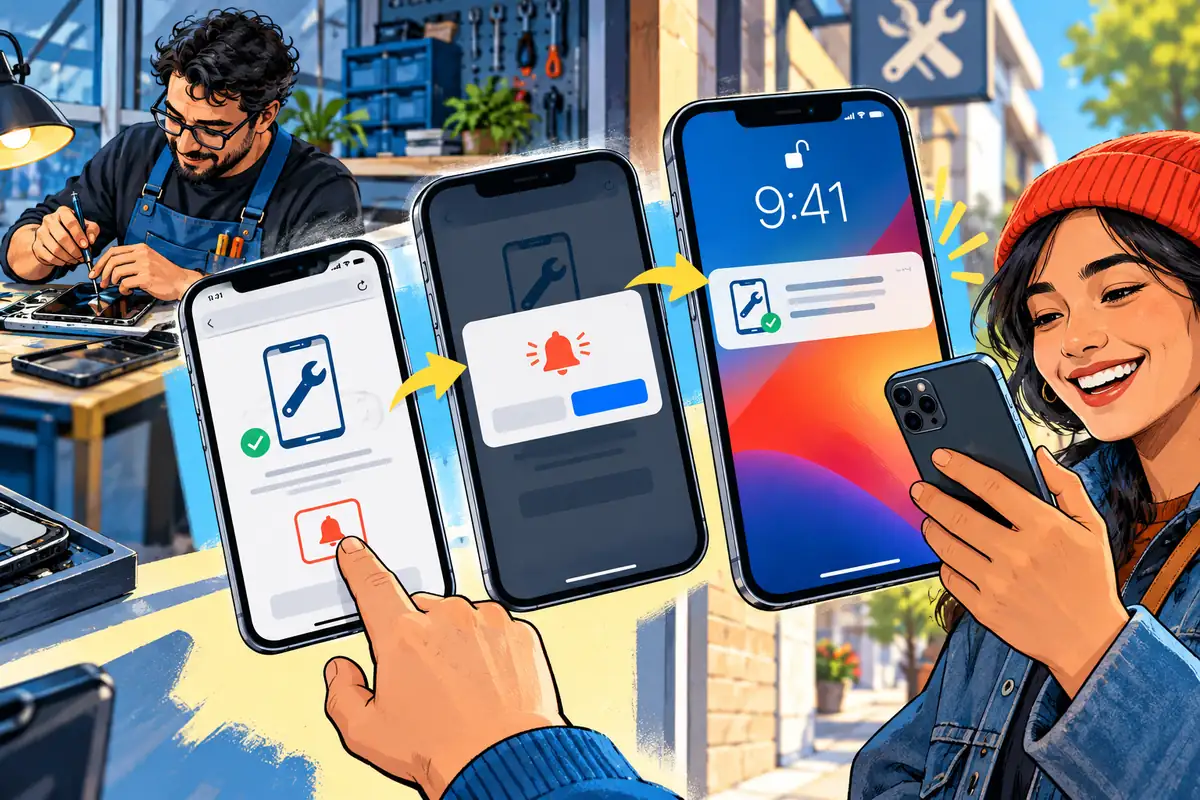
Imagine a repair business whose customers wait for a device to be ready for collection. A notification saying that a particular repair is complete serves a clear purpose. The customer can understand the value before agreeing, and the business can define exactly which system event should trigger the message.
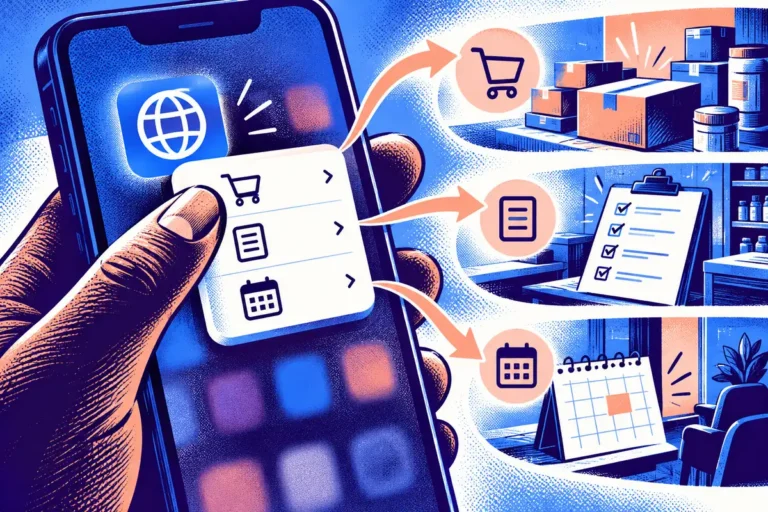
That example is very different from sending promotional messages whenever someone visits the site. Create separate preferences for operational updates and marketing, and make the chosen scope visible. If the user agreed to a collection alert, an unrelated sale message should not be treated as the natural next step. Permission is not a substitute for relevance.
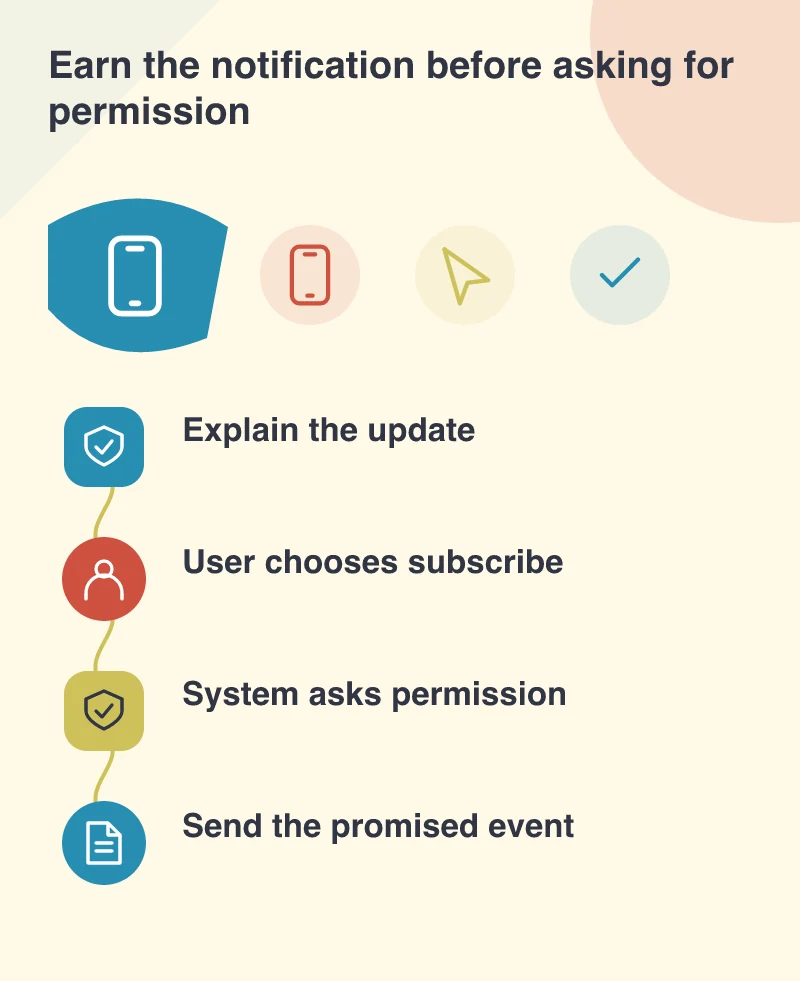
Treat delivery as part of the workflow
A notification needs an accurate underlying record. A staff member marking a job complete should not accidentally send duplicate messages because a request was retried. Nor should a customer tapping yesterday’s alert see a broken page because the job has moved into another status. The destination needs to explain the current state.
Keep personal detail out of the notification when a phone may be visible to other people. The alert can invite the customer to open the app and authenticate before seeing a sensitive document or account detail. Design the screen after the tap as carefully as the small message that brings the person there.
Keep another route to the same information
Customers can decline permission, change their settings or use a device outside the supported configuration. A reliable service should still show the job status in the account area and provide an appropriate alternative update channel. Push should shorten the route to information, not become the only place the information exists.
A useful beta trial follows the whole journey: adding the app, subscribing, receiving one correct update, opening its destination and turning the preference off. Ask testers what they expected to receive. If their answer differs from the implementation, improve the explanation before broadening the audience. Web Push opens another route for timely communication, with a very human requirement: send something worth interrupting for.