A hosting control panel can make changing PHP look like a simple selection. PHP is the server-side software that runs WordPress, so that selection can affect the theme, plugins and custom code as well as the core installation. WordPress 4.9.5 arrived on 3 April with security fixes and improved PHP 7.2 compatibility. It is a useful prompt to plan a runtime change as a small deployment, rather than a casual experiment on the public website.
Core compatibility is one part of the site
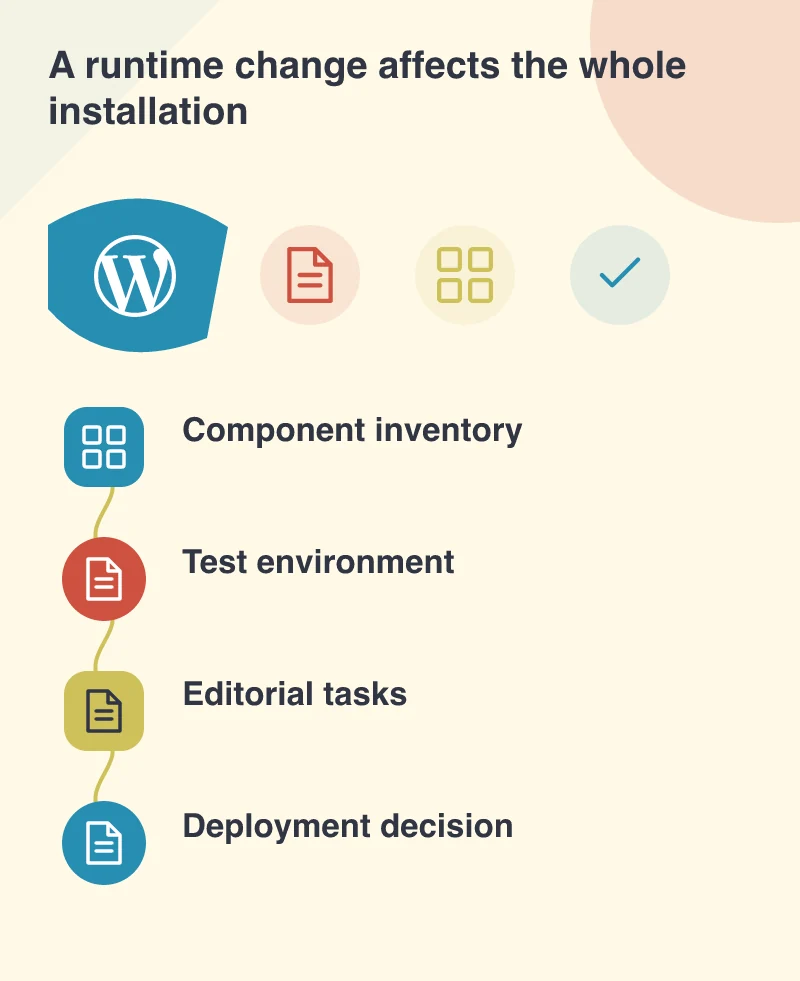
The release’s PHP improvement concerns WordPress itself. It cannot establish that every third-party extension or old custom script supports the same environment. Start with an inventory of active components and the business functions they provide. An abandoned plugin that only adds a decorative effect is a different dependency from the extension that calculates a quotation or sends an order to another system.
Imagine a service company whose custom enquiry form calls an older library even though the rest of the site uses standard WordPress features. The home page could render successfully after a runtime change while that form fails only on submission. This is why a quick glance at the front page does not demonstrate compatibility.
Rehearse with the configuration you intend to use
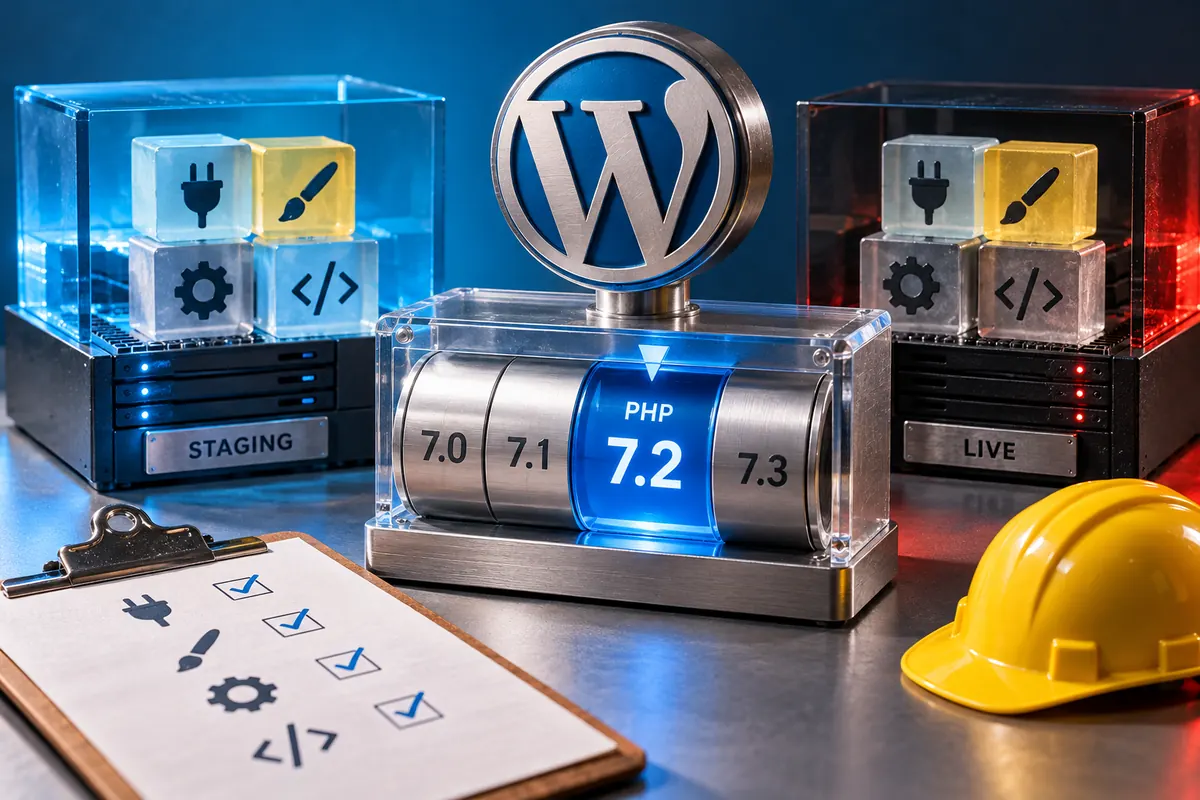
Create a controlled copy with the intended PHP version and required server extensions. Keep it away from public indexing and prevent test emails or integrations from reaching customers. Note the current runtime and configuration so that the hosting provider can restore the previous environment if needed. A backup of files alone does not describe all the settings on which the site depends.
Test the tasks that move information: saving content, uploading media, submitting a form and running scheduled jobs. Ask the developer or host to review warnings and errors while these tasks are performed. A warning that is hidden from visitors can still identify code that needs attention. Fix the responsible component rather than merely concealing the message.
Include the editor in the acceptance check
WordPress 4.9.5 also addresses touch-screen image cropping and restores previous caption-shortcode styling. Those details are a reminder that the editing interface and published content deserve their own checks. On the test copy, upload an image, crop it with the device normally used by staff and publish a draft with a caption. Confirm both the saved image and its presentation.
Use representative existing content as well as a new draft. A bespoke layout can rely on an old shortcode or a media assumption that a clean sample page never exercises. Give the person who regularly maintains the site a short opportunity to identify a change in behaviour before the public deployment.
Schedule a change with a clear exit
Choose a deployment window and record what counts as success. For a brochure site, that might be normal page delivery, working administration and a test enquiry received by the correct inbox. More complex sites need checks suited to their transactions. Keep runtime changes separate from a redesign when practical so a failure has fewer possible causes.
The security fixes in 4.9.5 should not be postponed indefinitely while a larger hosting project is discussed. Agree an appropriate update route with the responsible maintainer. Then treat the runtime move as its own reviewed change, with a tested fallback and someone available to respond. A small rehearsal gives the business a much clearer basis for proceeding.