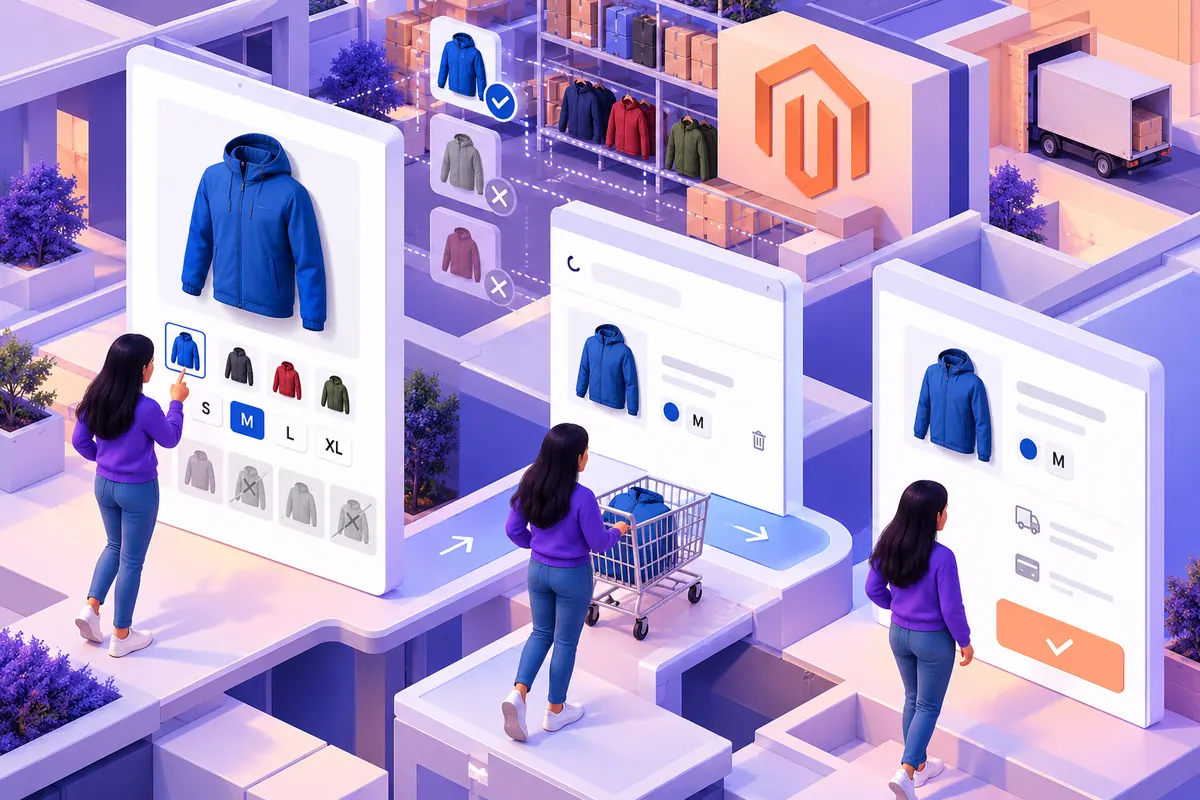
A customer selects a blue jacket in medium, adds it to the basket and sees a generic image with a product name. Did the choice survive? The store may have the right SKU behind the scenes, but the customer cannot inspect that internal record. A headless storefront has to carry the meaning of the selection all the way to checkout.
A product family is not the selected item
Magento 2.4.8 was released on April 8. Its configurable-product GraphQL schema exposes selection metadata, available options, corresponding media and the resolved variant. It also provides labels for selected options in cart items. These give a custom frontend material for an understandable shopping experience.
The design still has to decide how that information appears. A product family may have a broad price range and several photographs. Once a complete choice exists, the interface should clearly distinguish the exact item from that family. Do not leave the customer to infer which image or price belongs to the selection.
Explain unavailable combinations where the choice happens
Imagine a supplier selling workwear in different sizes and colours. A colour may exist in the range without being available in every size. Showing two independent sets of attractive buttons can imply that every combination is orderable. Use the option information to communicate which choices remain possible.
Keep the explanation close to the control. If changing size removes a colour choice, tell the visitor what changed. Avoid silently replacing their selection with the first available item. That may produce a technically valid basket while undermining the customer’s intention.
Let the basket repeat the important details
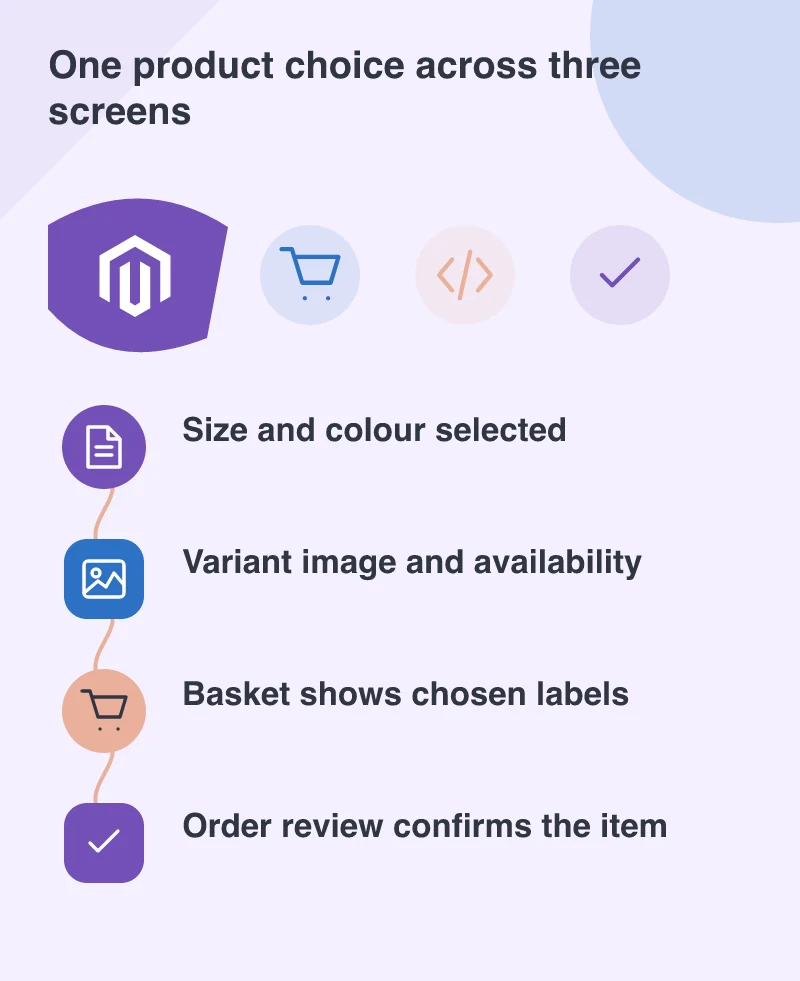
The basket is a confirmation surface. Show the selected size and colour in plain language, not just a parent product title or an opaque identifier. Where the business uses part numbers, present them as additional evidence rather than the only way to recognise an item.
Include these details in the order review and confirmation too. A service team helping with a return should not need to ask the customer to reconstruct the original selection. Consistent labels make the interface easier to understand and support conversations easier to resolve.
Test changes, not only the first selection
Check incomplete choices, unavailable combinations and a changed selection after the first add-to-basket. Return to the product page from the basket and verify what the customer sees. Try the controls with a keyboard and make sure a changed availability message is perceivable.
A headless build provides freedom to create a distinctive storefront. Use that freedom to make complex catalogues easier to buy from. The successful interaction is not simply an API accepting a SKU; it is a customer confidently recognising the exact item before paying for it.