
Your customer searches for a rain jacket. The catalogue calls it a weather-resistant shell. The search box returns nothing, although the shop has a suitable range. A custom frontend can make that empty result look elegant without solving the problem. A useful headless Magento search review begins with the language people bring to the store and the product information available to answer it.
Collect real questions before changing the interface
Review appropriate search records and support questions without collecting unnecessary personal information. Identify common product names, abbreviations and descriptions of the need rather than the item. People may search by a part number, an intended use or a phrase learned somewhere else.
Build a small set of examples with the merchandising team. Include a query that should find one product, a broad query that should offer useful choices and a phrase the catalogue cannot answer yet. This creates a practical reference for the work instead of a vague request to make search smarter.
Inspect what the catalogue actually says
A search system cannot reliably match a distinction the product record never describes. Check names, descriptions, attributes and category assignments for the examples being reviewed. Correct missing or inconsistent data through the maintained catalogue workflow rather than hiding every problem in a frontend exception.
Magento’s versioned products query provides search, filtering, sorting and pagination inputs. A headless application needs to use those deliberately. The presence of an API does not establish that every business-specific word has a useful relationship with the available product data or the configured search service.
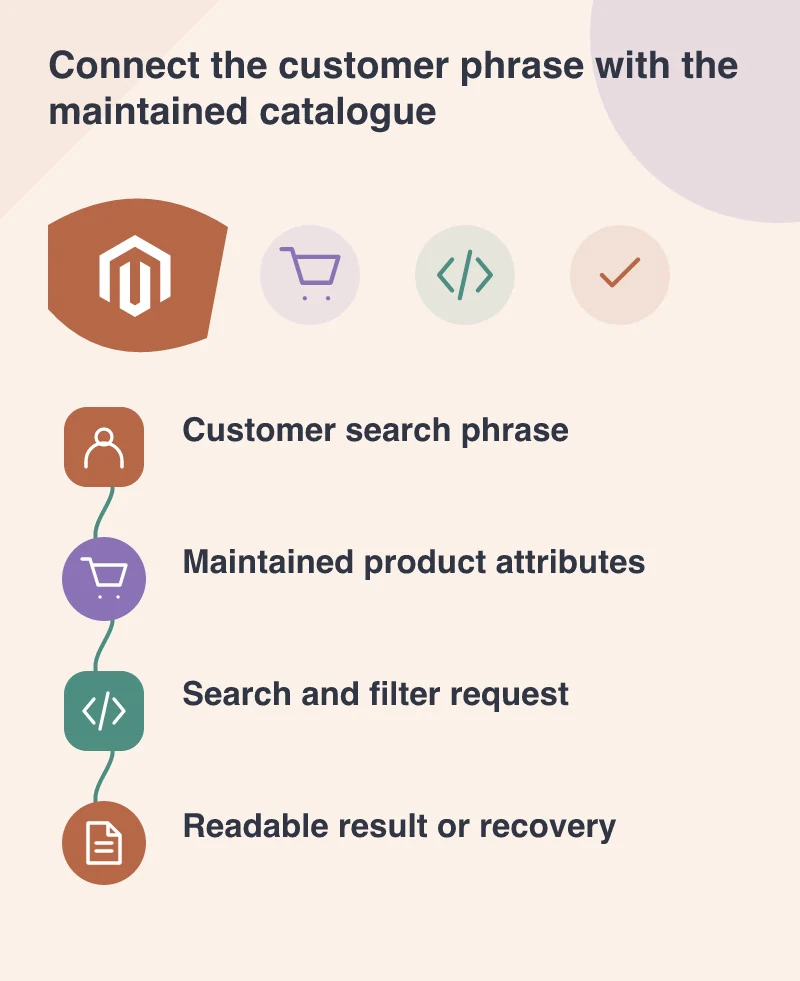
Make the result understandable
Show the query and any active filters clearly. A customer should be able to recognise why a product appeared and remove a filter that has narrowed the result too far. Keep product cards informative enough to compare the relevant differences without opening every item in turn.
An empty state should offer an honest recovery: adjust the query, clear a restrictive filter, browse an appropriate category or ask for help. Do not silently substitute unrelated products and label the search successful. That may hide a technical empty result while making the customer’s task more confusing.
Evaluate relevance and operation together
Test the same example queries on a representative phone and inspect both result quality and response behaviour. A fast wrong result and a slow correct result create different problems. Record them separately so the development brief does not confuse content, configuration and interface work.
Keep the example set after release and add meaningful failures to it. Search is part of the maintained catalogue experience, not a finished box attached to the header. A customer should be able to express a need in ordinary language, understand the choices returned and recover when the store needs a little more information.