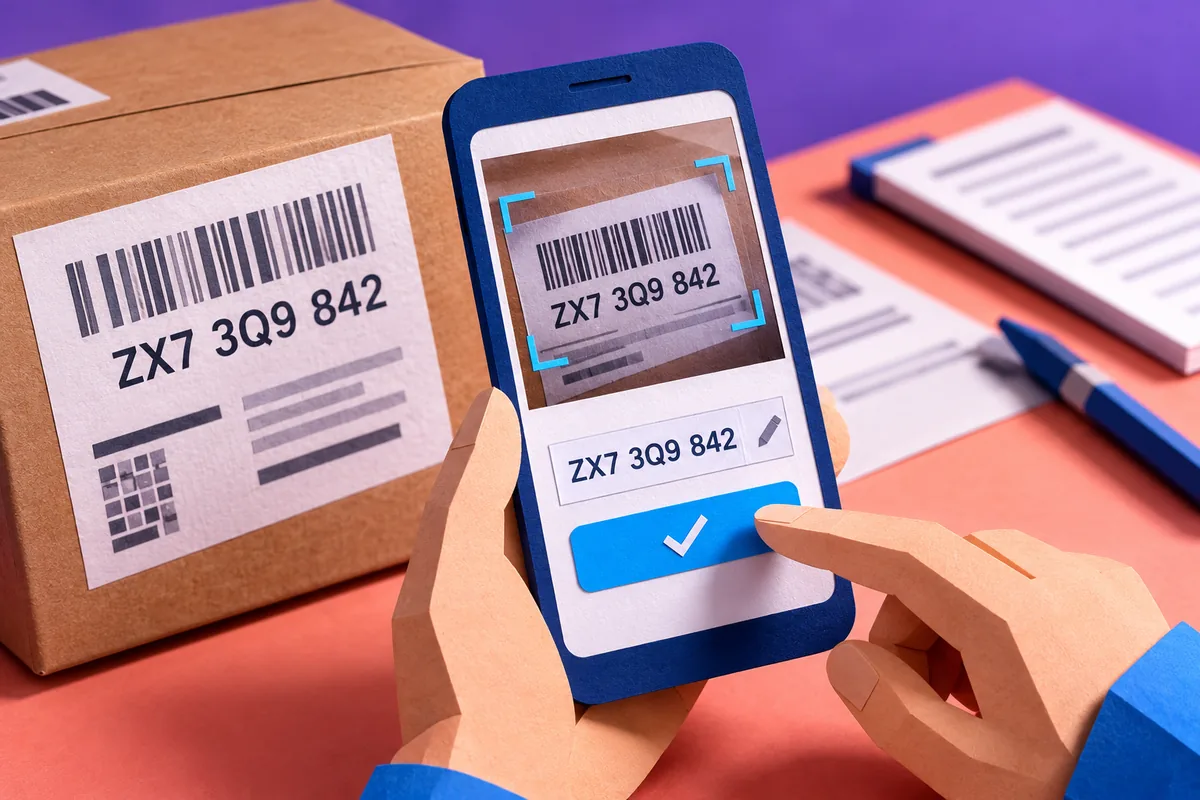
Typing a reference number from a paper document is a small task that can become tedious when repeated throughout the day. Google’s ML Kit beta, announced on 9 May, includes ready-to-use text-recognition APIs for mobile developers. This offers a concrete starting point for machine learning in an app: reduce some manual entry, then let the user check the result. That is a more testable proposition than promising an app that understands every document.
Choose a narrow task with an obvious result
For a delivery business considering this approach, the first feature could capture a printed consignment reference and place it in a review field. The user already knows what a successful result looks like. The task has a defined input, an expected format and a place to correct mistakes. It does not require the app to infer the meaning of an entire page or decide whether a delivery has been completed.
ML Kit’s initial APIs cover tasks including text recognition, barcode scanning and image labelling. Availability through a common SDK does not make those tasks interchangeable. A barcode carrying a structured identifier may suit one process, while photographed text suits another. Select the input that actually exists in the business workflow rather than adding camera intelligence simply because it is available.
Design the correction screen first
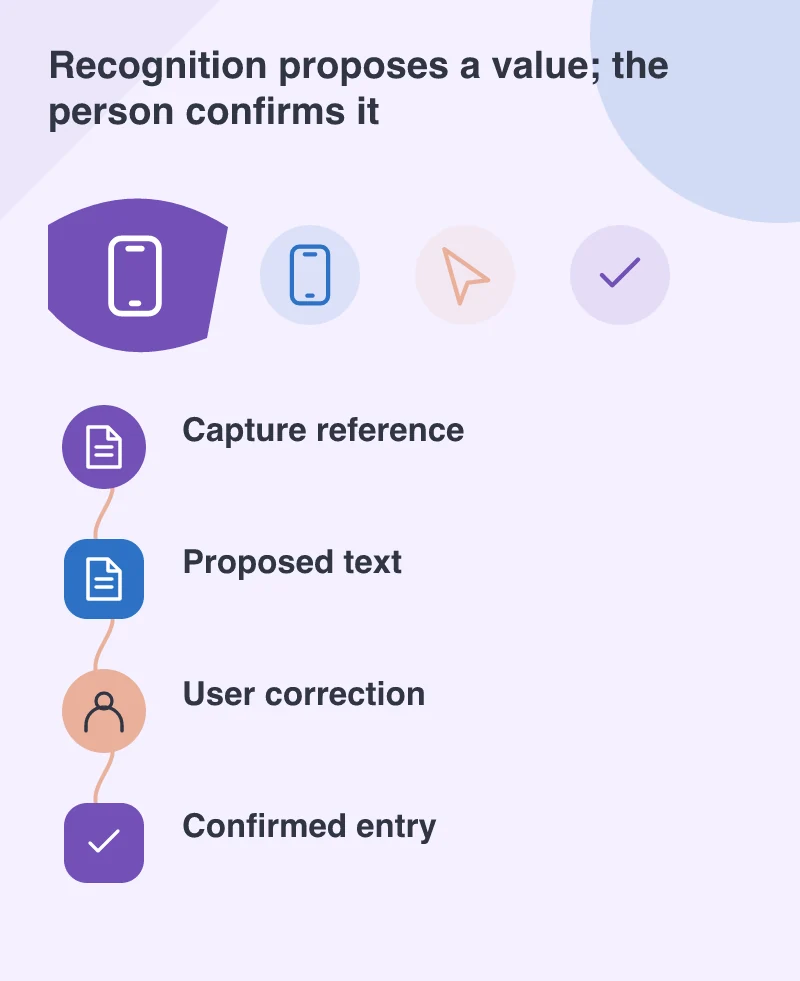
Show the original capture next to the extracted value where practical. Highlight the field the user must confirm and keep manual entry available. A photograph can be blurred, cropped or unevenly lit; a neatly formatted result can still be wrong. Treat recognition as a proposed value until the task’s required checks have been completed.
If the reference has a known length or permitted character set, validate that format separately. A failed validation should help the user fix the problem, not claim that the document is invalid. For example, explain that a reference needs ten characters and let the person edit it. Avoid uploading or submitting the value automatically just because the recognition call returned without an error.
Know where the image is processed
The beta offers both on-device and cloud-based APIs. The on-device route can operate without a network connection; a cloud-dependent feature needs an appropriate connection and data-handling decision. Check the chosen API rather than assuming every capability works in both places. Explain any transmission of document images in a way the user can understand before capture.
For a field worker, an offline path may be valuable, but it also raises a separate question: what happens after the value is confirmed? A local capture should not appear uploaded if the server has not received it. Show pending and completed states clearly and avoid creating duplicate records when the connection returns.
Run a small, honest pilot
Collect a permitted set of representative test documents, including awkward examples. Compare proposed values with checked answers and record the kinds of errors, not just a single success percentage. Include the phones, lighting and camera positions expected in use. A successful demonstration with one crisp printed page cannot establish reliability across the real job.
Measure whether the complete task becomes easier, including corrections and retries. If manual entry remains faster for a particular document, keep it available. ML Kit lowers the barrier to trying a focused mobile feature; thoughtful review and failure handling determine whether that feature is worth using.