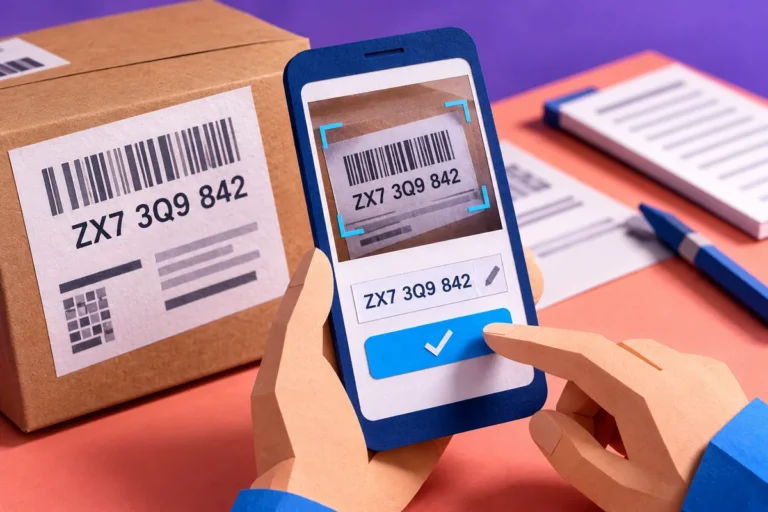
A phone number on a photograph used to mean a small transcription task. With iOS 15’s Live Text, interacting with text inside an image becomes more familiar on supported devices. For businesses planning a document or mobile workflow in September, the interesting question comes immediately afterwards: once the words have been captured, where do they go and how does somebody know they are right?
Recognition removes one kind of effort
Apple’s 20 September release announcement includes Live Text for supported devices and languages, enabling people to interact with recognised text in photographs and the camera experience. It is a useful consumer capability. It does not establish that every business document can be converted into a complete, correct structured record without review.
Copying words and understanding a document are different tasks. A receipt may contain several dates, a business name, a tax reference and multiple amounts. The correct characters still need to be associated with the right fields before the information becomes useful to an accounting or support process.
Design the review around consequences
Imagine a team recording delivery notes from photographs. A mistyped internal note may be easy to correct, while an incorrect reference number can make the document difficult to find later. Give important fields a clear review step and keep the source image available alongside them where that helps the person checking the result.
The review screen should make correction easy. A user should not have to abandon the entire scan because one field is wrong. Equally, a prefilled field should not look confirmed simply because software put something in it.
Preserve the connection to the original
Decide how the captured information relates to the document it came from. A useful record may need the original image, the extracted text and the date of processing. If a colleague questions a value, they should be able to inspect the source rather than trust a copied string with no context.
Consider what is stored and shared at each step. A photograph can contain personal or commercial information outside the field the user intended to capture. A clear workflow lets the person review the material before sending it somewhere else.
Put the destination before the demonstration
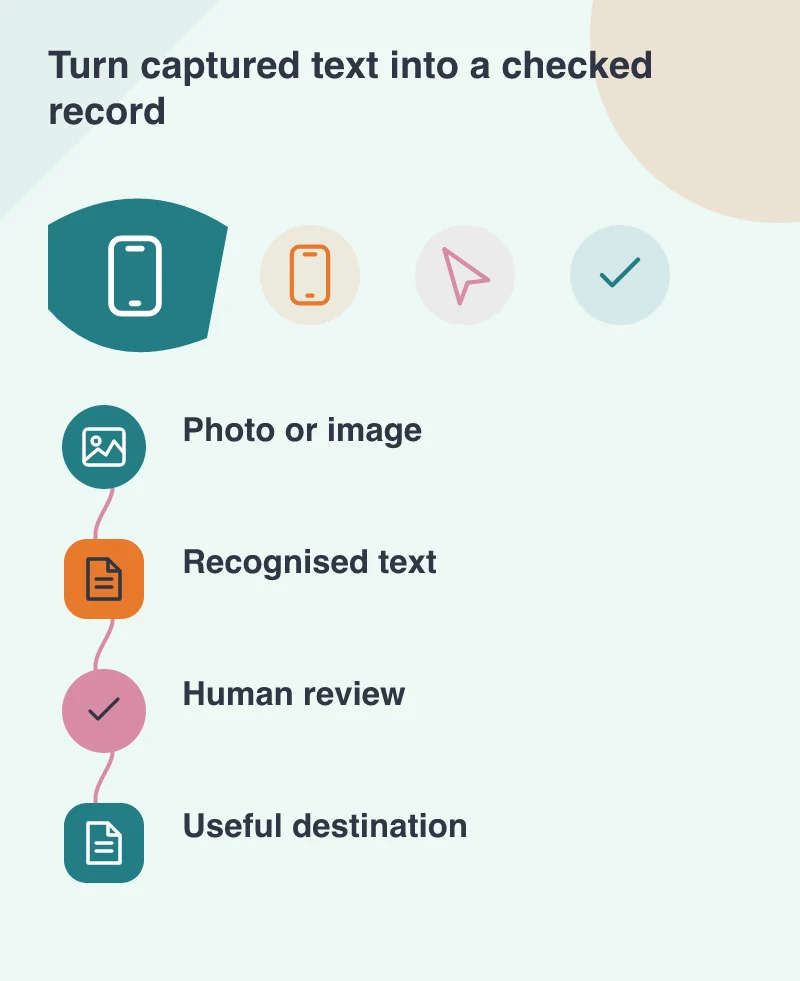
A successful recognition demo can be impressive and still leave the business with another isolated collection of text. Choose the destination first: a searchable document, an expense draft, a customer record or a message ready to review. Then design the capture and correction steps around that outcome.
Make the destination of the captured text clear before the demonstration. The person should see what was recognised, correct the details and understand what confirmation will do. Moving words out of an image is convenient; putting checked information into the right task is the product.