
A phone visitor opens a product page and finds a picture, a price and an invitation to call. The dimensions, delivery details and supporting information are available only on the desktop page. That may look like a simplified mobile experience, but it removes the very information somebody needs to make a decision. Google’s 18 December mobile-first preparation guidance is a useful reason to examine that trade-off carefully.
Compare the information, not only the layout
Google advises sites preparing for mobile-first indexing to ensure that important content is available on the mobile version, including structured data and metadata. The guidance concerns which version of content is used for indexing; it should not be turned into a claim that every website has already switched or that a particular responsive layout automatically earns a ranking improvement.
A business can begin with a side-by-side content review. Choose a service page, a product detail page and an article. Compare the useful text, headings, images, links and descriptions available to visitors at each size. A shorter visual arrangement can still expose the full information through understandable controls. The problem is removing substance simply because it is inconvenient to fit into the first small screen.
Watch for differences created by the publishing system
Separate mobile templates sometimes develop separate editorial habits. A team updates a delivery note on the main page but forgets the mobile copy, or a structured-data field appears only in one template. These differences are easier to prevent when the same maintained content feeds both presentations. A content inventory can reveal duplicated fields and help the team decide which value is authoritative.
Imagine a furniture catalogue whose mobile page uses a compact dimensions panel instead of a wide table. That can be a good design choice if the measurements remain accessible and comprehensible. Ask a customer to find whether an item fits a doorway using only the phone page. The task makes the information gap much easier to recognise than a general debate about whether the mobile page looks clean.
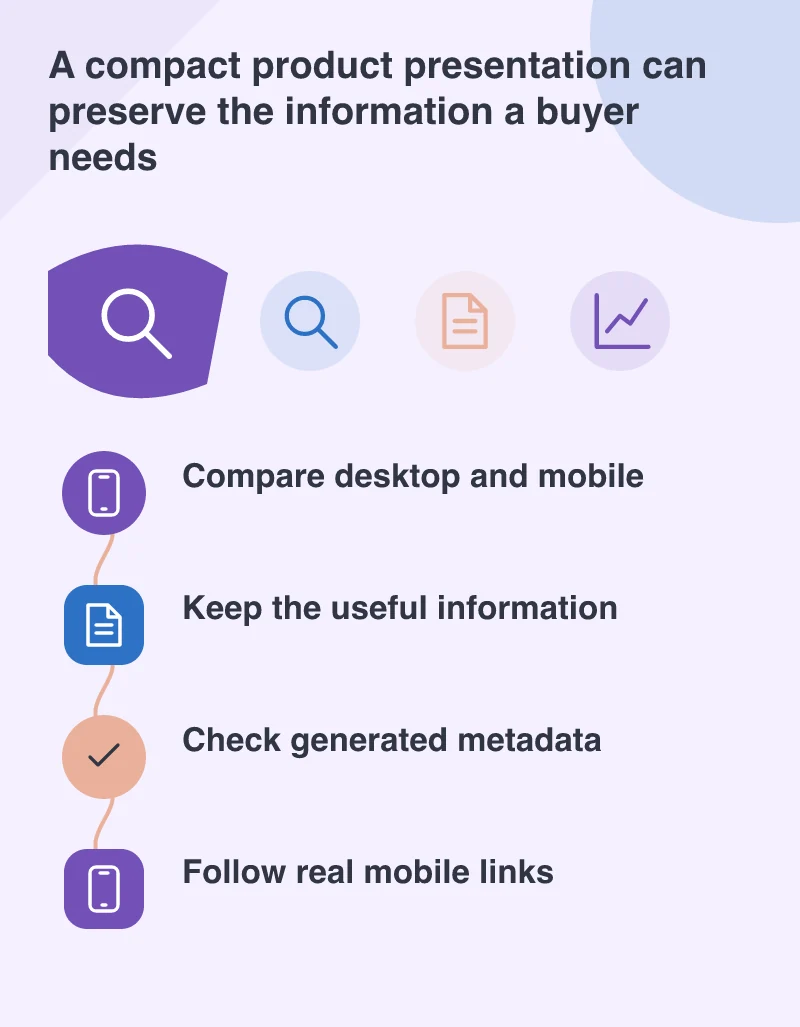
Check the routes a crawler and a person can follow
Google’s guidance also calls attention to image descriptions and consistent information about the pages. Review how internal links, language versions and important metadata are generated. A useful page that is difficult to reach from mobile navigation can still be frustrating to discover. Test the live links and inspect the output instead of assuming that a matching screenshot proves the underlying information is the same.
Plan the mobile improvements around missing information and actual visitor tasks rather than fear of an indexing switch. Make a list of important differences, repair those that remove useful content and keep the review examples as regression checks. Desktop and mobile do not need identical arrangements. They do need to help the same person reach the same reliable answer when the screen and connection change.