A shopper has chosen the right item, then meets the longest form on the website. A small keyboard, an interrupted session and a familiar address typed again can turn a simple purchase into a frustrating task. Google’s 23 October payment launch aims to reduce that repeated entry using details already held in a Google Account. It is a useful opportunity to review the entire checkout, including the steps a payment shortcut cannot decide for the merchant.
Remove typing without removing understanding
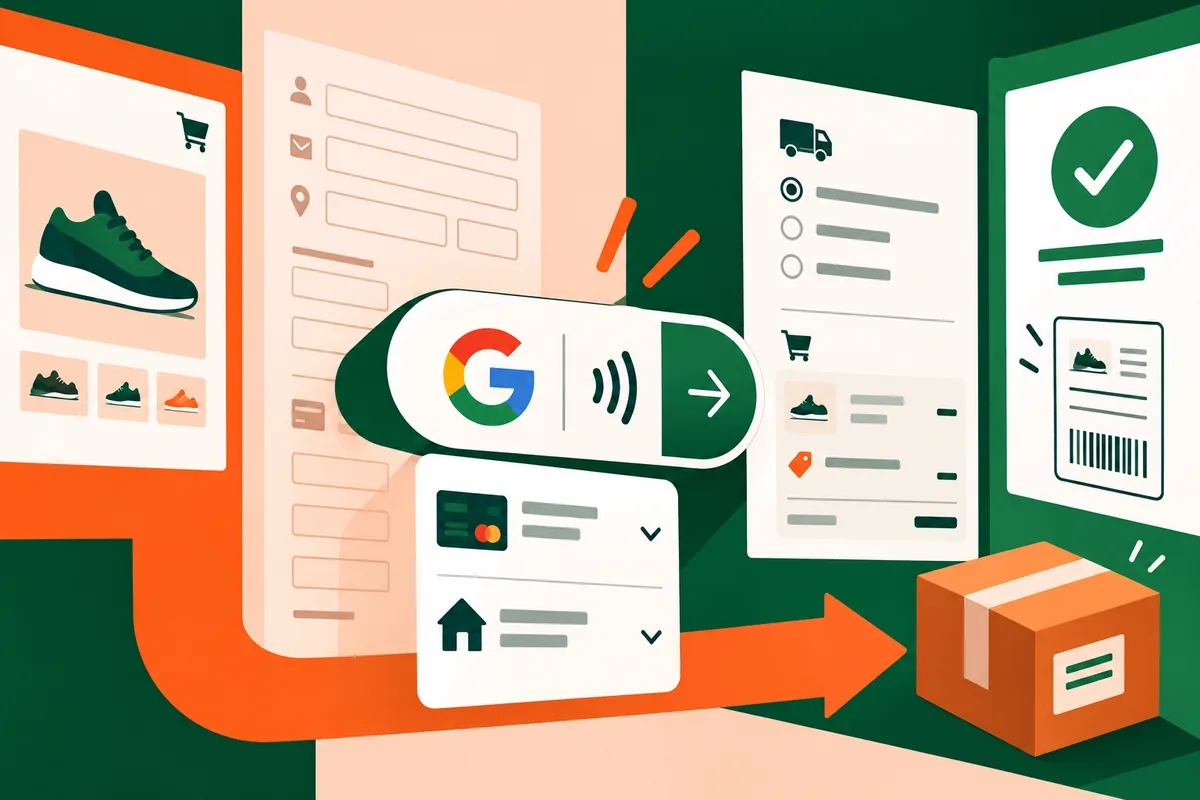
The announcement explains that a shopper can use eligible cards saved to their Google Account, with payment and shipping information passed to the merchant through the supported flow. That can reduce form entry, but it does not make every customer, card or market eligible. A normal alternative checkout remains necessary, and the integration needs to be checked with the payment-processing arrangements the merchant actually uses.
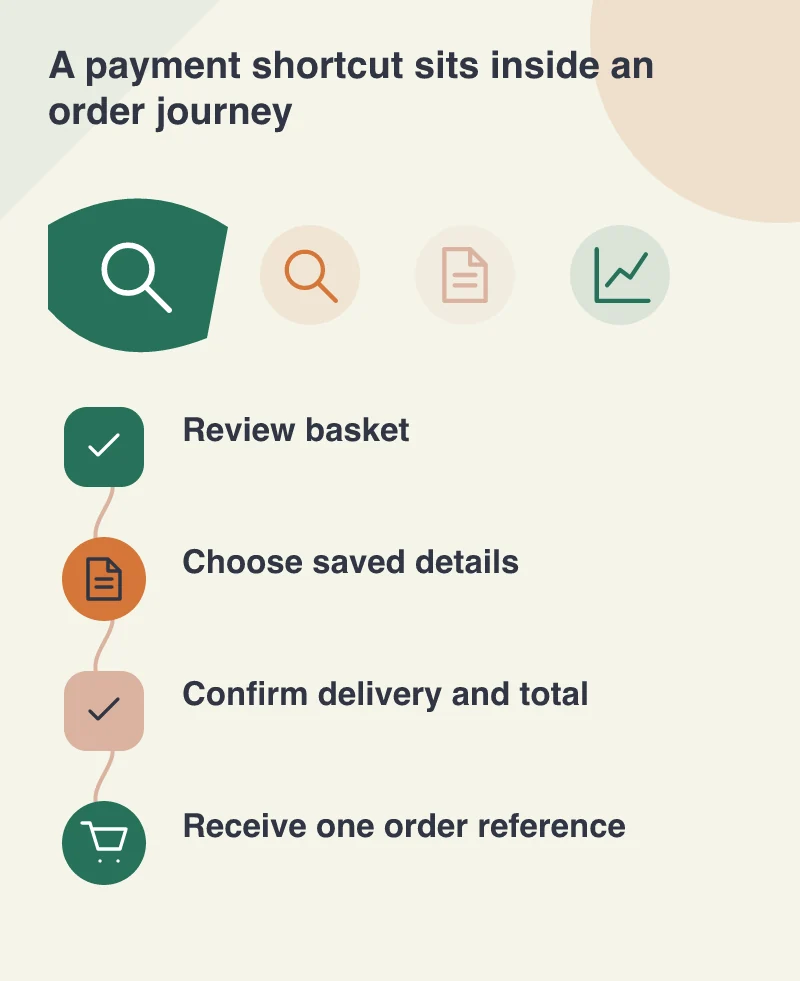
For a homeware checkout, picture the customer trying to understand which address will be used, what delivery costs and when the purchase becomes final. Saved information is convenient precisely because people can move quickly. The interface should therefore make the chosen values easy to review, with a clear chance to correct an old address before the order is placed.
The total belongs to the whole order
A delivery selection can change a total. So can a discount, an out-of-stock item or a basket edited in another tab. The checkout should agree on the authoritative order details before asking for final payment confirmation. A fast payment button attached to a confusing or stale total is not a better experience; it just moves the confusion closer to an irreversible step.
Prototype the awkward cases as well as the happy path. What happens when a shipping address is outside the delivery area? Can the shopper return to change a quantity without losing context? Is an interrupted payment shown as unfinished rather than silently treated as accepted? These are merchant-workflow questions that need explicit answers in the application and its support process.
Test the receipt as carefully as the button
Use the provider’s supported testing facilities and compare the customer confirmation with the order record received by the business. The chosen items, address, delivery method and payment state should tell the same story. Customer service should be able to identify an order from the reference shown to the shopper, rather than asking them to describe a screen the team cannot see.
The October launch is interesting because it reduces a familiar source of friction, not because it makes checkout design disappear. A sensible pilot chooses one supported payment route, keeps a clear fallback and tests correction, cancellation and confirmation. Judge it by whether people can make the intended purchase confidently. Fewer fields are valuable when the information that remains is clear, accurate and easy to review.
The test plan should include an ordinary card-entry checkout as well. A customer who cannot use the new shortcut should still see the same delivery choices and an understandable final total. Introducing a faster route should not make the existing route harder to find or maintain.