A customer reaches a product page from Google and wants to know where it sits in the shop. The breadcrumb gives them a route back to the category. Behind that simple navigation, another description may be telling the search engine the same story. January’s announcement about data-vocabulary markup is a reminder that both versions need attention: the part people see and the older template code they never notice.
What changed in January
Google announced on 21 January that data-vocabulary.org markup would no longer be eligible for its rich-result features from 6 April 2020. Search Console began issuing warnings so site owners could replace affected markup with schema.org. This was a change to an accepted vocabulary, rather than a statement that breadcrumb navigation itself was going away.
For the owner, this begins with one concrete question: which theme, extension or custom template produces the breadcrumb information? A warning is easier to resolve when someone owns that output. Installing another SEO extension without understanding the existing one can leave two competing descriptions on the same page.
Inspect an actual customer route
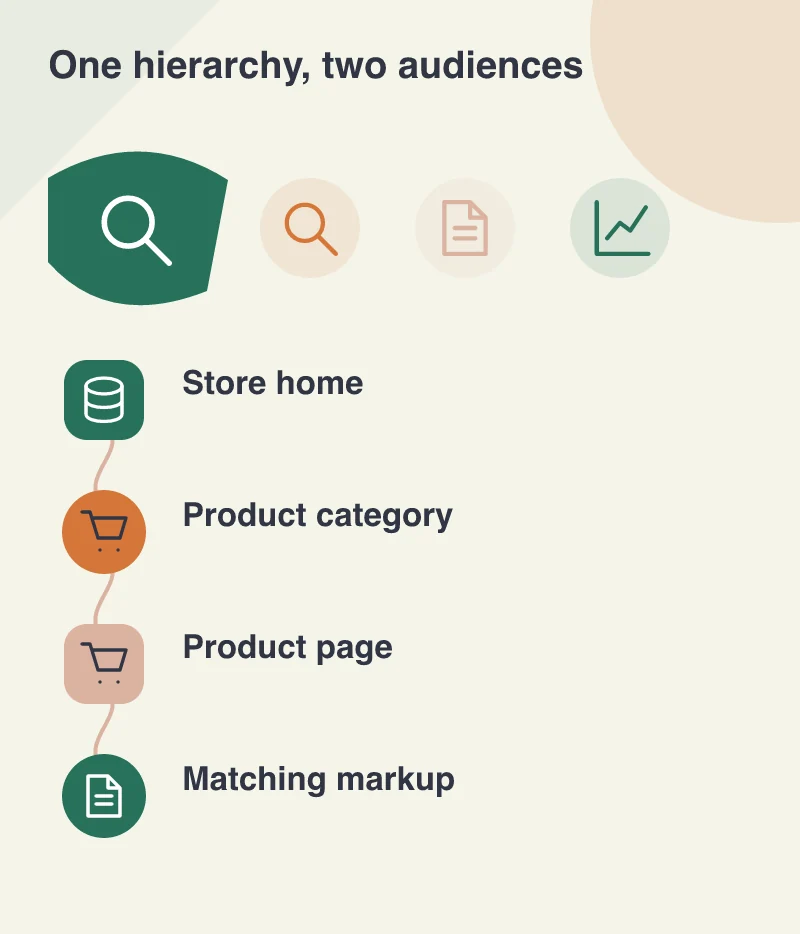
Take a furniture shop with a route from Home to Dining to Oak Tables. Open a category page and a product page, including one reached through a sale or search result. Compare the visible route with the marked-up names and URLs. A technically valid description is still unhelpful if it points to a category that visitors cannot use.
Then inspect a second product type. Many stores have accumulated separate templates for configurable products, brands or editorial buying guides. Fixing one familiar page does not establish that the whole catalogue has been corrected. Group the affected URLs by template so the work remains manageable.
Change the producer, then check the output
A developer should update the component responsible for the old vocabulary and review the rendered HTML after caches have been cleared. If a theme supplies one breadcrumb and a plugin supplies another, agree which one is authoritative. Removing accidental duplication often makes future maintenance simpler than adding another layer of configuration.
Use a test copy first when the change touches shared templates. Check that links still work, category labels remain readable on a phone and the visual navigation has not disappeared during a markup repair. The business objective is a coherent route through the shop; search presentation is one consequence of describing that route accurately.
A useful maintenance record
Record the warning, the template changed and a few representative URLs before requesting another validation in Search Console. Keep the original report beside the follow-up result. That gives the next person evidence of what was done, rather than a vague note saying SEO was fixed.
This is also a good occasion to make a small ownership list for machine-readable information. Prices, availability, company details and breadcrumbs may come from different systems. Knowing where each value originates is more useful than assuming a single plugin understands the entire business. A healthy website keeps those descriptions aligned with the pages customers actually use.