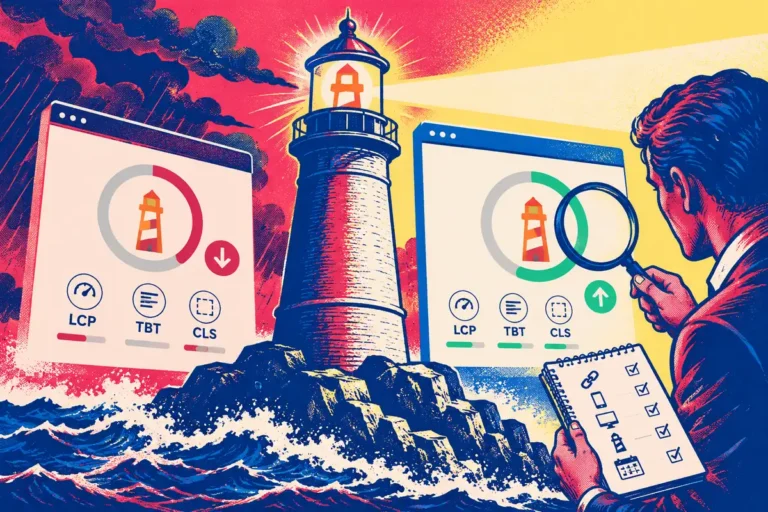
One person brings a PageSpeed Insights report showing a healthy controlled test. Another points to field data that still looks weak. Both can be looking at useful evidence. The problem begins when the team treats them as competing answers to the same question. November’s announced PageSpeed Insights redesign puts a clearer separation between lab and field information, which should help make that conversation more productive.
Know what each part observed
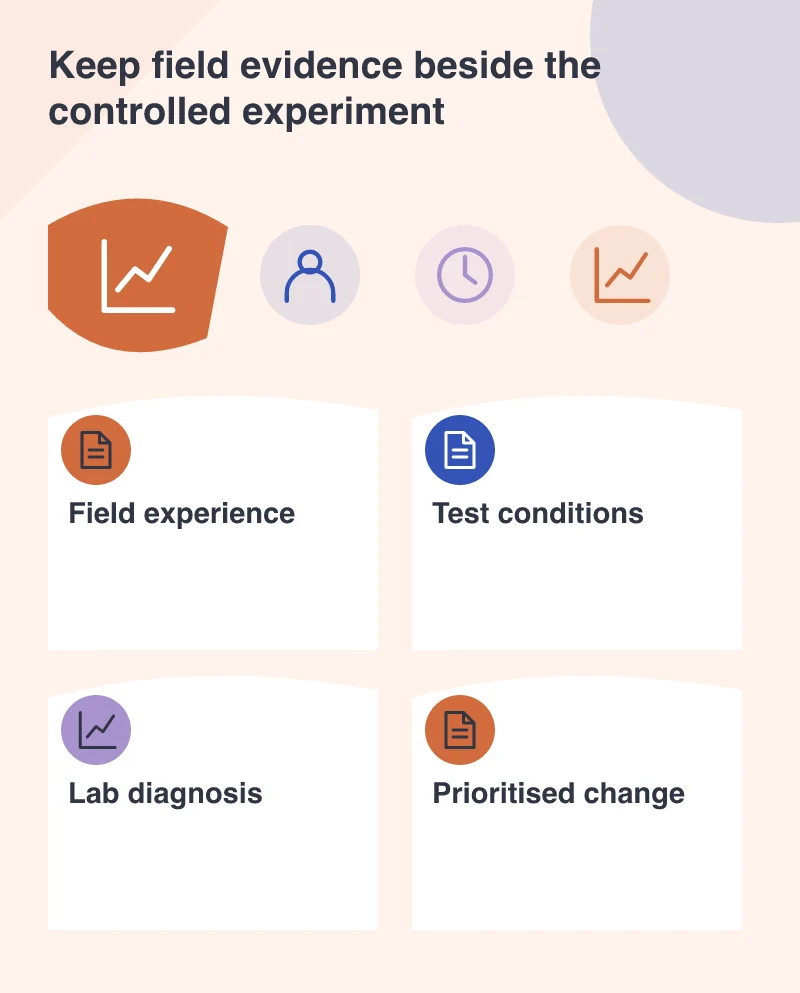
The 3 November announcement describes upcoming interface changes intended to make the distinction more intuitive. Field information describes experience from real visits where data is available. A Lighthouse run provides controlled diagnostics for a particular page under the stated test conditions. Those are different views of the website.
A developer can use the controlled run to investigate a change. A business can use field evidence to understand how a broader set of visitors has been experiencing the relevant pages. Neither becomes more useful by pretending it represents the other.
Put the URL and context back into the discussion
A screenshot of the headline score can leave out the most important details. Record the tested address, device profile, date and conditions. Check whether the field information is available for that URL or a broader origin context. A report about one product variant should not quietly become evidence about every page in the store.
This is particularly important after a deployment. A newly improved template can produce a better diagnostic result before a period of real-use information fully reflects the change. Understand the time basis rather than assuming one of the tools must be wrong.
Follow the bottleneck into a visible task
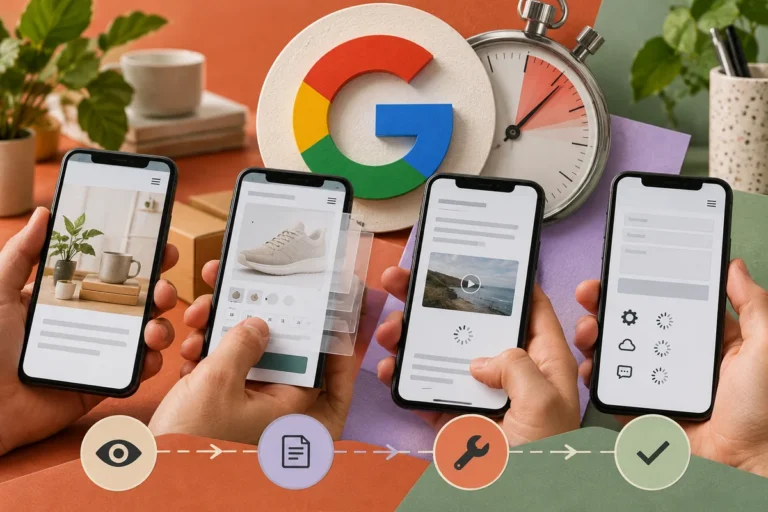
Imagine a retailer whose product image appears promptly in the lab but whose customers often use slower devices. Investigate the resources needed for the first useful view and the work competing with them. The evidence may point to image priority, server response, script execution or a combination of causes.
Choose a correction that corresponds to the diagnosis, then run a comparable test. Keep the old report. That allows the team to explain whether the relevant behaviour improved instead of merely announcing that the score changed colour.
Make the report useful to non-developers
Translate the important result into a customer question. Can a visitor see the main information? Does the first interaction respond? Does the page move unexpectedly? In 2021, those questions relate to LCP, FID and CLS, with lab diagnostics supporting the investigation rather than reproducing every real interaction.
This translation helps a manager assess scope and trade-offs. It also gives designers and editors a reason to care about loading priorities, image dimensions and added scripts.
Keep evidence attached to future changes
Use a small set of representative templates for ongoing checks. When a new component is proposed, identify which journey it may affect and how the team will assess that effect. Reports then become a shared working record rather than a badge collected once at launch.
The announced redesign is welcome because a clearer interface can support better interpretation. The underlying habit matters more: read the context, understand which experience was measured and use each part of the report for the decision it can actually support.