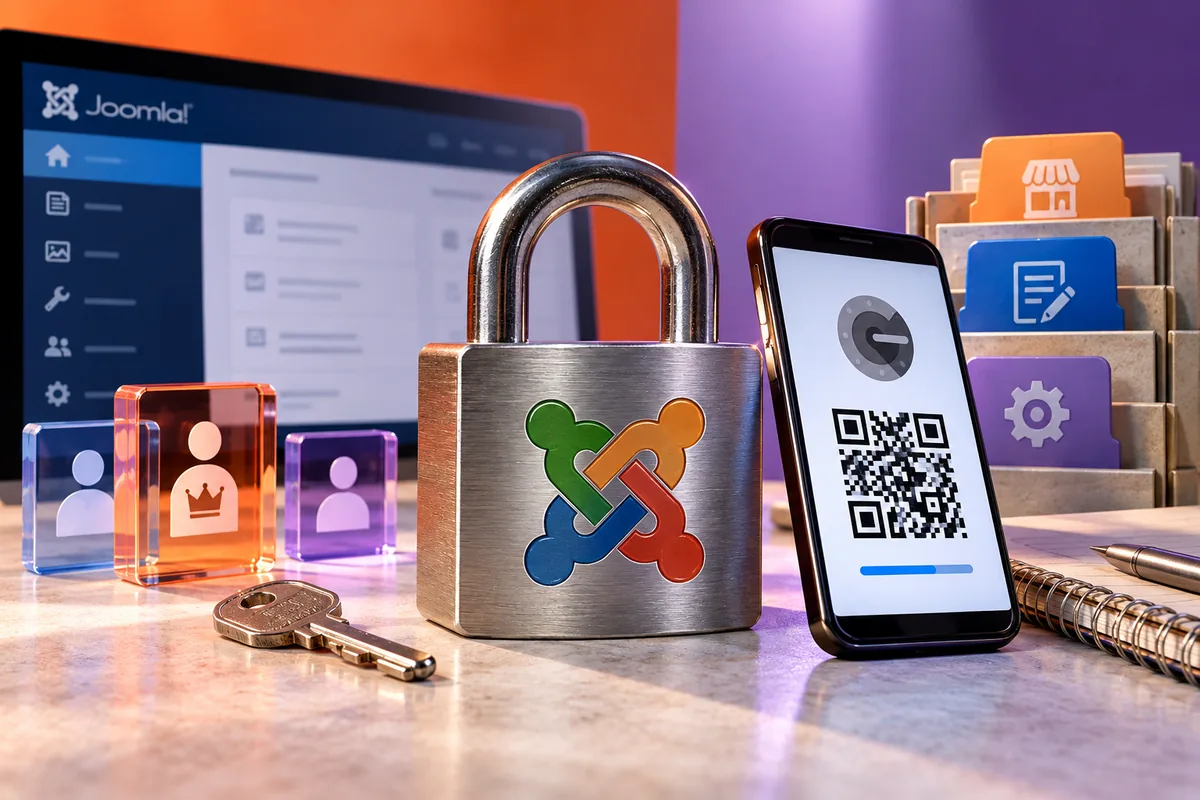
Stronger sign-in is welcome until an urgent page change depends on a phone nobody can reach. Joomla 3.9.5, released on 9 April, includes a QR-code generator improvement for its Google Authenticator two-factor plugin, alongside security fixes. The release is a good occasion to review administrator access as a working process: who can sign in, what they can change and how an authorised person recovers access when something goes wrong.
Give each person an account that matches the job
An editor changing opening hours does not usually need every system permission. Review the people who use the backend and the tasks each performs. Remove unused accounts and identify the owner of every privileged one. A shared login makes it harder to revoke access cleanly when a person leaves and weakens the meaning of administrative action records.
Imagine an organisation with a volunteer editor, an office manager and an outside maintainer. Their responsibilities differ. Set up access so the editor can do normal publishing without relying on the maintainer’s most powerful account. The office should also know how to reach the person responsible for an urgent technical issue.
Rehearse the second factor
A setup code is only the beginning. Have an authorised user enrol their own account, sign out and sign back in using the second factor. Confirm that the supported recovery method is understood and kept securely. Do not place recovery information in a public document or an email thread containing the account password.
Test the process before making it a dependency for every administrator. A phone replacement or loss should trigger an established recovery route rather than improvised changes under pressure. Explain who may authorise that recovery. Convenience should not allow an unknown caller to bypass the very control intended to protect the account.
Apply the security release deliberately
The 3.9.5 announcement identifies three security issues addressed by the release. Review the affected installation and deploy through the appropriate maintenance process, with a recoverable backup and extension checks. Introducing two-factor sign-in is not a substitute for applying a security update; the two changes address different parts of the system.
After the update, verify sign-in using the accounts and methods actually relied on. Then perform a normal publishing task and check the visitor-facing result. Keep an authorised recovery route available while verifying the change, rather than discovering a configuration problem only after the last working administrator session has ended.
Write down what happens when a person leaves
Staff and supplier changes are part of site maintenance. Record how accounts are disabled, privileges transferred and access to hosting or other services reviewed. The website account may be only one part of a person’s access, so the office needs a short inventory of the systems involved.
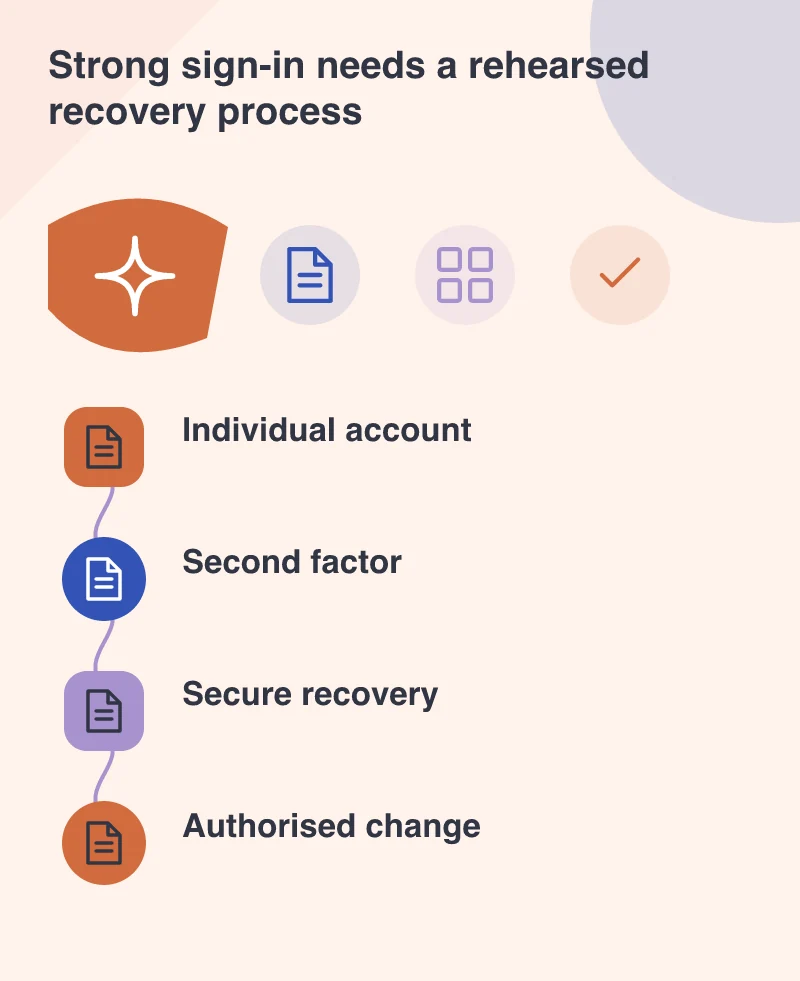
A well-protected backend should still be usable by the right people. The aim is neither an unattended shared account nor a sign-in system nobody can recover. Clear ownership, individual permissions and a rehearsed second factor make routine updates more dependable while reducing the opportunities for unauthorised changes.