
An unexpected change on a website often starts a slow exchange of messages: who edited it, when did it happen and can it be put back? Joomla 3.9, released on 30 October, includes a user action log alongside new privacy-related facilities. For a site maintained by several people, the log offers a clearer starting point. It is most useful when accounts, permissions and the reason for keeping records are already understood.
A log is only as clear as the accounts behind it
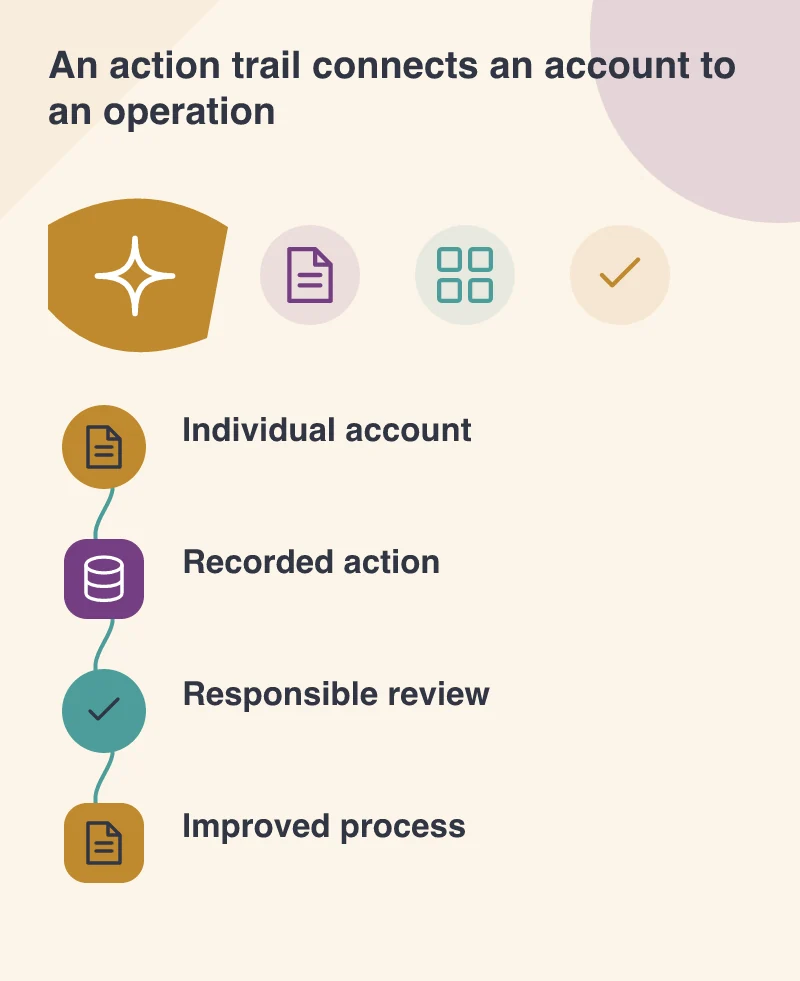
If several staff use the same administrator login, an entry identifies that shared account rather than the individual who performed the work. Give people appropriate individual access and remove accounts that no longer have an owner. This is a practical administration decision, not simply a setting inside the new logging feature.
Imagine a membership organisation changing registration information before an event. An editor updates the page, an administrator changes a form and another person manages member records. Their permissions should reflect those jobs. If everyone uses the most powerful account for convenience, the site becomes harder to investigate and harder to maintain with confidence.
Know what is recorded
The release announcement describes Super Users viewing administrative actions and notes that supported extensions can participate. Do not assume every action in every third-party component will appear. Test a few important operations with the extensions actually installed. Record the gaps so staff know when they need evidence from another system.
Action records also need sensible access and retention. A person investigating a page change does not necessarily need unrestricted access to exported user information. Decide who reviews logs, when an issue is escalated and how old entries are handled. Joomla 3.9 includes facilities for exporting and purging entries and a log-rotation plugin, but the organisation must choose how to operate them.
Privacy requests reach beyond one screen
The same release introduces consent and information-request tools, with mechanisms for extensions to report relevant capabilities. Review these against the site’s actual forms and data destinations. A contact request may also exist in an inbox or another business service. The Joomla dashboard cannot automatically make every separate copy part of a single verified response.
Have the appropriate person define how requests are verified and handled, then test with an identifiable sample account. Explain the process accurately on the website. Software can help carry out a decision, but its installation is not proof that all applicable requirements have been met. Avoid publishing a sweeping compliance claim merely because the release is described as a privacy tool suite.
Use the trail to improve the next change
When a problem occurs, combine the action record with the actual page state, backups and the editor’s explanation. A log entry is evidence of an operation; it may not explain the intent or every resulting effect. Keep the investigation proportionate and focused on restoring the right information.
Afterwards, make the common task easier to perform correctly. That might mean clearer field labels, a preview step or a narrower permission. The benefit of an action log is not just finding someone to ask. It can reveal where the publishing process needs better instructions, so the next event update produces fewer surprises.