A new dashboard notice can be alarming when it names software the owner never chose directly. WordPress 5.1, released on 21 February, introduces its first Site Health features, including notices about long-outdated PHP versions. PHP runs the server-side application. The notice is a reason to ask the host and maintainer for a plan, rather than dismissing it or changing the production runtime without checking the site.
Ask for the installed version and the supported route
Begin with facts: the active PHP version, the hosting arrangement and the versions of WordPress, the theme and essential plugins. Ask the provider what runtime options it supports and what a switch changes. A hosting account may offer several versions, but a selector does not explain whether the installed extensions work with the intended choice.
Imagine a business site that still uses a custom quotation plugin. That component may be more important to the operation than several visible design features. Its compatibility needs an answer from the person who can maintain it. Removing the dashboard notice while leaving that dependency unexplored would make the screen quieter without making the site easier to support.
Use the new safeguards for what they do
WordPress 5.1 checks PHP requirements when installing plugins and prevents installation when the plugin requires a newer version than the site runs. This is useful feedback at the point of installation. It is not a complete audit of every existing plugin, every custom function or the host’s configuration.
Keep the distinction clear when reporting to the owner. The system can block a known incompatible requirement, while a particular component may still contain untested code. Review important dependencies and obtain specific compatibility information. Where an extension is no longer maintained, discuss a replacement or a supported repair before it becomes an urgent obstacle.
Rehearse the work the business relies on
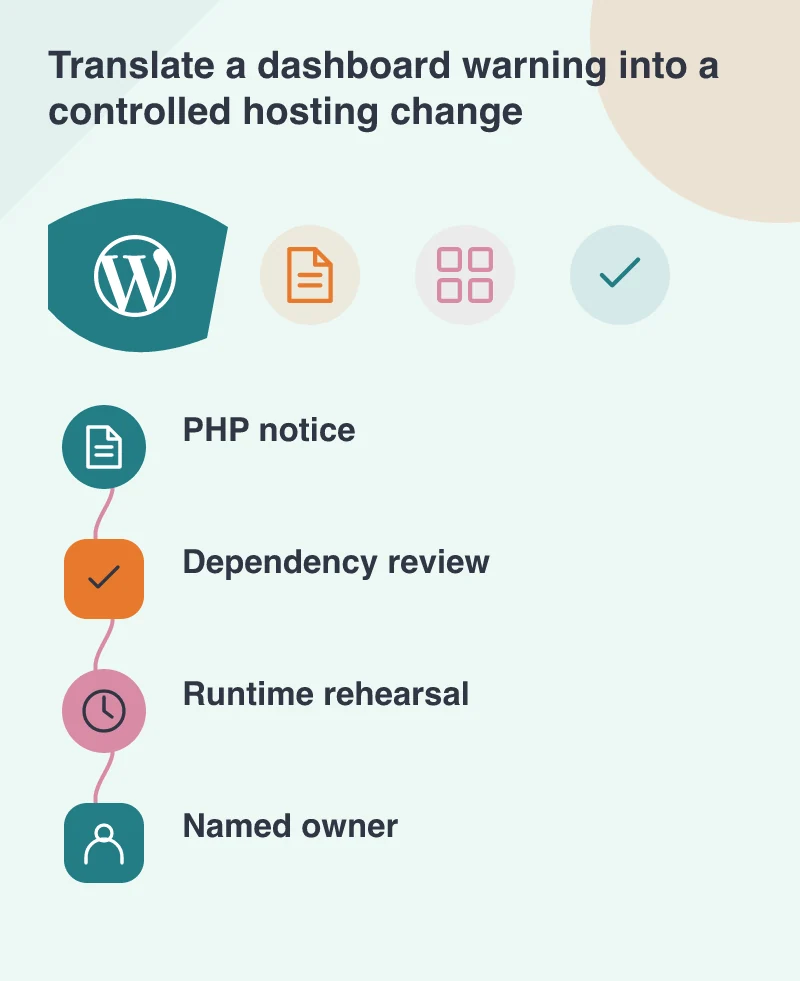
Prepare a safe copy with the intended runtime and the relevant server extensions. Test the quotation route from opening the form through receiving the result. Include validation errors, attachments and any handoff to email or another service. Capture the observable result and ask the developer to review errors during the test.
Also check daily administration: saving a page, uploading media and running scheduled tasks. A runtime change can affect work that visitors never see directly. Protect live integrations on the copy so test actions cannot create genuine orders or send confusing messages. The rehearsal needs realistic configuration without uncontrolled business side effects.
Make responsibility survive the change
Agree who performs the public switch, how it can be reversed and who checks the site afterwards. Record the new runtime and the remaining dependencies. A future maintainer should not have to reconstruct the decision from a screenshot of a warning that has disappeared.
The notice is useful because it makes a hidden dependency visible to the administrator. Its resolution belongs in a small, managed hosting change. Once the important tasks have been demonstrated under the intended environment, the owner can approve that change with a clear understanding of what has been checked and who is responsible for keeping it maintained.