
A website can accumulate software long after the campaign, form or design effect that required it has disappeared. Joomla 3.9.14 was released on 17 December. While planning that maintenance, take a look at the extensions around the core. An item that nobody recognises is not automatically safe to delete, but neither should it remain indefinitely just because removing it requires a conversation.
Find the business purpose before touching the component
Create a short list of active extensions and identify the task each supports. Ask the people who maintain content about old landing pages and seasonal forms. Check templates and modules for dependencies that are not obvious from the main menu. Some components do useful work in the background; others may have been retained only because nobody knew why they were there.
Imagine a competition form from a past event. Its public link has been removed, but the form’s address still works and submissions still reach an inbox. Decide whether the event is finished, whether the information needs to be preserved and what a person following an old link should see. Simply hiding the module did not answer those questions.
Retire the feature, not just its menu item
Agree the intended outcome with the content owner. A retired public page may need a relevant explanation or destination. Stored data may need handling according to the organisation’s established policy. Connected mail, scheduled jobs and external services also need review. Treat these as parts of the feature rather than unrelated technical debris.
Work on a safe copy before removing a dependency. Check the pages and tasks that could refer to it, then verify the result. Use the extension’s supported uninstall route where appropriate and keep a recoverable backup. Deleting a folder by guesswork can leave configuration or data in a confusing state.
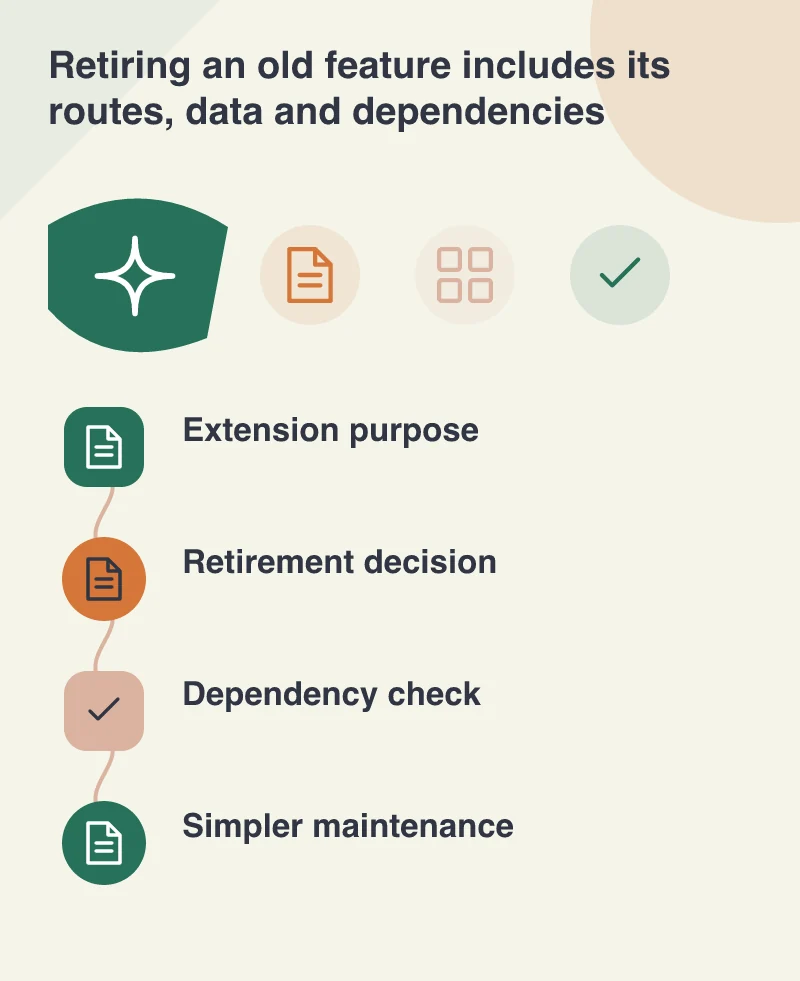
Reduce the number of unanswered maintenance questions
For extensions that remain, record who supplies updates and who owns any licence. Identify unsupported custom code and make an explicit plan for it. Fewer components can simplify maintenance, but the benefit depends on removing real dependencies cleanly rather than merely reducing the number displayed on an administration screen.
Keep core maintenance separate from a large clean-up when necessary. The official 3.9.14 release record provides a clear version target for the core change. An extensive retirement project should not become an excuse to postpone needed updates indefinitely. Agree a sensible order with the maintainer and preserve evidence of the work completed.
Leave the next editor a simpler site
After retirement, update internal links and instructions. Remove an obsolete form from the editor’s choices if it can no longer be used. Check that an ordinary staff account can still perform its daily tasks without confusing errors or controls for features that no longer exist.
A year-end review is valuable when it reduces uncertainty for the next person. The resulting website should have a clearer relationship between its software and the work it actually does. Keep the features that serve a purpose, support them deliberately and give the abandoned ones a proper ending.