A mobile app can feel visually inconsistent without using many colours. One screen has a heavy heading, another a thin title and a third several tiny labels competing for attention. A more coherent type system can make the product feel considered while helping people find the information they need.
Use flexibility to reduce arbitrary choices
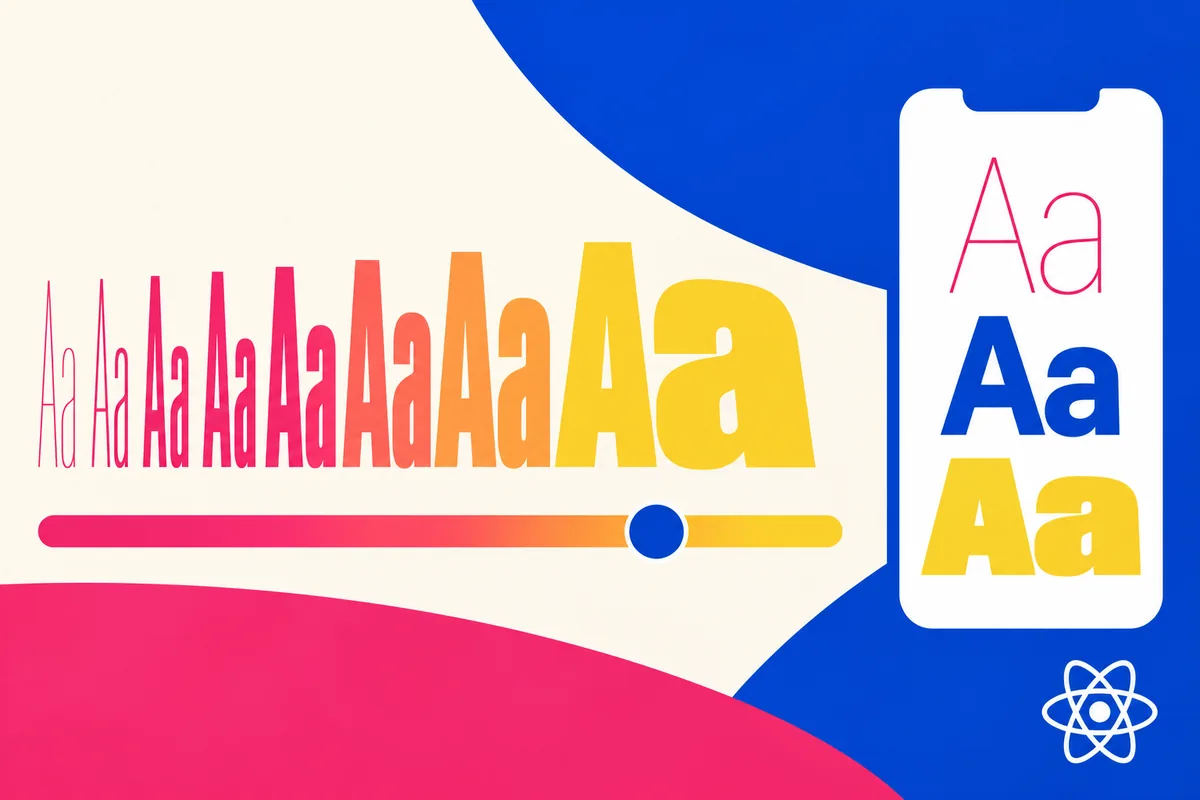
React Native 0.88, released on October 19, adds fontVariationSettings to Text and TextInput on Android and iOS. A variable font can expose axes such as weight when the chosen font supports them. This creates more control, but the interface does not need to display every possibility.
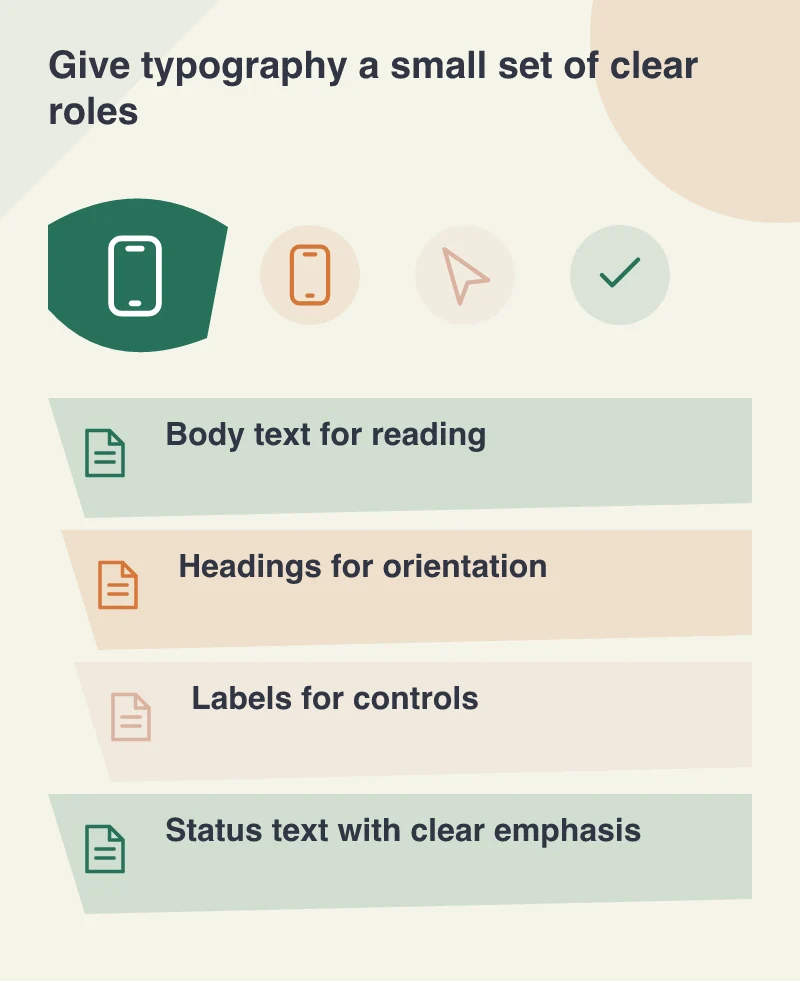
Define a small set of roles: a screen title, section heading, readable body and compact control label. Give each a purpose and an appropriate range of sizes and weights. The design becomes clearer when the available choices support that hierarchy rather than invite a different style on every screen.
Make important text easy to recognise
Imagine a ticketing app showing the event name, date, entry time and ticket status. The event title should establish the context, while the time and status remain easy to find. A dramatic heading should not force the details people need at the entrance into tiny secondary text.
Use spacing and grouping with the type hierarchy. Weight alone cannot explain every relationship. A label beside its value often communicates more clearly than a series of unrelated bold words scattered through a card.
Check the actual font on both platforms. Supported axes, rendering and fallback behaviour need to be verified in the application, not assumed from a design-tool preview.
Let the interface accommodate larger text
Typography needs to remain useful when a person increases text size. Controls should have room to grow, important labels should not be clipped and a longer translated title should not obscure the next action. A well-chosen font is one part of that larger layout responsibility.
Avoid using a narrower or lighter style simply to squeeze more information into a small card. Reconsider the information hierarchy instead. A slightly taller screen can be easier to use than a compressed one that demands careful reading from everyone.
Put the decisions into reusable components
Keep the approved styles in a shared system that the team can apply consistently. When a screen needs an exception, describe why. Repeated exceptions often reveal a missing role or an unsuitable default rather than a need for unlimited styling freedom.
Variable-font support can help a mobile app develop a distinctive, consistent voice. Its value comes from the judgement around it: clear roles, readable sizes and reliable behaviour. The result should feel polished because people can orient themselves quickly, with the important words easy to see and understand.