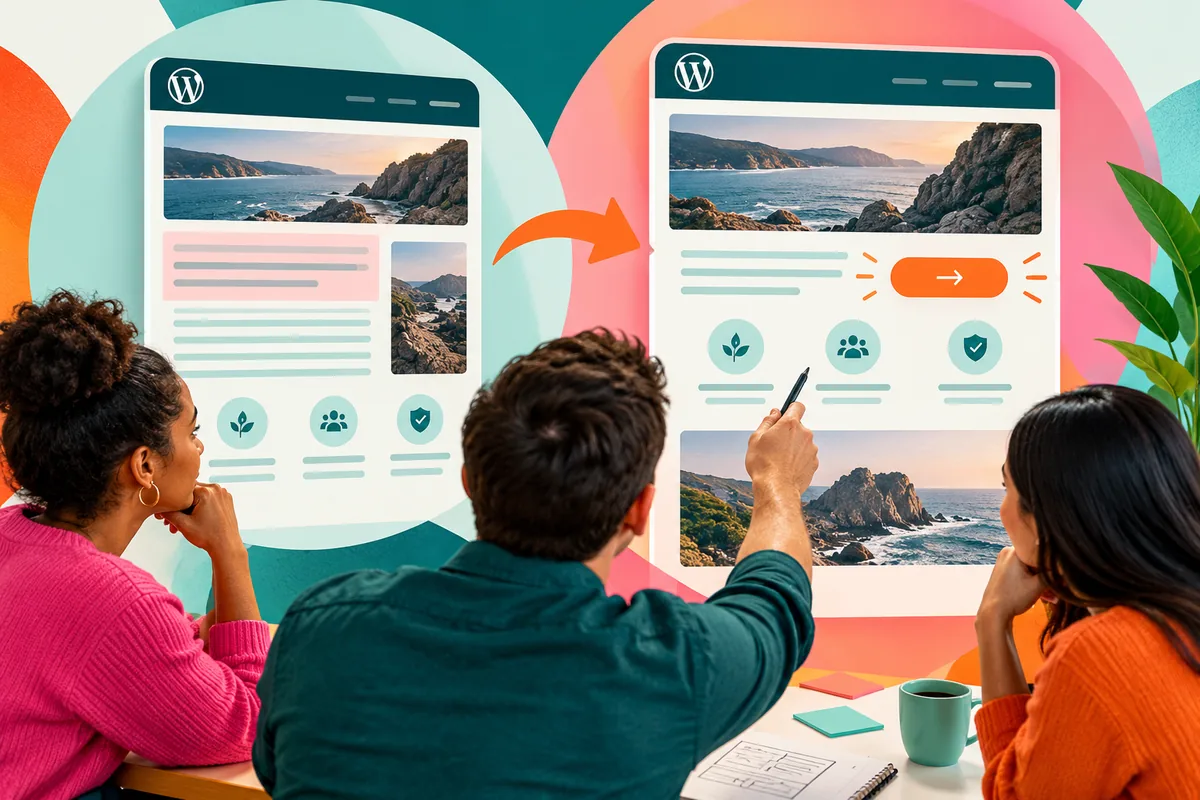
A change request can sound minor: shorten the introduction and move the enquiry button higher. Its effect may be significant. The page could become clearer, or it could lose the explanation that makes the enquiry worthwhile. Seeing the versions together helps a team discuss the result instead of reconstructing it from memory.
Use comparison to improve the discussion
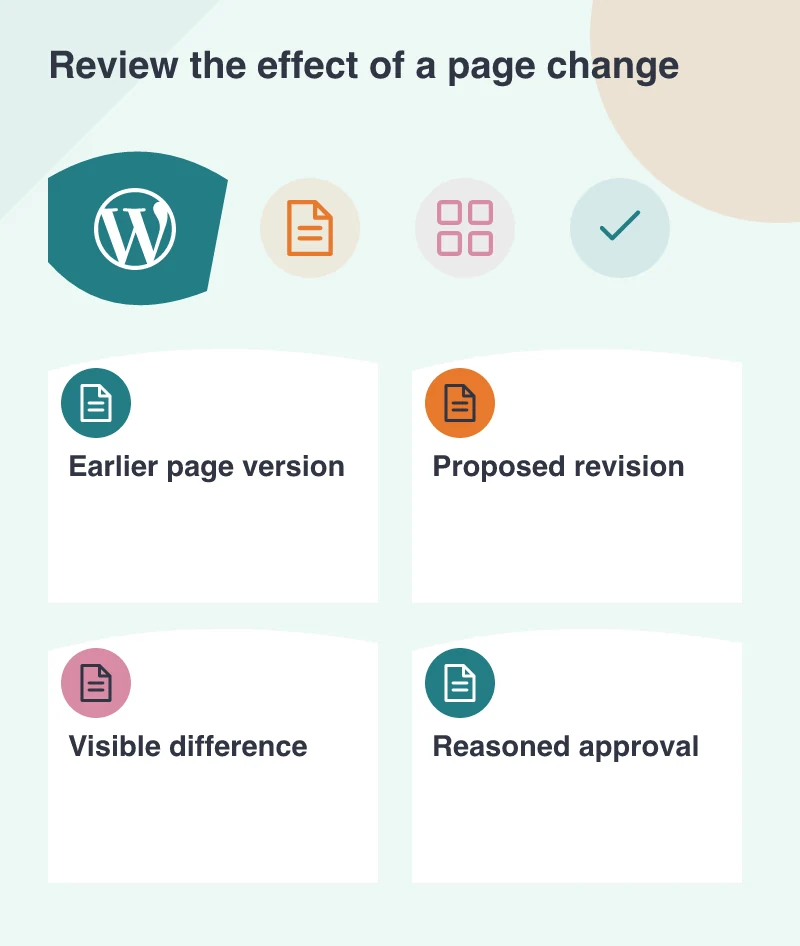
WordPress 7.0’s beta preview includes visual revision comparisons, and the release has reached candidate testing this month. The feature is still part of a pre-release workflow. It offers an interesting way to connect an edit with its visible consequence.
A reviewer can ask what changed in the reading order, emphasis and next step. This is more useful than approving a revision because the new version simply feels fresher. Good comparison gives the team a shared object to discuss, with the reason for the change beside it.
Give each revision a purpose
Before changing a page, describe the problem in one sentence. Perhaps customers are missing the eligibility criteria, or the main service explanation is buried below decorative content. That statement becomes a fair basis for comparing the result.
Imagine a course page whose registration button appears before the prerequisites. Moving it is not just a layout decision; it changes the information available when someone acts. A visual comparison can help the team decide whether the new sequence supports a more informed registration.
Keep content and layout connected
A revision can alter both meaning and presentation. A shorter heading may fit better while becoming less specific. A compact card may look balanced while hiding an important condition. Review the wording and its appearance together.
Check the comparison at a narrow viewport as well as a large one. The order that feels obvious on a desktop can change when columns stack. A useful design review follows the visitor’s reading path instead of treating the desktop screenshot as the complete page.
Include the mobile version in the approval record when it materially changes the layout. A single desktop image cannot explain how an important condition moved below the action on a phone. Preserve the evidence needed to understand that choice later.
Preserve the reason for the chosen version
Once a direction is accepted, leave a short record of why. This helps a later editor understand the purpose of a section and avoid reversing a considered decision just to make room for another banner. A revision history is most useful when it contains understandable choices.
Explore pre-release tools in a test environment, with representative content and a clear route back to the stable site. The larger opportunity is an editorial habit: compare the experience, explain the tradeoff and keep the version that better helps the visitor understand and act.