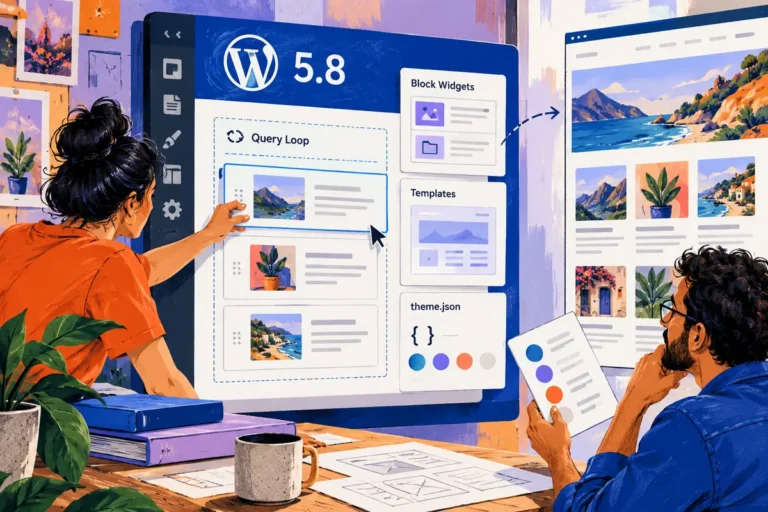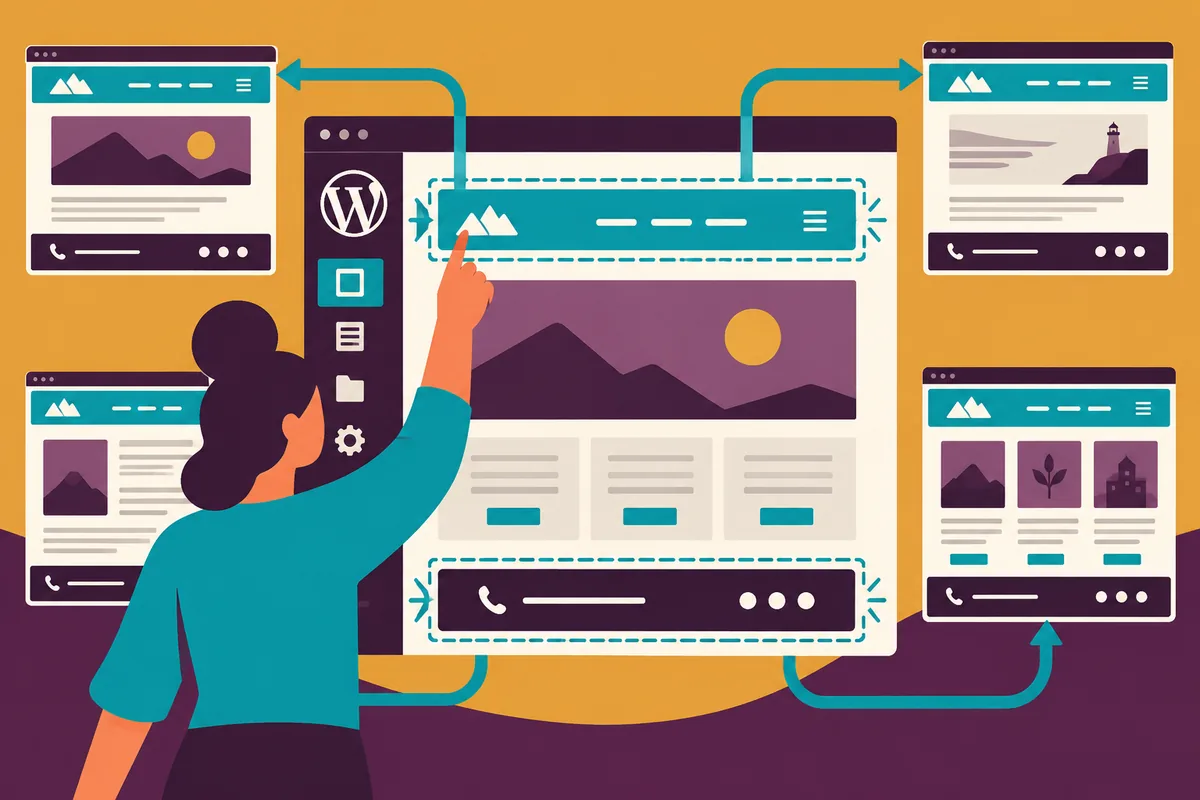
Changing a footer telephone number should not require a developer to search through templates. Changing the whole site’s navigation should also be deliberate enough that an editor understands its reach. WordPress 5.9 brings those repeated parts of the website into a new editing conversation. With a block theme, the SiteEditor can make more of the design accessible to the people maintaining it, provided the shared nature of the changes is clear.
The theme determines the editing model
Released on 25 January, WordPress 5.9 introduces site-editing capabilities for block themes, including the new Twenty Twenty-Two theme. It does not automatically convert an existing classic theme into that model. A business should review the theme it actually runs before expecting the same controls shown in a release demonstration.
That review can begin with a list of recurring requests. Which changes routinely wait for development help? Which should remain shared design decisions? The answers give the project a clearer purpose than rebuilding a theme merely to use every new control.
Explain what is shared
A header or footer can appear across many pages. A change made to that shared part should be understood as a site-wide decision, not a local correction to the page currently visible in the editor. Show editors where that boundary sits and how to preview the result in more than one context.
An article page, product-related guide and contact page may use the same header while having different content structures. Testing all three can reveal an assumption that a single preview does not show.
Keep a useful design starting point
More editable areas do not remove the value of a considered theme. Typography, colour choices, spacing and reusable patterns should help an editor create a coherent page without reconstructing the visual system each time. A broad set of controls is less useful if nobody knows which combinations the site is designed to support.
Use real content in the handover. Long navigation labels, a changed logo shape and a footer with an extra contact line make better tests than a perfectly balanced demonstration.
Practise recovery as well as editing
On a protected copy, let the future editor make an intentional change and then correct or undo it through the supported workflow. Knowing how to return to a good state helps people use the controls with appropriate confidence. It also reduces the temptation to avoid ordinary maintenance because the design feels too delicate to touch.
A short record of the site’s main templates and shared parts can support that learning without becoming a technical manual.
Judge the result on the next request
Agree which repeated parts editors may change and try those changes on a test page. A small navigation or footer update can affect the whole site. Clear ownership and a working preview make that wider reach an advantage rather than a surprise.